A laptop may spend the same week on a kitchen table, a meeting-room desk, and an airport tray table. The hardware travels easily; the workspace does not. Every new location brings a different screen height, power setup, keyboard, and network connection, and those small differences can quickly turn a simple work session into an uncomfortable one.
A better approach is to treat the laptop as the center of a modular workstation rather than as a complete workstation by itself. The right combination of portable hardware, fixed accessories, charging equipment, ergonomics, and connectivity can make moving between locations much less disruptive. The goal isn't to carry an entire office in a backpack. It's to decide which parts need to travel and which parts can stay where they are most often used.
The primary computer sets the limits for everything else, but the most powerful model isn't necessarily the best mobile workstation. A developer compiling large projects, a video editor working with high-resolution footage, and a consultant who spends most of the day in documents and browser tabs have very different hardware requirements.
Heavier mobile workstations can provide substantially more processing and graphics performance, but that extra capability often comes with a larger chassis, a heavier power adapter, and shorter battery life under demanding workloads. A thin notebook is easier to carry, yet its smaller cooling system may limit sustained performance, and a limited selection of physical ports can create a need for adapters.
A useful starting point is to identify the applications that genuinely affect the hardware choice. If most work involves browsers, documents, spreadsheets, communication software, and remote systems, portability may matter more than a discrete GPU. If the workload includes video rendering, 3D applications, software compilation, or other sustained processing, additional performance may justify carrying a larger machine.
There is another practical consideration: accessories. A laptop that weighs very little can become considerably less portable once its charger, dock, external storage, cables, and other equipment are added. Looking at the complete travel kit gives a more realistic picture than comparing laptop weights alone.
One of the simplest ways to make mobile work less frustrating is to stop moving every accessory along with the computer.
If a person regularly works from two primary locations, such as a home office and a company desk, each location can have its own monitor, keyboard, mouse, charger or dock, and other frequently used equipment. The laptop then becomes the component that moves between them.
When the laptop, dock, cable, and displays support the required standards, a single USB4 or Thunderbolt connection can carry power, data, display signals, and network traffic through one cable. That can turn the transition between locations from a collection of individual connections into one relatively simple step.
Compatibility still matters. A USB-C-shaped connector does not automatically guarantee every USB, video, charging, or high-speed data feature. The laptop's specifications, the dock, the cable, and the connected displays all need to support the intended configuration.
Keeping the accessories at each destination also has a second advantage: the workspace can remain properly arranged. A monitor can stay at the preferred height, the keyboard can remain in a comfortable position, and the cable layout doesn't need to be rebuilt every morning.
Power equipment can consume a surprising amount of space in a mobile workstation. Some performance-oriented laptops still ship with relatively large adapters, while travelers may also need chargers for phones, tablets, headphones, and other devices.
Gallium nitride, or GaN, technology has allowed manufacturers to build relatively compact chargers with higher power outputs. Depending on the model, a multi-port GaN charger may provide enough power for a laptop alongside smaller devices. The important specification is not simply the maximum advertised wattage, though. When several ports are used simultaneously, the charger may distribute its available power between them.
Laptop compatibility also matters. A computer that requires a particular USB Power Delivery profile may not charge at its maximum rate from every USB-C charger. Checking the manufacturer's recommended power requirements before replacing the original adapter can prevent an unpleasant surprise when working away from a familiar desk.
Battery management deserves attention as well. Modern laptops may include battery-health features that limit charging or reduce the amount of time the battery spends at a very high state of charge. These options can be useful when a computer spends most of its working life connected to external power, although the exact implementation varies by manufacturer and model.
Temperature matters too. Leaving a laptop inside a very hot vehicle or exposing it to unusually cold conditions can affect battery performance and, in extreme cases, accelerate battery degradation. Keeping the device within the operating and storage conditions recommended by its manufacturer is a more reliable approach than relying on a single universal charging rule.
The laptop itself is rarely the ergonomic problem. The problem is how it gets used.
A laptop screen and keyboard are physically attached to each other, which creates a compromise. Raising the display to a comfortable viewing height also raises the keyboard, while keeping the keyboard at a convenient height usually leaves the screen too low.
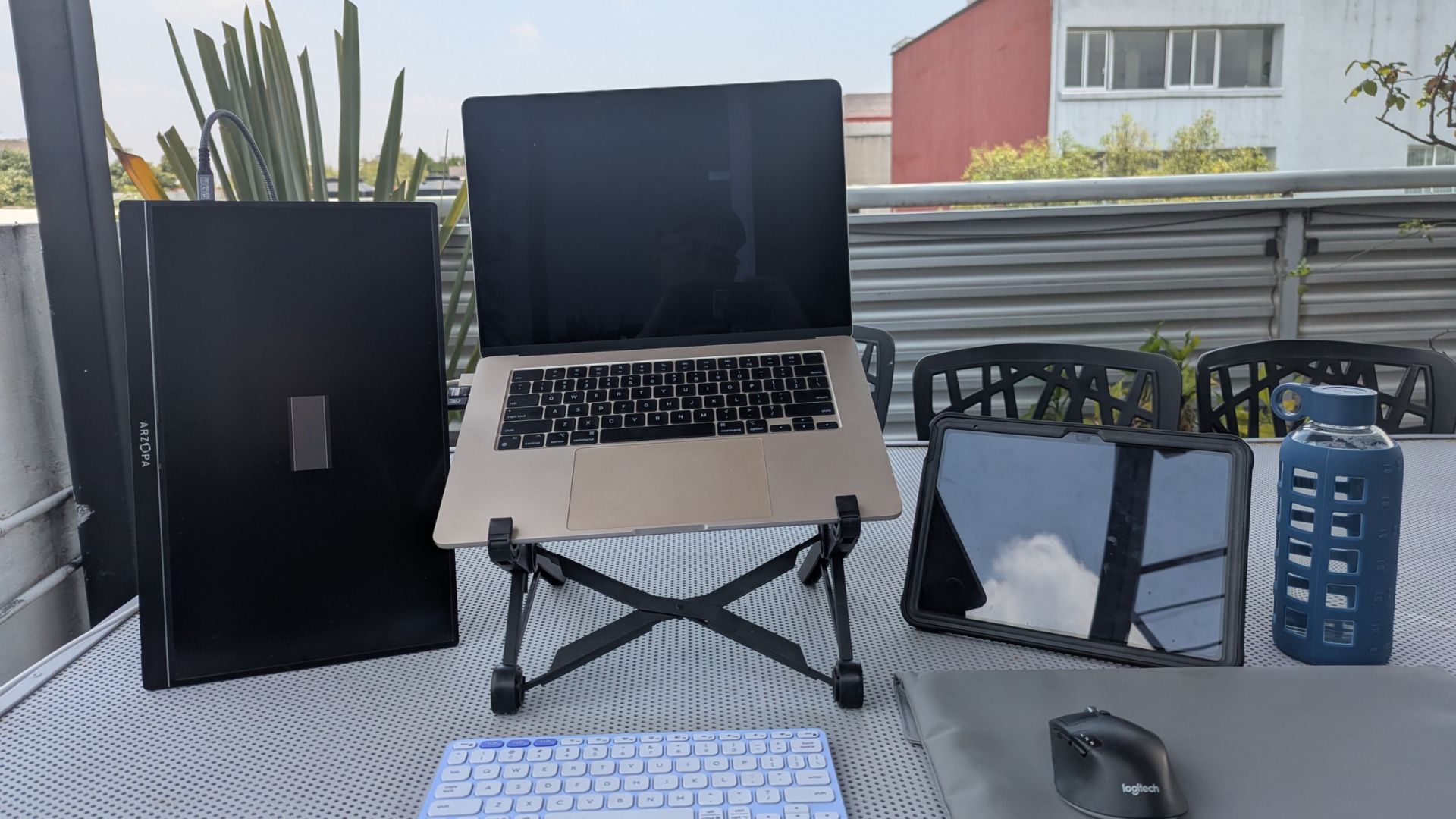
For short sessions, that compromise may not matter much. During longer work periods, however, a foldable laptop stand combined with a compact external keyboard and mouse can create a much more flexible setup. The screen can be raised while the hands remain at a separate working surface.
A practical travel kit might include:
Foldable laptop stand: Raises the display without requiring a full-size monitor.
Compact keyboard: Keeps the hands separate from the elevated laptop screen.
Portable mouse or trackball: Provides more precise pointing than a laptop touchpad for many workflows.
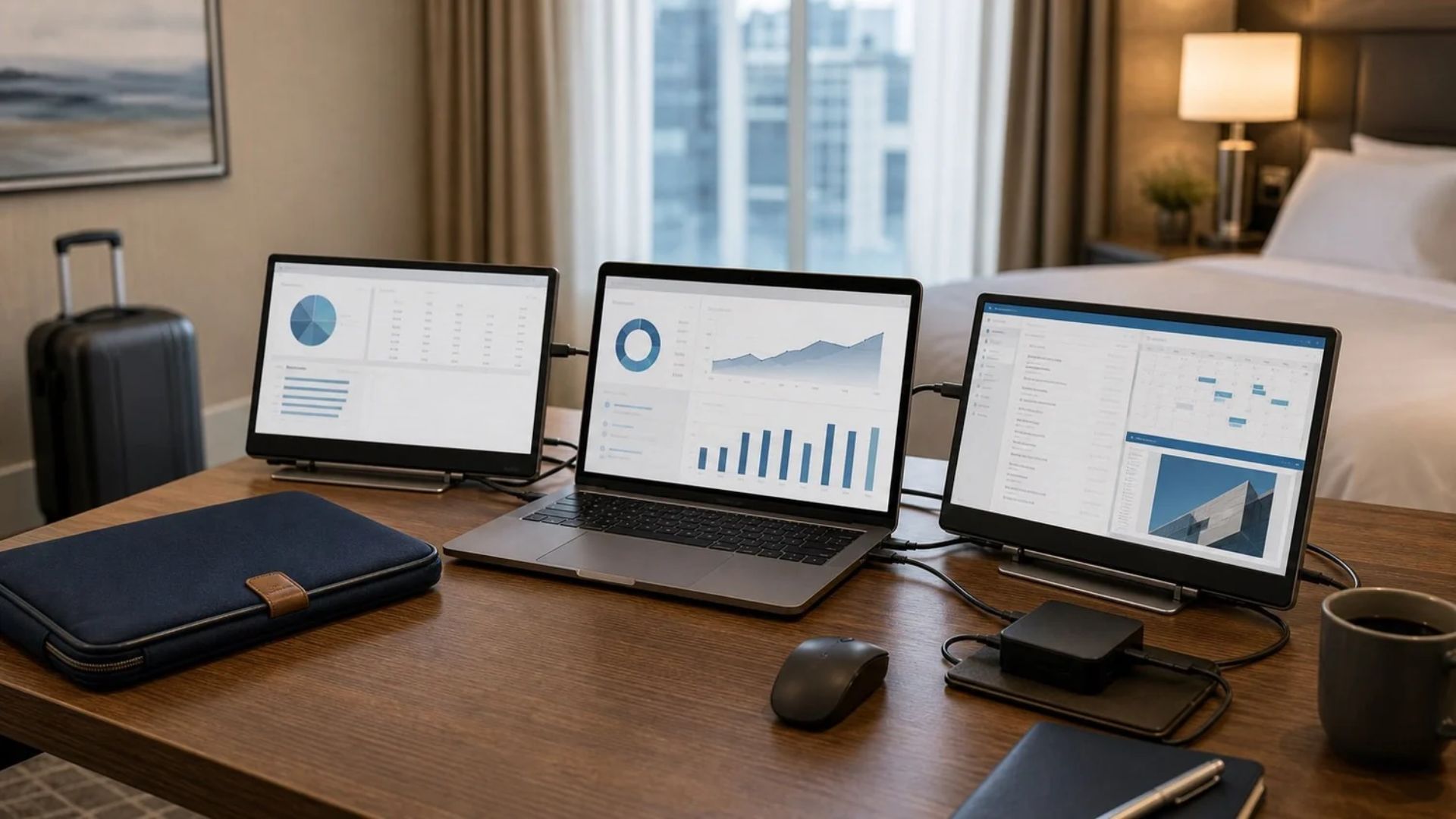
USB-C portable monitor: Adds another screen when the work benefits from additional display space.
Short, labeled cables: Reduce the amount of unnecessary cable length in a travel bag.
Not every location requires the complete kit. A coffee shop session lasting 30 minutes may need nothing more than the laptop itself. A four-hour hotel-room work session is a different story.
A portable workstation also depends on reliable connectivity. A powerful laptop is of limited use if important files, applications, or company systems are inaccessible.
Public Wi-Fi should be treated as an untrusted network unless an organization's security policy says otherwise. Users should favor known networks, keep operating-system security features enabled, and follow any security requirements established by their employer.
A reputable VPN can add encryption between the device and the VPN service, but it should not be treated as a complete security solution. A VPN does not make every website trustworthy or protect against phishing, compromised accounts, or malware.
Cellular tethering can provide another option when public Wi-Fi is congested or unavailable. Connection quality varies considerably by location and carrier, so a mobile hotspot is best viewed as a useful backup rather than a guaranteed replacement for wired or reliable local broadband.
The same principle applies to files. Keeping important working documents only on a laptop creates a single point of failure. A lost, damaged, or stolen computer can take the only copy with it.
Automated cloud synchronization can make files available across multiple devices, while separate backups provide another layer of protection. These systems serve different purposes: synchronization keeps working files aligned across devices, whereas backups are intended to provide recoverable copies when files are deleted, corrupted, or otherwise lost.

Portable work becomes easier when the small details are predictable.
Using the same keyboard shortcuts across locations, keeping cables labeled, maintaining a consistent folder structure, and storing frequently used adapters in the same compartment can save more time than constantly upgrading hardware.
The same idea applies to software. Browser profiles, password managers, cloud storage clients, communication applications, and other essential tools should be configured consistently across the devices that support the workflow.
If a second location has its own monitor and peripherals, it can also be useful to keep a small checklist for connecting the laptop. A few seconds spent confirming power, display output, network access, and backups can prevent a much longer troubleshooting session later.
Not every mobile worker needs the same collection of equipment.
Working patternUseful prioritiesFrequent short tripsLightweight laptop, compact charger, minimal accessoriesTwo regular work locationsDock and peripherals at each locationHotel-room workLaptop stand, external keyboard, mouse, portable monitorFrequent travel without reliable powerEfficient laptop, high-capacity compatible chargerCreative productionHigher-performance laptop, external storage, suitable displaySecurity-sensitive business workApproved network access, security software, company policiesHeavy cloud-based workflowReliable connectivity and local offline access where appropriate
This approach avoids a common mistake: designing a mobile workstation around the most demanding situation and then carrying all of that equipment everywhere. A better system is modular. The basic kit travels every day, while specialized equipment is added only when the workload calls for it.
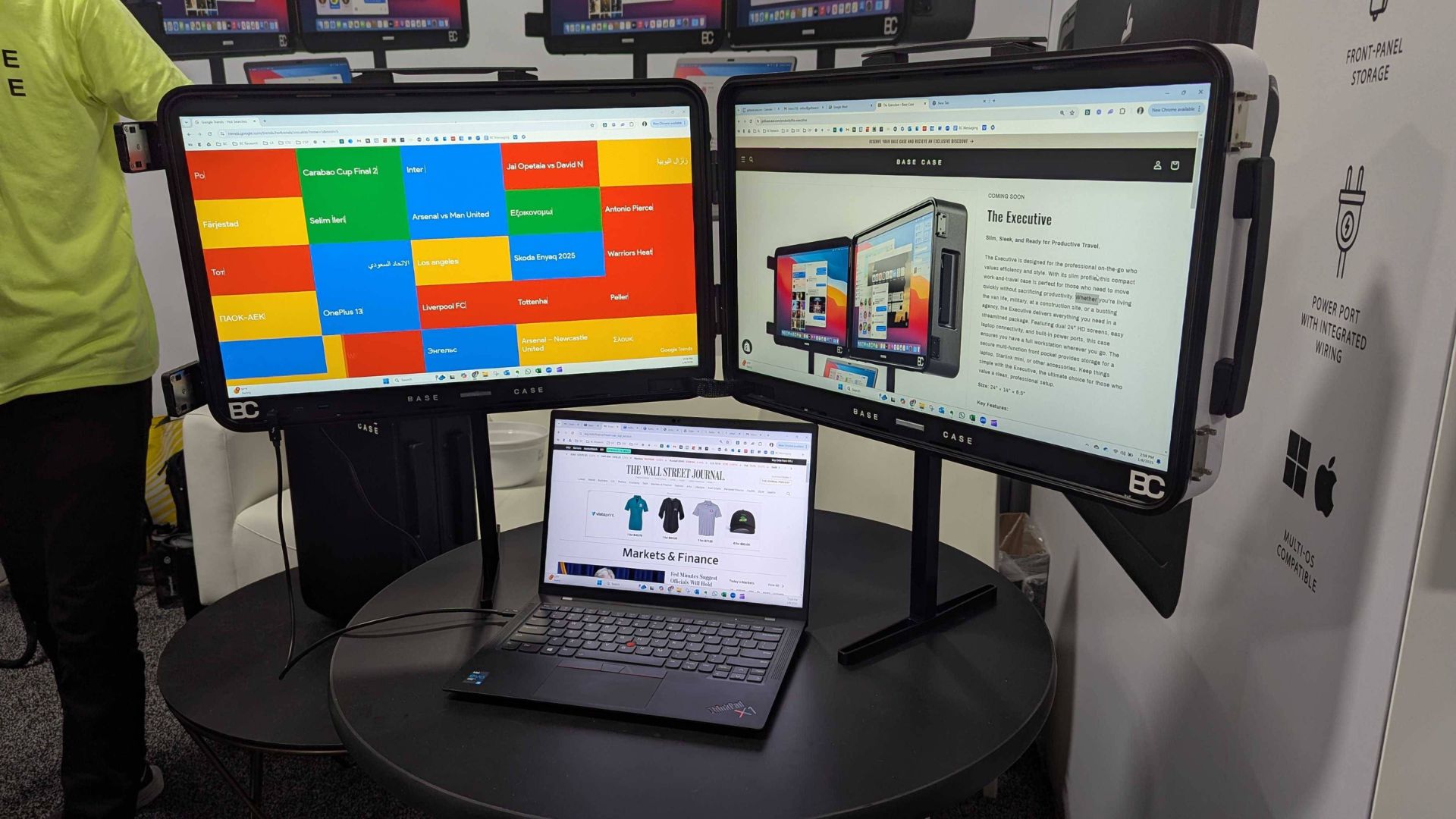
A good mobile workstation is less about having the newest hardware and more about removing unnecessary friction. The laptop should match the actual workload, fixed locations should retain the equipment that doesn't need to travel, and portable accessories should solve specific problems rather than simply add more gear to the bag.
Power deserves the same attention. A compact charger can reduce bulk, but only when its output matches the devices being charged. Network access should be planned with security and reliability in mind, while important files should have more than one recoverable copy.
Most importantly, portability should not come at the expense of usability. A laptop-only setup may be perfect for a short train ride, while a longer session may justify a stand, keyboard, mouse, and second display. Once the workstation is treated as a modular system rather than a single bag of equipment, moving between locations becomes much easier to manage.
