Remote work is often presented as a simple extension of office work. In reality, working while traveling introduces an entirely different set of constraints. A task that feels effortless in a home office can become surprisingly difficult in an airport terminal, a hotel room, or a shared workspace with limited connectivity and unfamiliar equipment. The challenge is rarely a lack of technology. Instead, it comes from the mismatch between workflows designed for stable environments and the realities of constant movement.
Many professionals assume that carrying a laptop automatically guarantees continuity, but mobility requires more than portable hardware. Travel introduces variables that traditional office workflows rarely encounter, including unreliable internet access, changing time zones, limited screen space, inconsistent power availability, and frequent interruptions. Without intentional planning, these variables gradually erode productivity and create a constant sense of restarting work from scratch.
Building a resilient cross-platform workflow means designing systems that continue functioning when circumstances change. Instead of depending on a specific location, device, or network, the workflow itself becomes portable. The goal is not to recreate an office environment everywhere you go. The goal is to create a flexible structure that allows meaningful work to continue, regardless of where you happen to be.
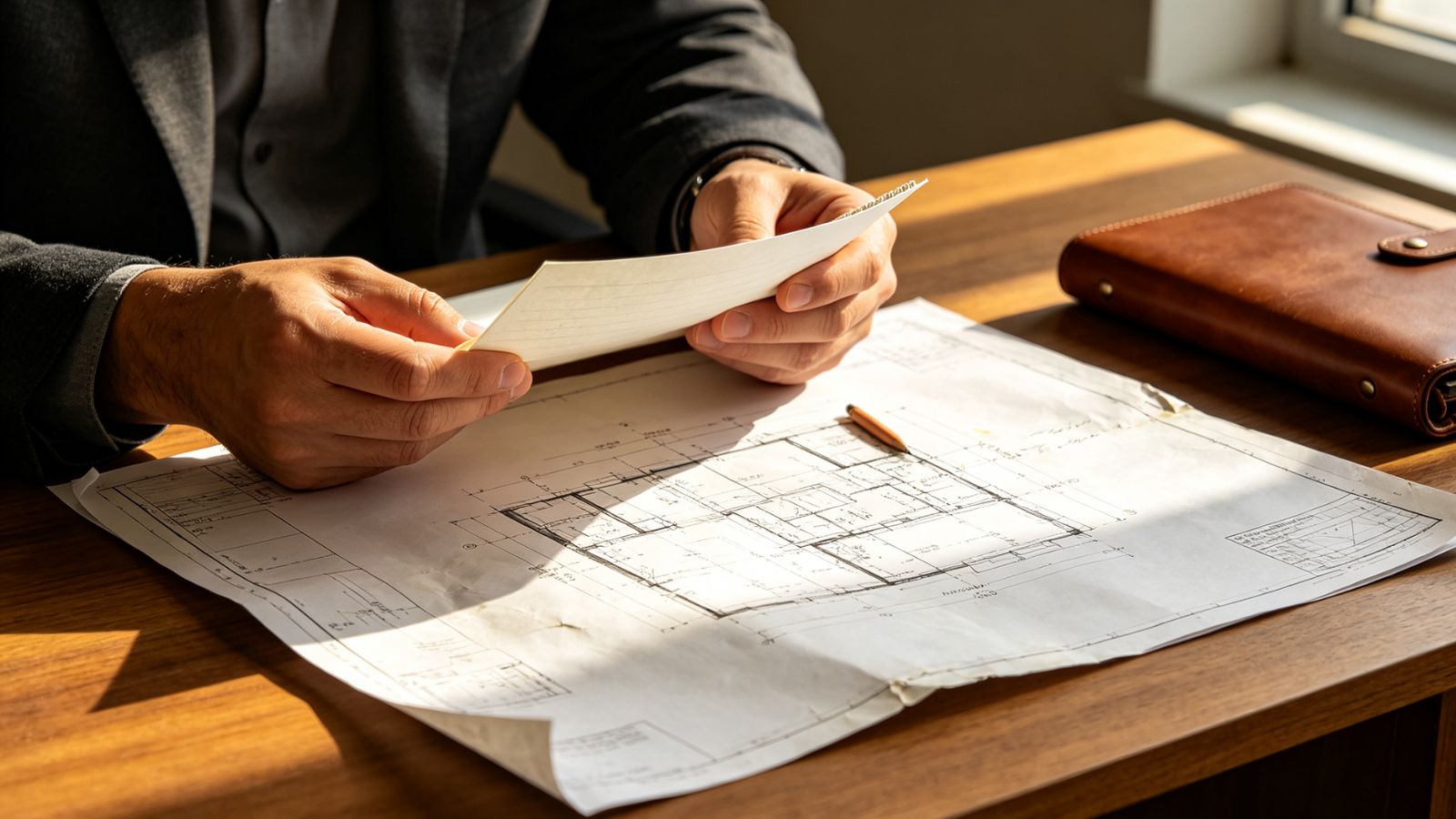
Many digital workflows are still built around the assumption that work happens primarily at a desk. Files remain on a desktop computer, browser sessions stay open for days, and unfinished tasks depend on a specific machine being available. This approach works reasonably well in a fixed environment, but it quickly begins to fail when travel becomes part of a regular routine. A delayed flight, a hotel with poor internet access, or an unexpected client meeting can suddenly interrupt access to essential information.
Creating a more resilient system begins with separating work from location. Instead of thinking about a particular device as the center of your professional life, think of it as one of several possible access points. Your documents, notes, tasks, and reference materials should remain organized according to projects rather than according to the hardware used to create them. When work is structured around projects instead of devices, transitioning between environments becomes significantly easier because your organizational logic remains consistent.
This shift also changes how you prepare for travel. Rather than copying random files onto a laptop before leaving home, you should identify the specific materials required for the next stage of a project. Active documents, supporting references, meeting notes, and essential resources should become part of a deliberate travel workspace. This approach reduces unnecessary duplication while ensuring that the information most relevant to your current objectives remains immediately accessible.
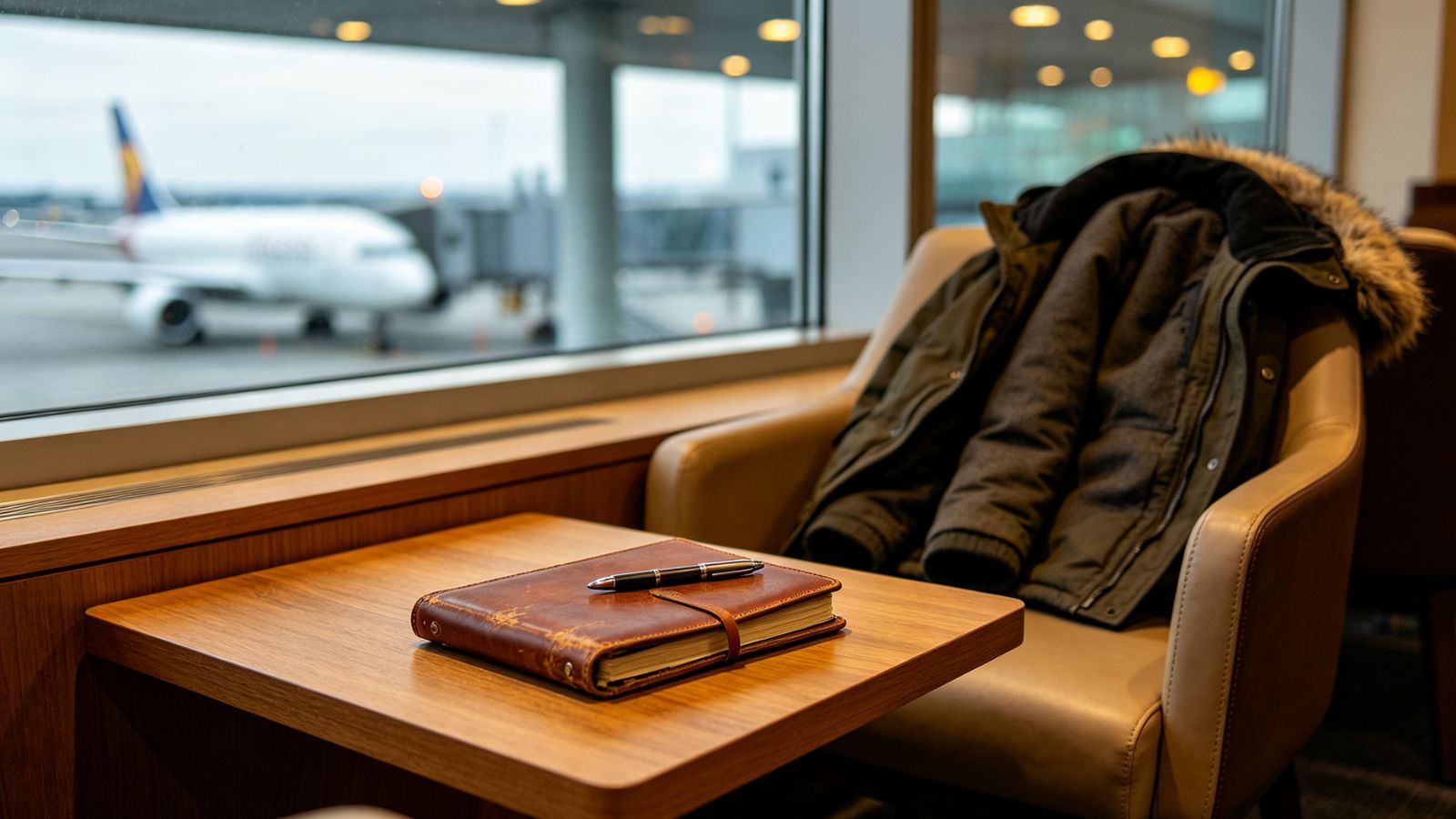
One of the most overlooked aspects of mobile productivity is the transition period itself. Productivity rarely disappears because of travel alone. More often, it disappears during the hours immediately before departure and the first few hours after arrival. These transition periods create confusion because work temporarily loses its familiar structure. Important files remain open on another device, browser tabs are forgotten, and priorities become difficult to identify after a long day of movement.
Establishing a travel reset routine can dramatically reduce this friction. Before leaving, spend a few minutes preparing a simple operational checklist. Confirm that active documents are available offline if necessary, review upcoming deadlines, organize essential files into a dedicated working folder, and create a short summary of the next actions that need to be completed. This preparation process creates a bridge between your current environment and your next destination, eliminating the need to reconstruct your thinking later.
The same principle applies after arrival. Instead of immediately opening email or attempting to resume work from memory, use a short recovery routine to rebuild your working environment. Reconnect to the necessary applications, review project notes, reopen essential references, and identify the most important task for the current session. Many experienced remote professionals discover that spending ten intentional minutes restoring context often saves an hour of fragmented, inefficient work later in the day.
One reason remote work becomes exhausting is that people often expect themselves to work the same way in every environment. They attempt to write long reports in crowded airports, edit complex spreadsheets on smartphones, or conduct deep analytical work during short layovers. These expectations create unnecessary frustration because every environment supports a different type of work.
Stationary environments, such as hotel rooms, client offices, or temporary workspaces, are generally better suited for focused production. This is the ideal time for activities that require sustained concentration, including writing, editing, planning, or detailed analysis. Small adjustments can make a significant difference during these sessions. External keyboards, portable monitors, or even simple ergonomic changes can transform a temporary workspace into an environment that supports longer periods of concentrated work.
Transit environments require a completely different mindset. Airplanes, trains, rideshares, and airport lounges are usually better suited for review, capture, and communication rather than intensive creation. Instead of forcing deep work into these environments, use them to collect ideas, organize notes, review documents, respond to messages, or prepare tasks for future work sessions. Aligning your expectations with your physical environment reduces frustration and allows you to use travel time more effectively.
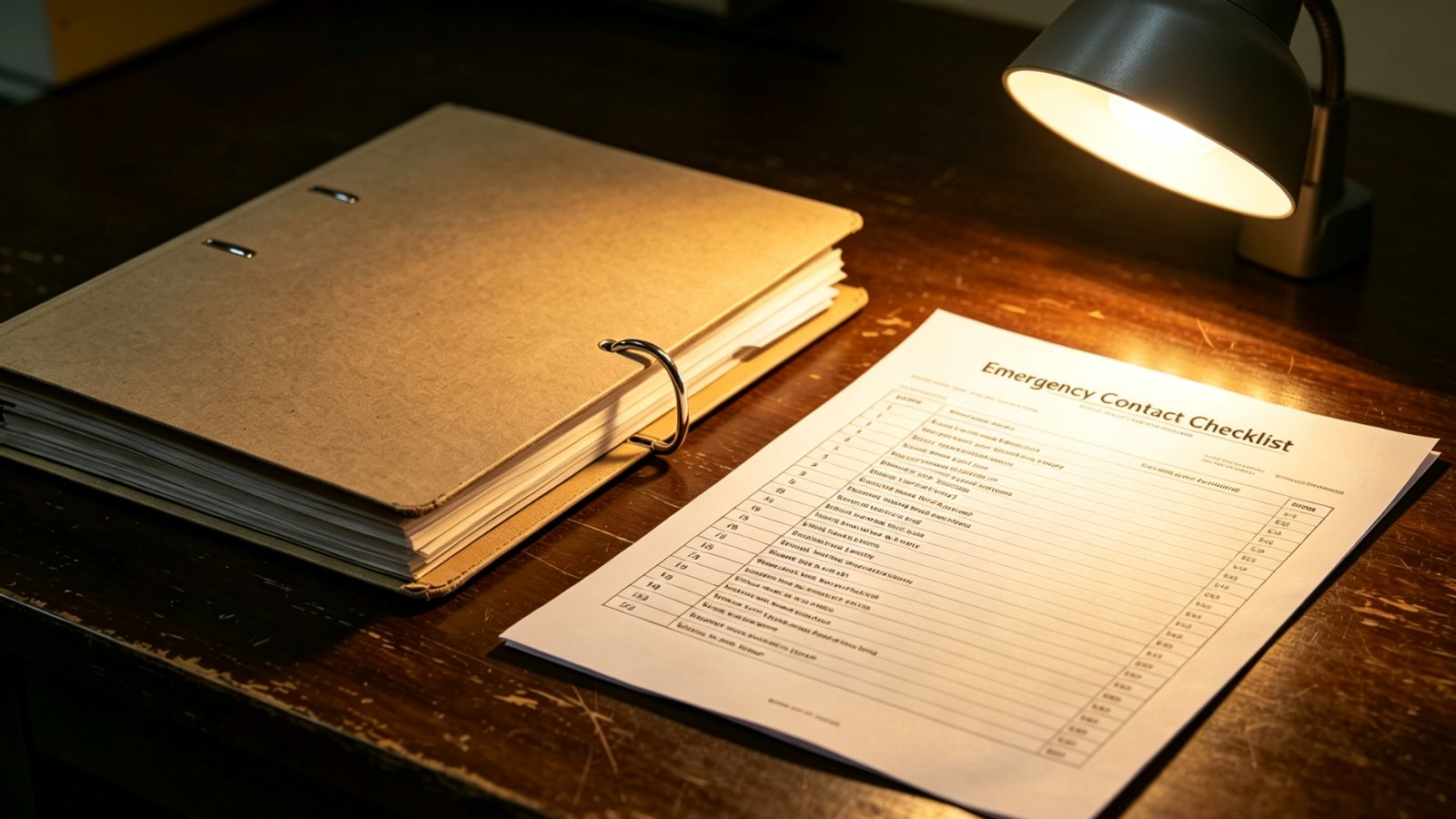
Travel introduces a level of unpredictability that office environments rarely experience. Internet connections vary dramatically between locations, power outlets are not always available, and crossing time zones can disrupt established routines. Workflows designed around ideal conditions often collapse when these disruptions occur, which is why resilience should become part of the system itself rather than an afterthought.
Connectivity is usually the first challenge. Public networks can be unreliable, congested, or unavailable when you need them most. Rather than assuming continuous internet access, identify which files, references, or resources should remain available offline. A small amount of preparation can prevent minor connectivity problems from becoming major operational interruptions. The objective is not to eliminate dependence on networks entirely but to reduce the consequences of temporary disruptions.
Time-zone changes can be equally disruptive because they affect attention, energy, and scheduling. Instead of attempting to preserve your home-office routine while traveling, establish a small set of non-negotiable habits that remain consistent regardless of location. Reviewing priorities at the beginning of the day, processing notes before ending a work session, and maintaining a predictable planning routine can create stability even when your physical environment changes continuously. Over time, these habits become the foundation that allows your workflow to remain consistent across different cities, devices, and schedules.
Building a resilient workflow for travel and remote work is less about finding the perfect collection of devices and more about designing systems that remain functional under changing conditions. Separating projects from hardware, creating deliberate transition routines, adapting tasks to different environments, and preparing for infrastructure disruptions all contribute to a workflow that travels with you instead of depending on a specific location.
The most effective mobile professionals rarely attempt to recreate their office everywhere they go. Instead, they develop flexible systems that recognize the realities of movement while preserving continuity. When workflows are designed around adaptability rather than permanence, changing locations stops feeling like an interruption and starts feeling like a natural extension of the way work gets done.
