A desktop audio setup usually goes unnoticed when it works well. The problems become obvious when a meeting starts echoing, a pair of headphones becomes uncomfortable after several hours, or a video edit sounds completely different on another computer. Getting the setup right is less about buying the most expensive equipment and more about matching microphones, headphones, speakers, interfaces, and room conditions to the work being done.
That can be surprisingly tricky because different tasks call for different priorities. A setup designed for everyday video calls does not need the same monitoring characteristics as one used for audio production, while someone spending most of the day writing or coding may care more about comfort and background-noise control than absolute audio detail.
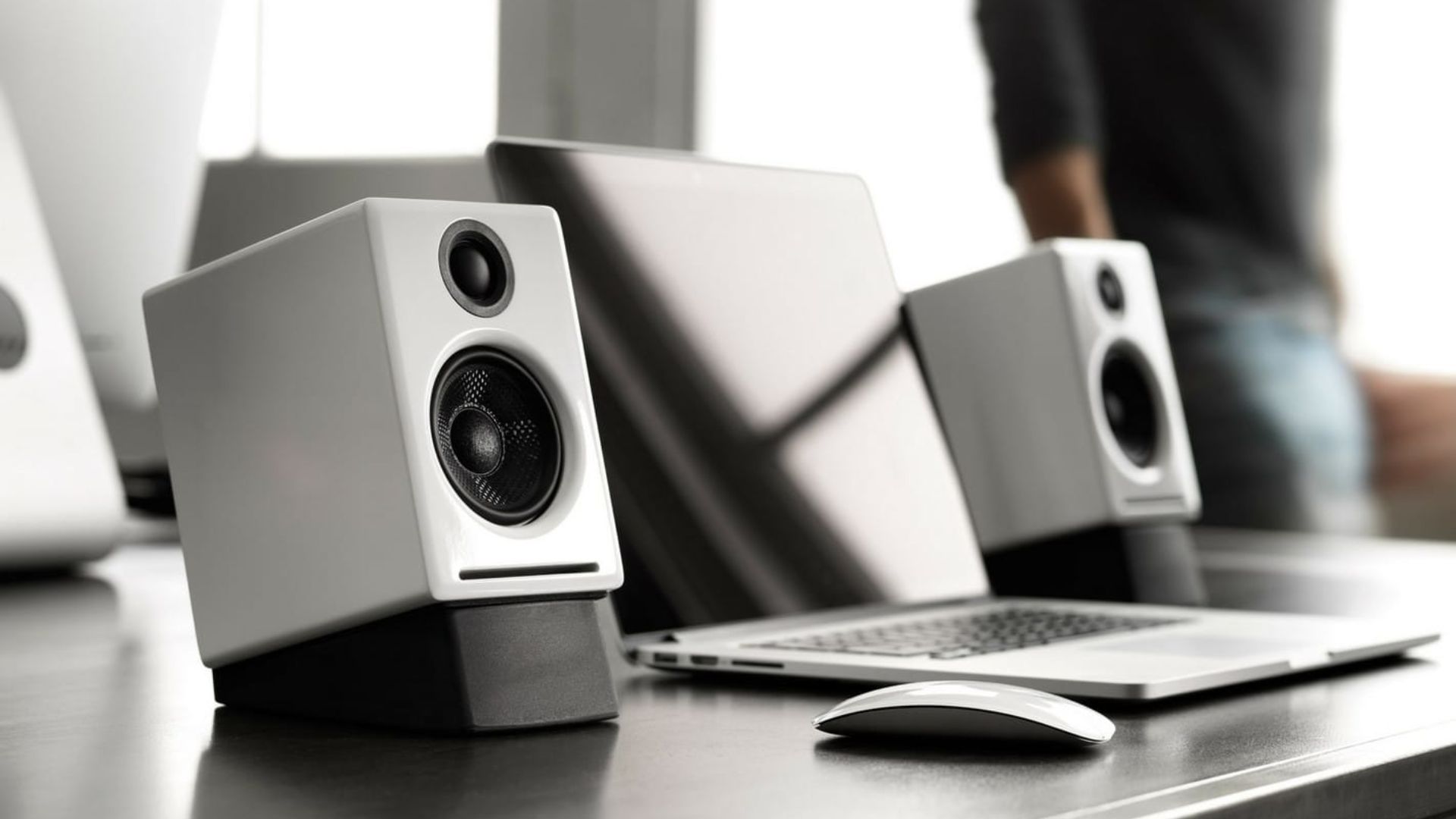
Video calls and voice conversations place the emphasis on speech intelligibility, consistent microphone pickup, and control of unwanted background sound. Traditional telephone systems have historically used a relatively narrow frequency range, while modern wideband and full-band voice systems can preserve substantially more high-frequency detail. For everyday communication, though, intelligibility matters more than reproducing every part of the audible spectrum.
Echo is one of the most obvious problems in a desktop communication setup. It can occur when sound from speakers is picked up again by the microphone and sent back into the call. Microphone placement, speaker volume, room reflections, and the echo-cancellation technology built into conferencing software all influence how noticeable the problem becomes.
A close-positioned microphone or headset can make the job easier because the microphone receives a stronger direct voice signal relative to distant room noise. A cardioid microphone placed near the speaker can also reduce some sounds arriving from the sides and rear, although it cannot replace good room acoustics. Software noise suppression can reduce persistent sounds such as HVAC systems or computer fans, but aggressive processing may also affect the natural character of speech.
Focused work creates a different set of requirements. Someone writing, coding, researching, or analyzing data for several hours may care less about studio-style accuracy and more about whether the audio remains comfortable and unobtrusive throughout the day.
Closed-back headphones provide physical isolation and can be useful in shared offices or noisy homes. Active noise cancellation can further reduce steady sounds such as traffic or HVAC systems, making those environments less distracting. The trade-off is physical comfort. Some headphones create noticeable clamp pressure or heat around the ears, particularly during long sessions.
Desktop speakers avoid that physical contact. Near-field speakers placed relatively close to the listener can provide a more open presentation, and there is no headband or ear cup to wear. They do, however, expose the listener to the sound of the room. A noisy workspace may therefore favor headphones, while a reasonably quiet room can make speakers a more comfortable option.
The best choice is often less about sound quality in isolation and more about what remains comfortable after several hours.
Content creation introduces another priority: predictable monitoring. Video editors, podcasters, musicians, and streamers need to understand what their recordings actually sound like rather than relying on a heavily colored playback system.
Some consumer headphones and speakers use a V-shaped tuning, with boosted bass and treble designed to make music sound more immediately exciting. That can be enjoyable for casual listening, but it may make it harder to judge whether a voice recording, music track, or background sound is balanced.
Reference-oriented headphones or monitors can provide a more predictable starting point. Open-back headphones are one option for critical listening because their construction allows air to move through the ear cups and can create a spacious presentation. They are not automatically neutral, however, and their open design provides little isolation from surrounding noise.
For video editing or other work where accurate monitoring matters, consistency is often more useful than chasing a particular brand or specification. Using the same monitoring equipment throughout an editing workflow makes it easier to learn how that system represents voices, music, and background sounds.
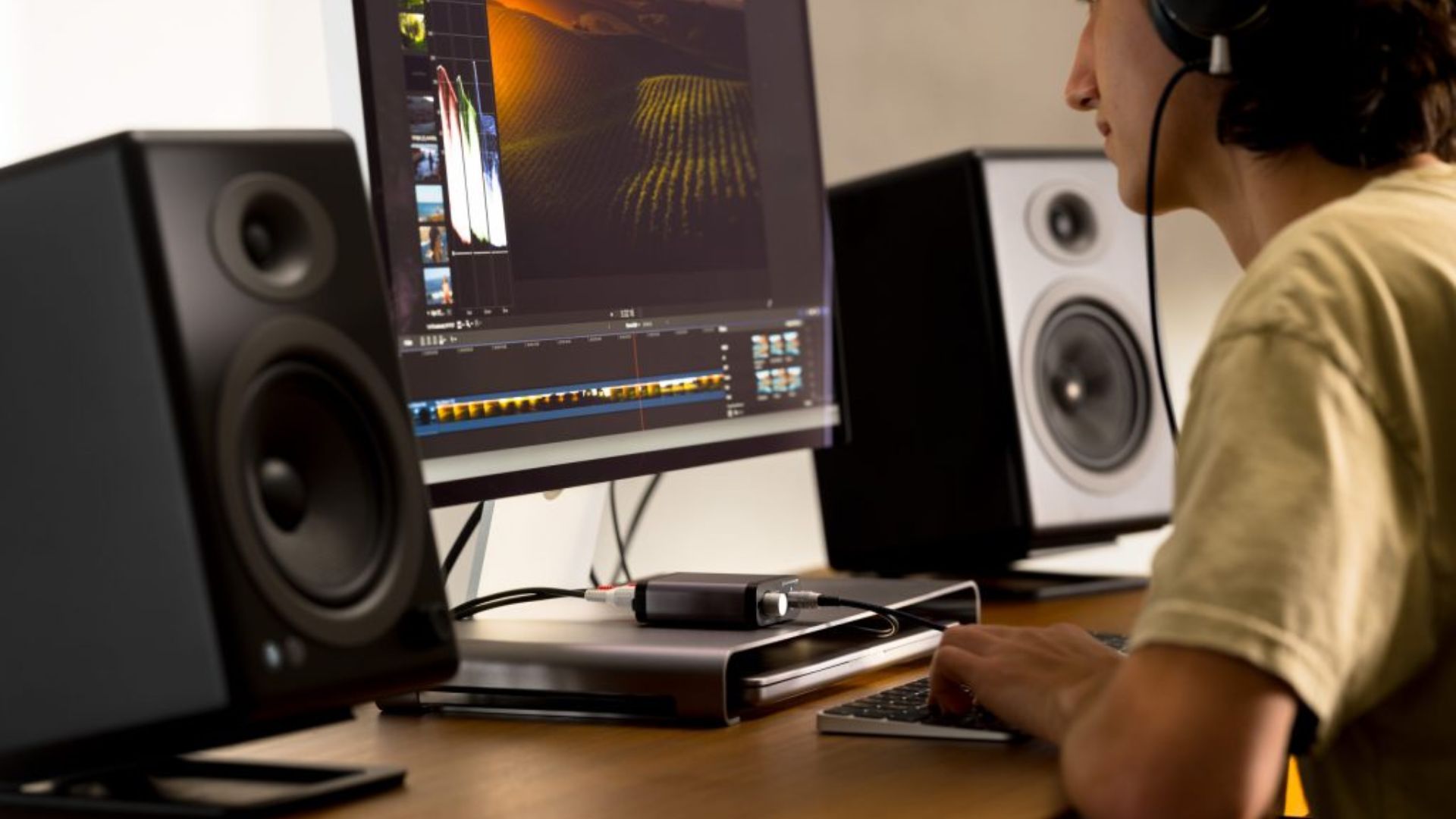
An external audio interface becomes useful when the setup requires more control than a basic USB microphone or computer headphone output provides.
Depending on the model, an interface may provide microphone preamps, headphone outputs, physical gain controls, balanced connections, multiple inputs, and direct monitoring. That makes it useful for people working with XLR microphones, multiple audio sources, instruments, or more advanced recording workflows.
It is worth separating functionality from sound-quality claims. A modern computer's built-in audio hardware can already be perfectly adequate for ordinary headphones and calls. An external interface is most useful when its additional inputs, controls, monitoring features, or connection options solve a specific problem.
For a simple video-call workstation, adding an interface may create unnecessary complexity. For a podcast setup with two microphones or a creator who needs several independently controlled audio sources, the additional hardware can make the workflow much easier to manage.
Many people use the same computer for several jobs. A typical day might involve video meetings in the morning, writing or coding in the afternoon, and recording or streaming later.
That does not necessarily require three separate audio systems.
An interface with multiple inputs can centralize microphones and headphones. Some devices also offer loopback functions that allow computer audio to be routed into recording or streaming software. Hardware controls can then make common adjustments easier without repeatedly opening system menus.
For example, a creator who records tutorials and also takes video calls may prefer a single USB audio interface with a microphone input, headphone output, and convenient monitoring controls. Someone who spends most of the day in meetings may find a good headset much simpler.
The useful setup is the one that removes friction rather than adding equipment for its own sake.
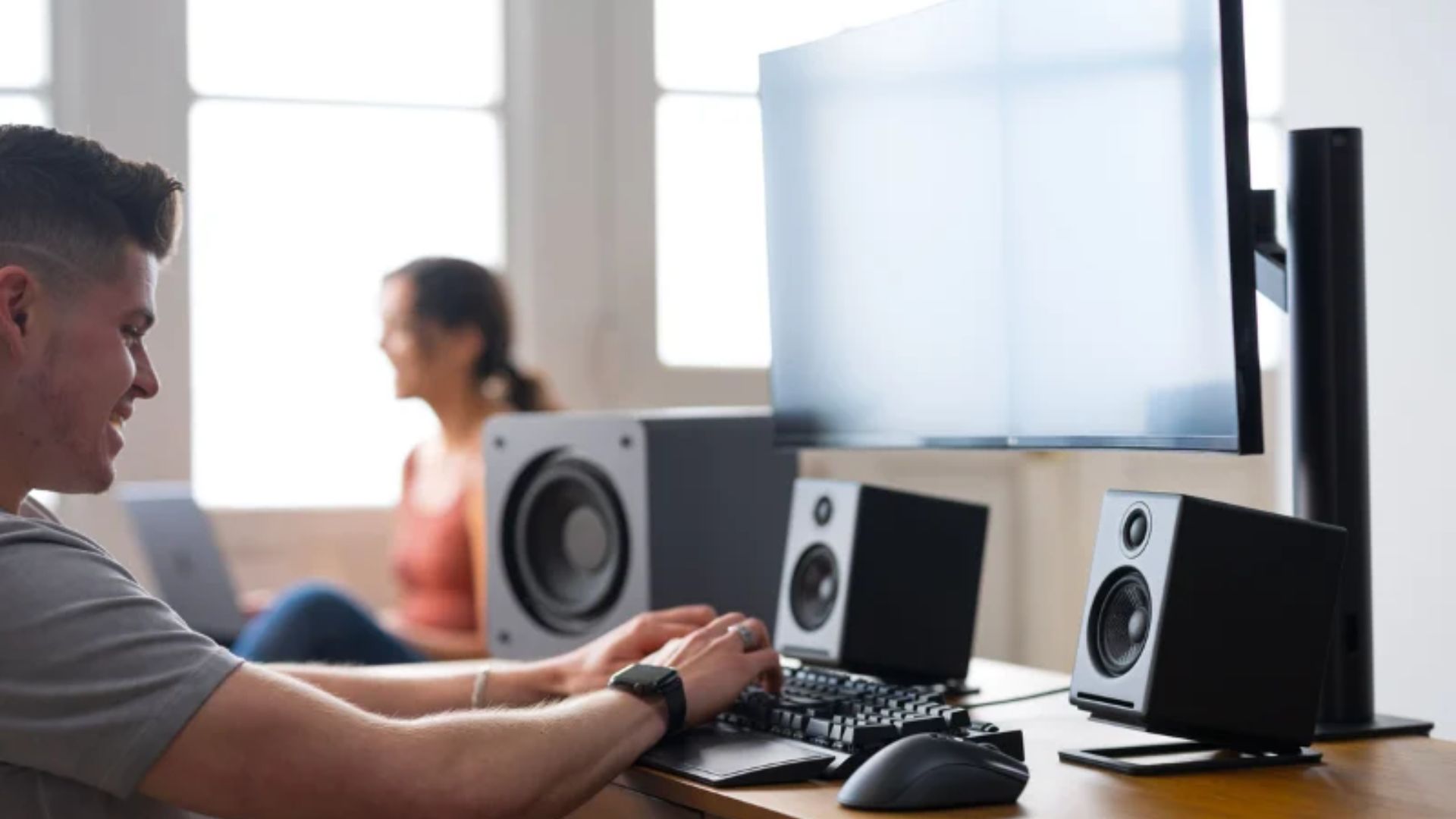
A microphone records the room as well as the speaker.
Bare walls, glass, hardwood floors, and other hard surfaces can create reflections that make a room sound more reverberant. Those reflections can be particularly noticeable in voice recordings, where they make speech sound distant or hollow.
Improving the room does not necessarily mean converting it into a professional recording studio. Rugs, curtains, furniture, bookshelves, and appropriately placed acoustic treatment can change how sound reflects around a workspace.
Speaker placement matters too. Near-field monitors should generally be positioned so that the listener receives a strong direct signal from the speakers rather than relying heavily on reflected sound. Isolation pads can also reduce mechanical vibration transferred from speakers into a desk, although they do not replace correct speaker positioning or room treatment.
For microphones, placement is often the easiest variable to experiment with. Moving a microphone closer to the speaker can increase the level of direct speech relative to the room sound. That simple adjustment can sometimes produce a larger improvement than changing microphones.
Primary taskSensible starting pointVideo callsHeadset or close-positioned USB microphoneLong writing or coding sessionsComfortable headphones or near-field speakersNoisy environmentANC headphones or a close-positioned directional microphonePodcastingDedicated microphone with appropriate room controlVideo editingConsistent monitoring through suitable headphones or speakersMusic productionReference-oriented monitoring and an appropriate audio interfaceMixed workflowsFlexible interface with useful monitoring or loopback features
The table is only a starting point. Room conditions, personal comfort, desk space, and the number of people using the workstation can change the ideal configuration.
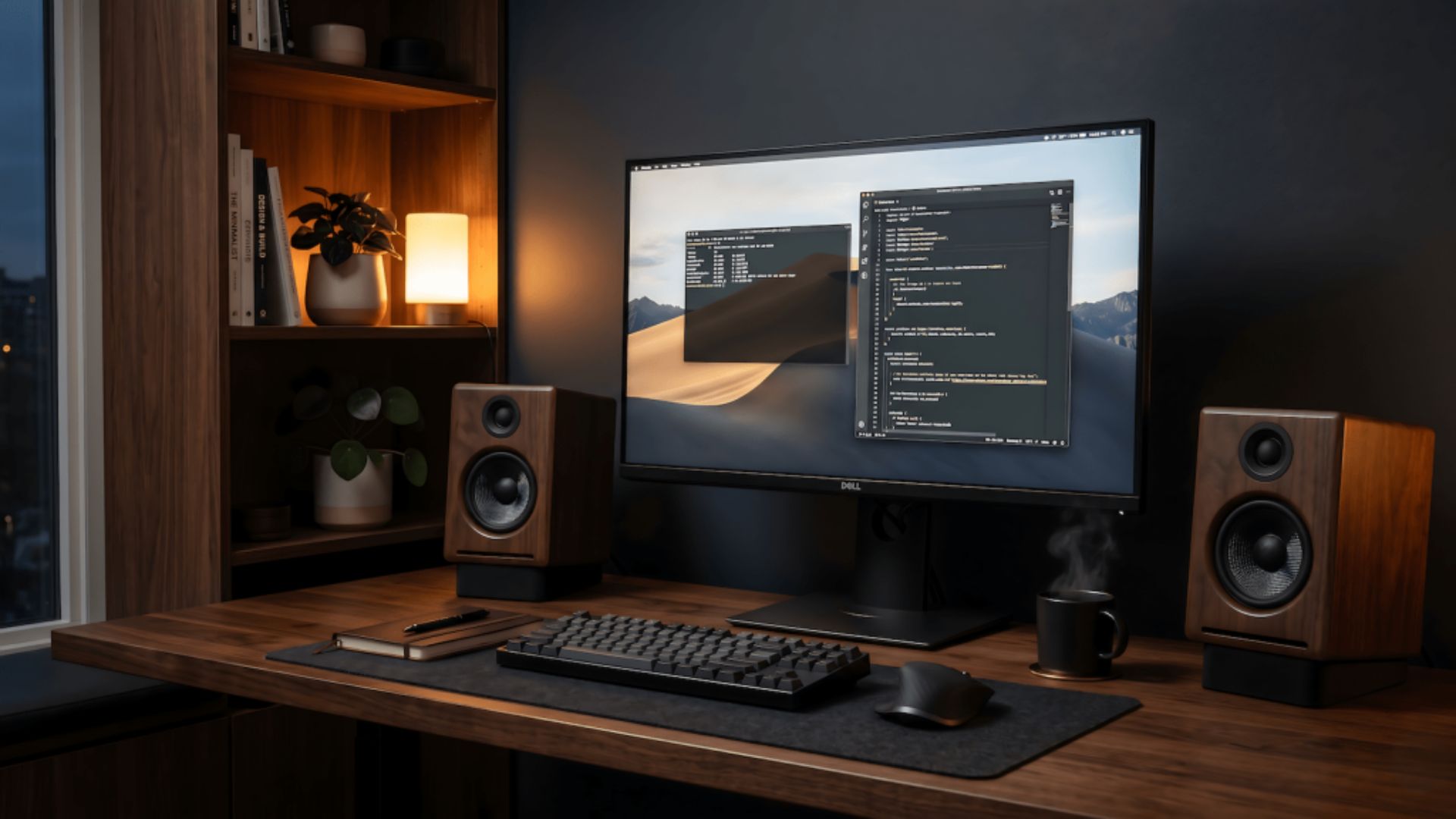
A good desktop audio setup does not need to be complicated. Start by identifying the biggest weakness rather than replacing every component at once.
If other people complain about echo during calls, examine speaker placement, microphone position, and software echo cancellation. If the room is noisy, look at microphone distance and directional pickup before assuming a more expensive microphone is necessary. If headphones become uncomfortable after hours of work, speakers or a different headphone design may solve the problem more effectively than changing the audio interface.
Content creators have a different set of priorities. Consistent monitoring, reliable microphone placement, appropriate interfaces, and controlled room reflections usually matter more than simply buying the highest-priced equipment.
The same principle applies across the entire workstation: solve the actual problem first.
The ideal desktop audio system depends on how the desk is used.
Communication benefits from clear close-miked speech and sensible control of echo and background noise. Focused work often calls for comfortable listening and an environment that does not constantly compete for attention. Content creation adds the need for predictable monitoring and a recording chain that matches the creator's workflow.
Once those priorities are clear, equipment choices become much easier. A simple headset may be the smartest solution for a meeting-heavy desk, while an audio interface and dedicated microphone make more sense for recording. Speakers can be an excellent choice for long listening sessions in a quiet room, while ANC headphones remain useful when outside noise is difficult to control.
The goal is not to build the most elaborate audio system possible. It is to create one that sounds consistent, feels comfortable, and makes the work easier.
