Fast communication is useful. Constant communication is not always productive.
In many knowledge-work environments, quick replies can gradually become confused with effective work. A message appears in a chat window, someone answers immediately, another question follows, and suddenly a large part of the morning has disappeared into small exchanges. The work itself may still be waiting.
This becomes particularly difficult when the task requires concentration. Writing, coding, analysis, planning, design, and other forms of complex work usually benefit from uninterrupted stretches of time. A person cannot always switch between those tasks and live conversations without paying some kind of attention cost.
Asynchronous communication offers a practical alternative. The basic idea is simple: sending a message does not automatically create an expectation of an immediate response. When teams agree on which conversations need real-time attention and which can wait, focused work becomes easier to protect without abandoning communication.
Synchronous communication happens in real time. Phone calls, meetings, video conferences, and live conversations all require people to participate at roughly the same moment.
That makes synchronous communication useful for situations where immediate interaction adds real value: urgent coordination, complicated discussions, sensitive conversations, or decisions that would take too long to resolve through a long message thread.
Asynchronous communication works differently. A person sends information without requiring the recipient to respond at that exact moment. Email, project documentation, task comments, recorded demonstrations, and detailed written updates can all work this way.
Neither model is inherently better.
The problem starts when every type of communication is treated as if it requires real-time participation. Routine questions begin interrupting focused work, while genuinely urgent matters become harder to distinguish from the rest of the message stream.
A healthier system gives each type of communication an appropriate place.
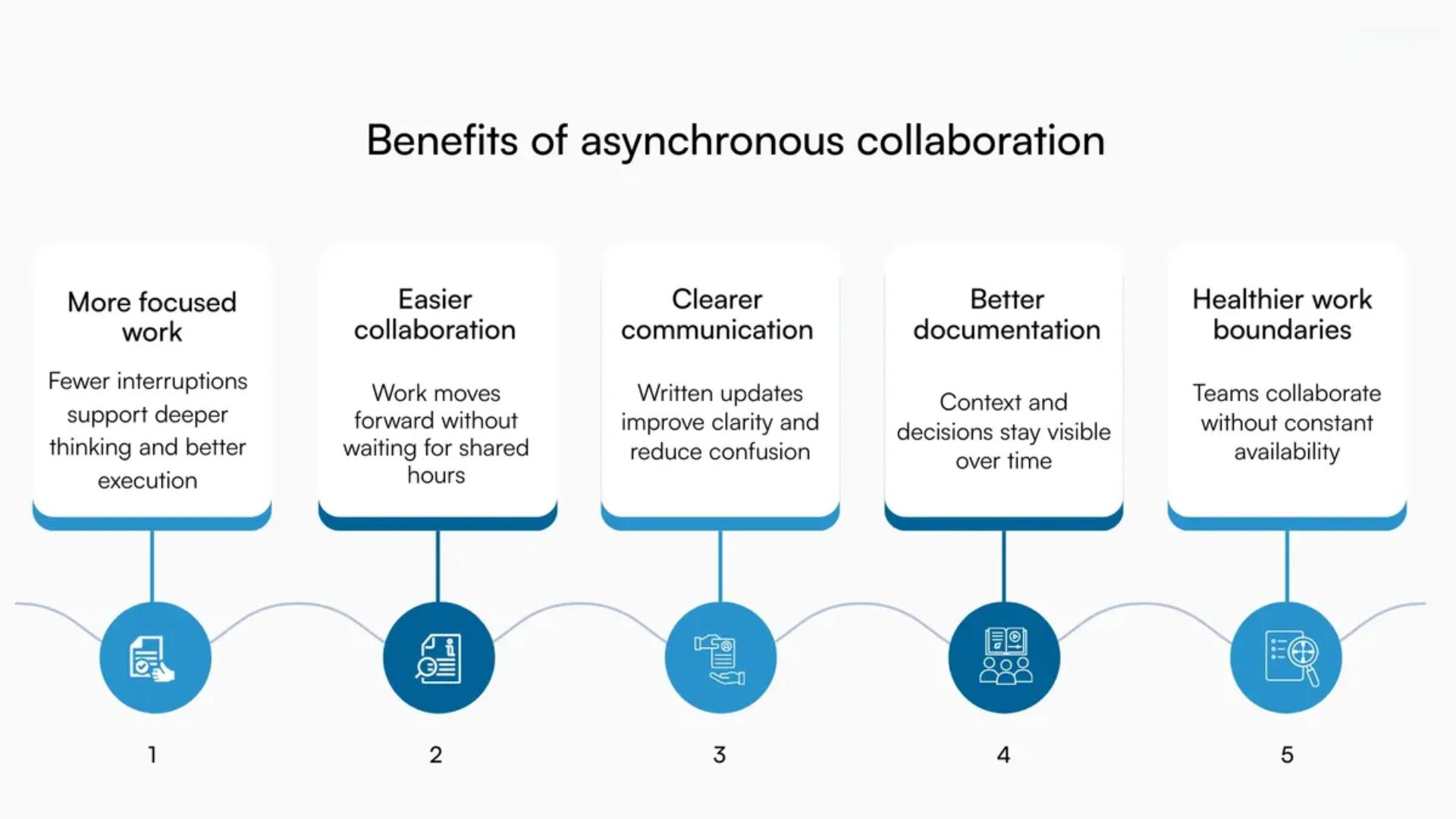
Before changing communication tools or notification settings, classify the work.
A routine project update probably does not need an answer within minutes. A question blocking a colleague from completing an important task may deserve faster attention. A serious operational problem may require an entirely different escalation path.
The exact definitions should come from the team and the nature of the job. A customer-support specialist, for example, may need to monitor incoming requests much more closely than someone spending several hours preparing a report.
The useful question is not “Can this message wait?” in isolation. It is:
What happens if nobody responds for another hour?
If the answer is “very little,” the conversation may be better handled asynchronously.
Communication becomes much easier to manage when people understand what each channel is for.
Email might handle detailed information and requests that do not need an immediate response. A project-management platform might hold task discussions and decisions related to specific work. Team chat could be used for quick coordination. A phone call or another designated method could be reserved for genuinely urgent situations.
The specific tools do not matter as much as the rules surrounding them.
A team does not need to eliminate chat. It needs to avoid turning every chat notification into an instruction to stop whatever is currently happening.
Few things interrupt focused work more effectively than a message that says:
“Hey.”
Then nothing.
A few minutes later:
“Quick question.”
Then another message containing the actual question.
This style of communication creates unnecessary back-and-forth. The recipient has to stop, open the conversation, determine what is needed, and perhaps wait for more context before being able to respond.
An asynchronous message works better when it contains the information needed to understand the request in one pass.
A useful structure is:
brief background;
the specific question or decision required;
relevant files or links;
the desired outcome;
the date or time by which a response is genuinely needed.
That does not mean every message needs to become a formal report. It simply means the sender should provide enough context for the recipient to act without starting a second conversation just to understand the first one.
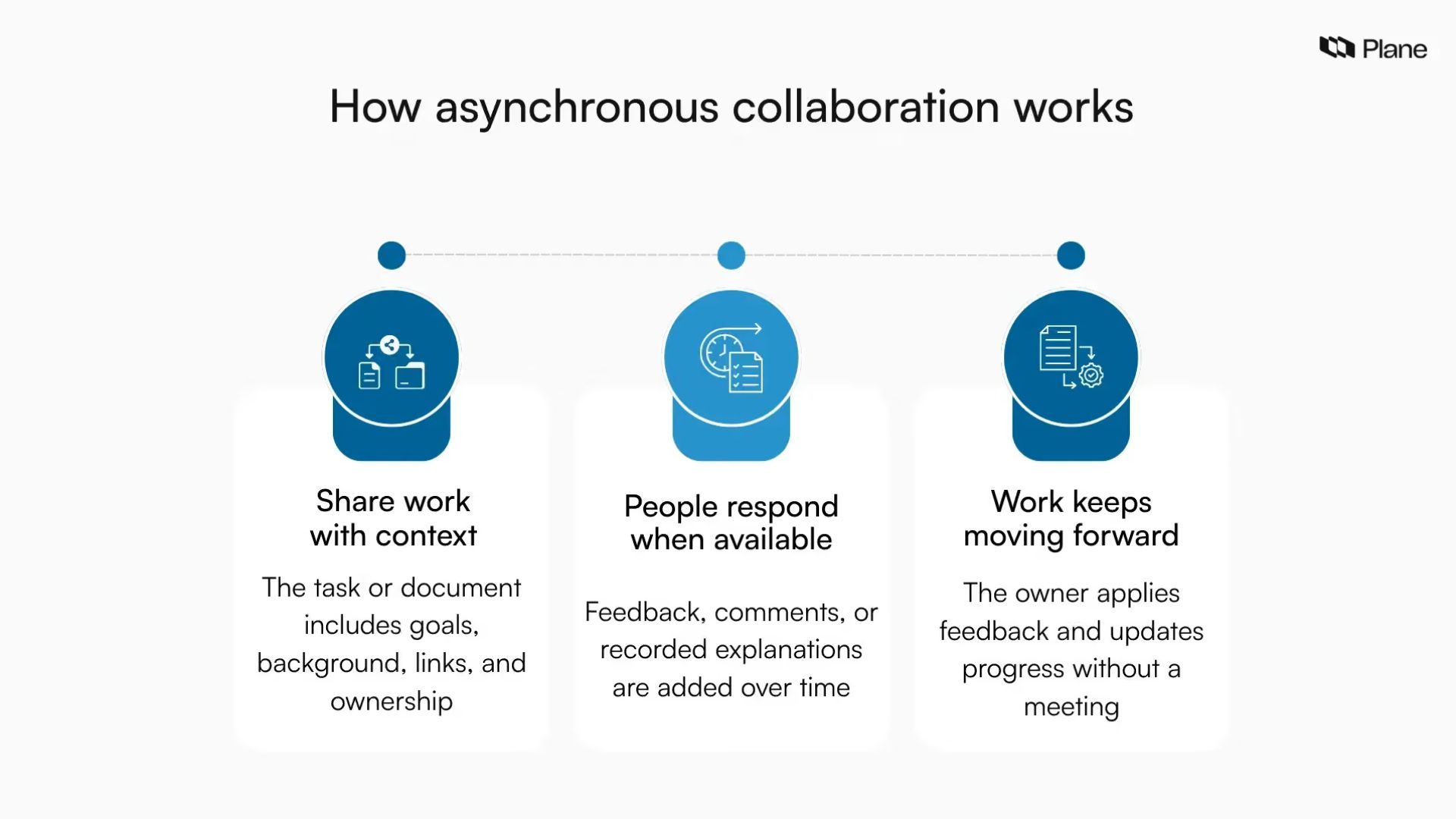
One of the biggest benefits of asynchronous work is predictability.
If nobody knows whether a message requires a response in five minutes, two hours, or tomorrow, people tend to monitor communication continuously. Clear expectations remove some of that uncertainty.
Teams can establish reasonable response windows based on their actual work. Those windows do not need to be identical across every channel or department.
For example, routine project discussions might be handled during normal communication periods, while urgent issues follow a separate escalation procedure.
The important part is making the expectations visible and realistic.
A response guideline that everyone ignores is worse than having no guideline at all.
Once communication expectations are clear, focused work becomes easier to schedule.
A person might reserve the first part of the morning for writing, analysis, coding, or another demanding task, then process accumulated messages afterward. Another person might need shorter focus periods because their role involves more frequent collaboration.
The exact schedule matters less than the principle: communication should have boundaries rather than occupying every available moment.
During a focus period, routine chat notifications can be muted. Email can remain unopened. Project updates can wait until the next planned review.
If something truly cannot wait, the agreed emergency channel provides an alternative route.
That distinction makes focused work feel much safer.
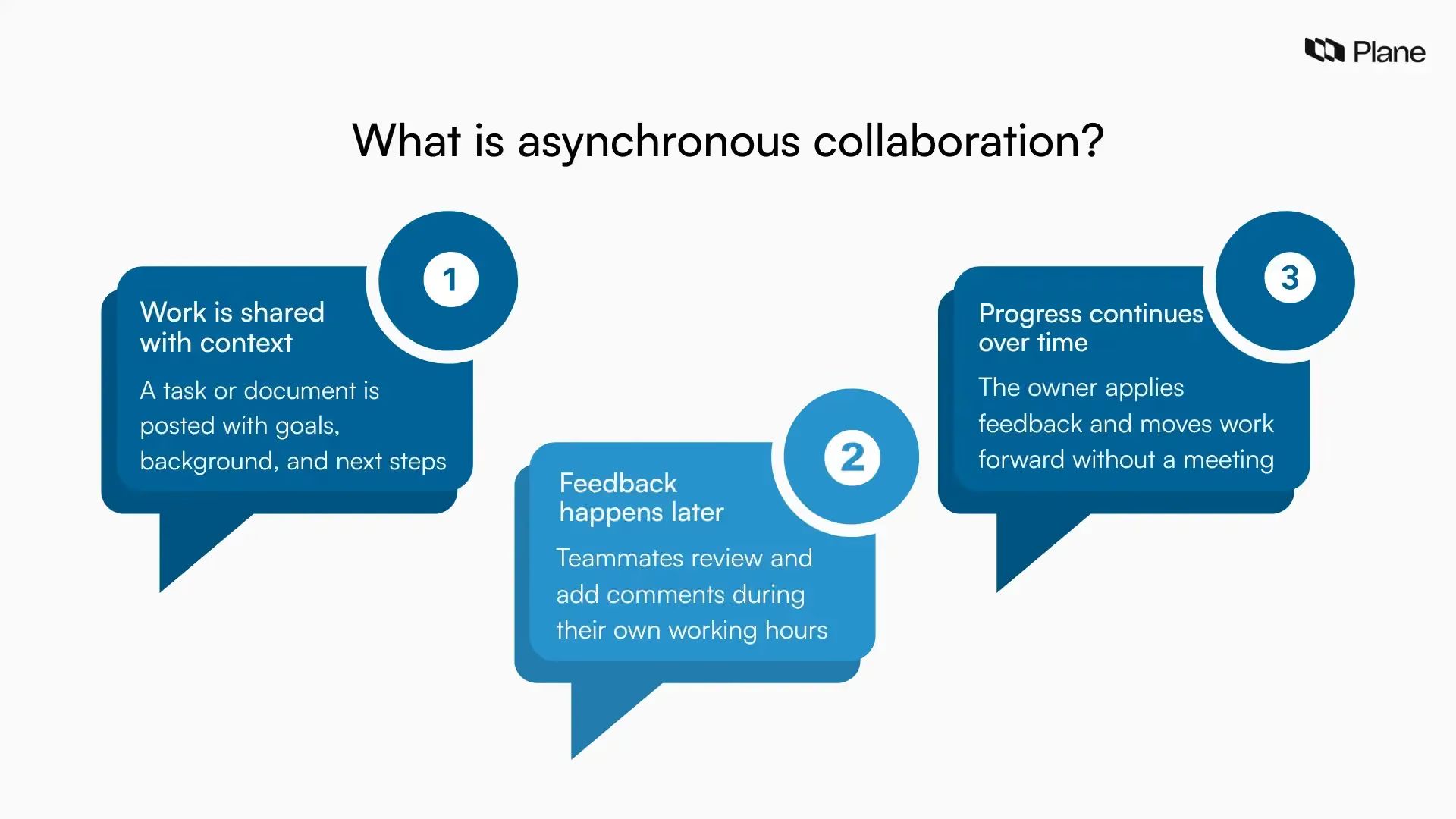
People often resist asynchronous communication because they are afraid of missing something important.
That concern is reasonable.
The solution is not to treat every notification as urgent. Instead, establish a reliable way to interrupt focused work when an interruption is genuinely necessary.
For one team, that might mean a direct phone call. For another, it could be a designated urgent channel or escalation process.
The details should reflect the organization and the type of work involved. What matters is that everyone understands the difference between an ordinary message and a request that requires immediate attention.
A focus block should have a door, not a wall.
A simple status message can prevent a surprising amount of confusion.
Something like:
“Working on the quarterly report until noon. Checking messages afterward.”
tells colleagues that the delayed response is intentional.
Calendar blocks can serve the same purpose. So can team-level agreements about communication windows.
This is especially helpful for remote and hybrid teams, where coworkers cannot see whether someone is deeply engaged in a task, attending a meeting, or simply away from the computer.
Predictability makes temporary unavailability much easier to work with.
Technology is only part of the problem.
If managers praise people for answering every message instantly, employees will naturally learn that rapid responses are valuable. If a team says it supports focused work but repeatedly interrupts employees during scheduled focus periods, the software settings will not solve the underlying issue.
For many roles, response speed is only one part of performance. Reliable delivery, clear communication, collaboration, and meeting agreed responsibilities matter as well.
A useful management conversation therefore focuses on outcomes.
Instead of saying, “I don't want to answer messages in the morning,” explain what the protected period is intended to accomplish: finishing a report, preparing a proposal, reviewing code, or completing another specific piece of work.
That makes the trade-off easier to discuss.
Modern communication tools often include scheduling and notification controls that can support an asynchronous workflow.
Focus modes can silence routine alerts during designated periods. Status settings can show when someone is unavailable. Scheduled notifications can prevent non-urgent messages from constantly appearing throughout the day.
Automation is useful when the same boundary needs to be maintained repeatedly.
It should not, however, replace good communication practices. A perfectly configured notification system cannot compensate for a team that has no agreement about what “urgent” actually means.

No communication protocol works equally well in every situation.
A normal week might allow long focus periods. A product launch, client issue, incident, or collaborative deadline might require much more real-time interaction.
That does not mean the asynchronous system has failed.
The goal is to create a useful default that can be adjusted when circumstances change. After a few weeks, review whether important messages are still being handled on time, whether colleagues understand the communication rules, and whether focused work is actually receiving enough uninterrupted time.
If people regularly bypass the designated urgent channel, perhaps the system needs to be simplified. If routine messages continue arriving during focus periods, the expectations may need to be clearer.
Good communication systems are refined through use.
Asynchronous communication is not about answering messages slowly for the sake of being slow. It is about separating the act of sending information from the expectation of immediate participation.
Some conversations deserve real-time attention. Others do not.
When those differences are made explicit, teams can create communication windows, write more complete messages, establish clear response expectations, and protect blocks of time for work that requires concentration. At the same time, an agreed escalation path ensures that genuinely urgent matters can still break through.
The result is not less communication. It is more deliberate communication.
