
Digital tools have made collecting information easier than ever. Documents, screenshots, saved articles, meeting notes, and research materials can all be stored within seconds. However, the real challenge appears later: finding and using that information when it becomes valuable.
Without a clear organization strategy, digital archives can quickly become difficult to manage. Important files disappear among outdated documents, useful notes remain disconnected, and retrieving information becomes a time-consuming search process.
When building a personal knowledge system or managing a digital workspace, four common organization methods appear repeatedly: folders, tags, links, and databases. Each approach solves a different problem. Understanding their strengths and limitations helps users create a system that supports the way they actually work.
Folders are the most familiar approach to managing digital information. They follow a hierarchical structure similar to physical filing cabinets, where every file has a specific location inside a broader category.
For example:
Projects → Client A → Reports
This structure works well when information has a clear purpose and predictable location.
Folders are especially useful for administrative materials, including:
Financial documents
Client files
Contracts
Personal archives
Completed projects
Their biggest advantage is simplicity. Users can understand the structure quickly and know where a document should be stored.
However, folders have a limitation: each item usually has only one primary location.
A report about a software security update, for example, might relate to technology, compliance, employee training, and business operations. A traditional folder system forces users to decide where the document belongs, even when the information connects to multiple areas.
This limitation can make valuable information harder to discover later.

Tags provide a more flexible organization method by allowing one item to have several labels at the same time.
A document about a security update could include tags such as:
#security
#compliance
#training
Instead of asking “Where should this file be stored?”, tags help answer “What topics are connected to this information?”
Tags are useful for filtering information across different categories.
For example, a researcher could quickly find:
All notes related to artificial intelligence
All documents connected to a specific project
All articles marked for future writing ideas
This makes tags valuable when information does not fit neatly into one category.
The main weakness of tags is uncontrolled growth.
Over time, users may create similar labels:
#client
#clients
#customer
Without consistent naming rules, tags can become difficult to manage.
A practical tagging system usually works best when users create only meaningful labels and avoid adding tags simply for the sake of organization.

Links take a different approach. Instead of organizing information through categories, they focus on relationships between ideas.
Modern note-taking applications such as Obsidian and Roam Research use linked-note systems that allow users to connect individual notes together.
Linked systems are especially useful for research, writing, and creative projects because ideas often overlap.
A note about consumer behavior may connect with:
Marketing strategies
Psychology research
Product design
User experience principles
Over time, these connections create a network of related knowledge that makes previous ideas easier to rediscover and reuse.
Unlike folders, where structure is decided before information is stored, linked systems allow organization to develop naturally as more connections are created.
Link-based systems require more involvement from users.
A note that has no connections to other information can become difficult to find. To maintain a useful knowledge network, users need to review notes and create links when meaningful relationships appear.
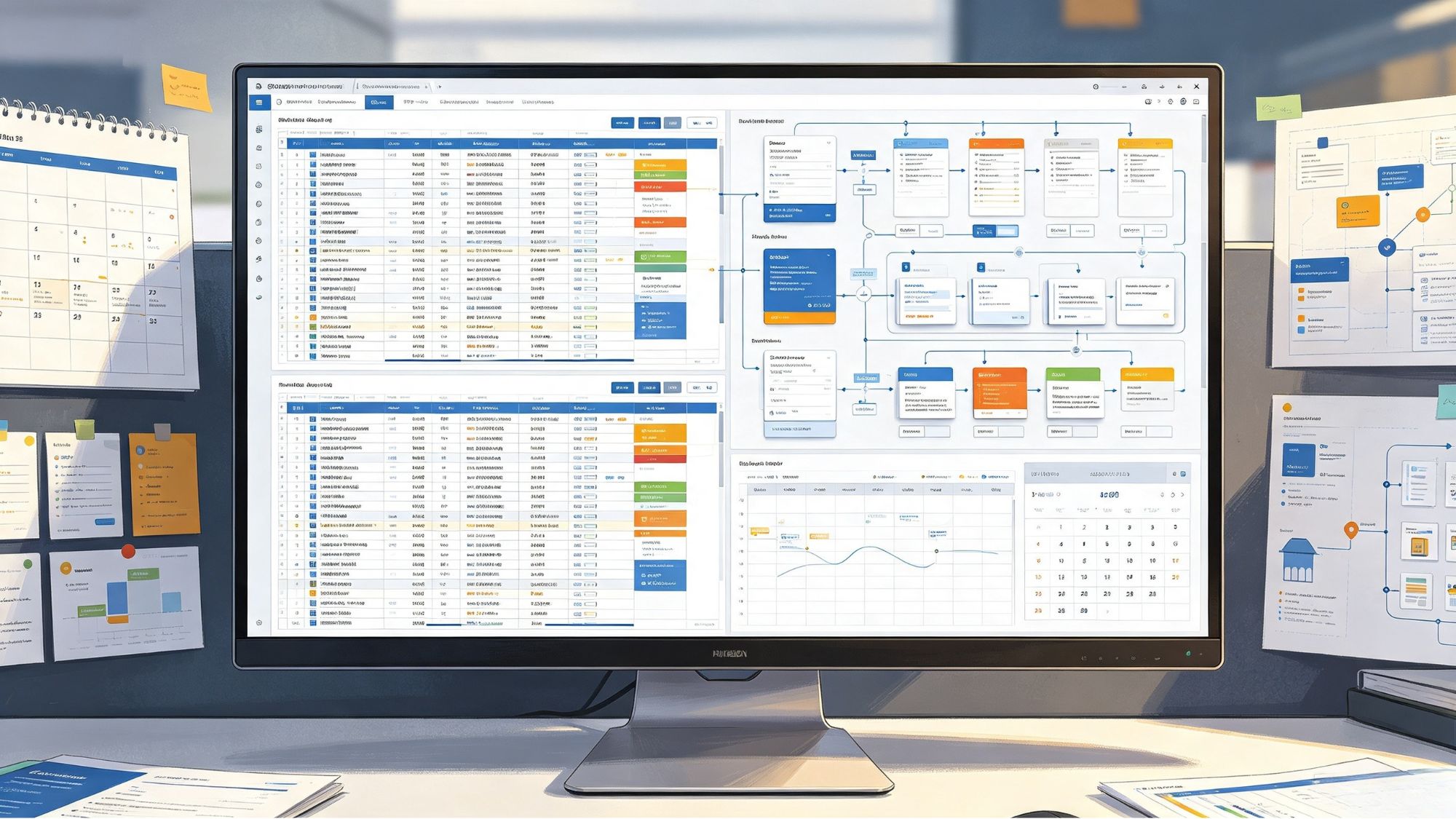
Databases offer a more structured approach for information that follows consistent patterns.
Tools such as Notion and Airtable allow users to organize information with properties, filters, views, and relationships.
Databases are useful for repeatable workflows, such as:
Content calendars
Task tracking
Project management
Customer records
Inventory lists
One collection of information can often be displayed in different ways. A project database, for example, may appear as a table for detailed tracking or a board view for workflow management.
The flexibility of databases requires additional setup.
Users must decide:
What information should be recorded
Which fields are necessary
How items should be connected
For structured work, this organization can save time. However, databases may feel unnecessary for quick notes, brainstorming, or informal ideas.

Each approach has a specific role:
Folders are best for files that have clear categories and permanent locations.
Tags help users filter information across different subjects and projects.
Links support research, learning, and creative work by connecting related ideas.
Databases are effective for structured information and repeatable workflows.
In many cases, the most practical systems combine several approaches. A user might store project files in folders, apply tags for filtering, connect research notes through links, and track deadlines in a database.
The goal is not to build the most complicated system. The goal is to create an environment where information can be found and reused efficiently.
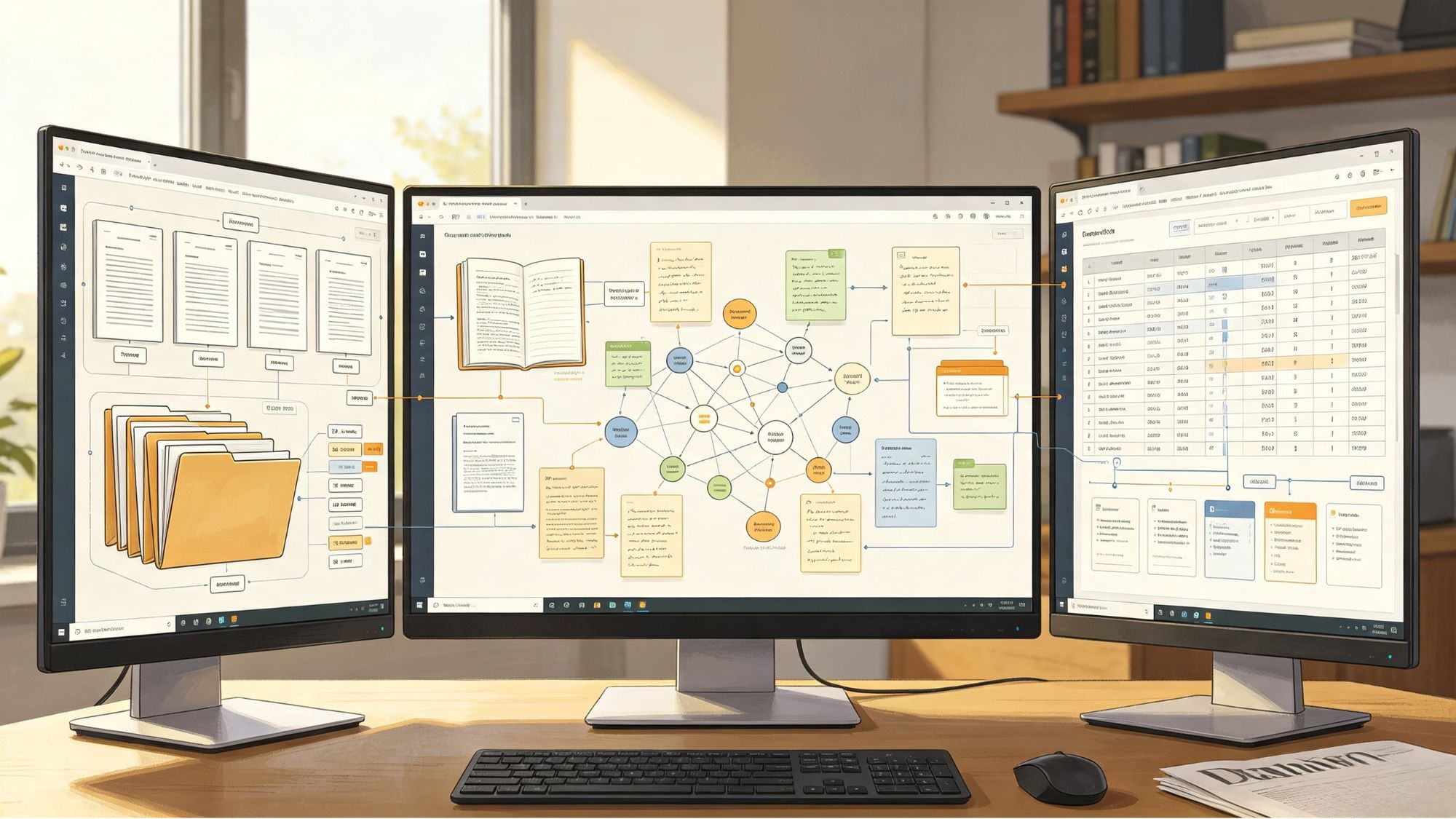
Folders, tags, links, and databases represent different ways of organizing digital information. Each method has advantages depending on the type of information being managed.
Folders provide structure, tags improve flexibility, links encourage discovery, and databases support organized workflows. By understanding how each approach works, users can build a digital system that remains useful as their information grows.
A successful knowledge system does more than store information. It helps transform stored information into practical knowledge that can support future decisions, projects, and ideas.
