Every beep, buzz, vibration, and flashing badge asks for a small piece of attention. One alert may not seem important, but dozens scattered across a day can make it difficult to stay focused on anything for long. A work message arrives while an email is waiting, a news app sends an update, a bank notification appears, and a delivery service adds another reminder. None of these alerts may be urgent, yet each one creates another decision: Should this be checked now, later, or ignored?
That constant stream can lead to notification fatigue. People often respond in one of two ways. They leave everything enabled and spend much of the day reacting to their devices, or they silence almost everything and worry about missing an important call, message, or security alert. Neither approach is particularly satisfying. The better solution is to stop treating every notification as equally important and build a system that separates genuine urgency from ordinary information.
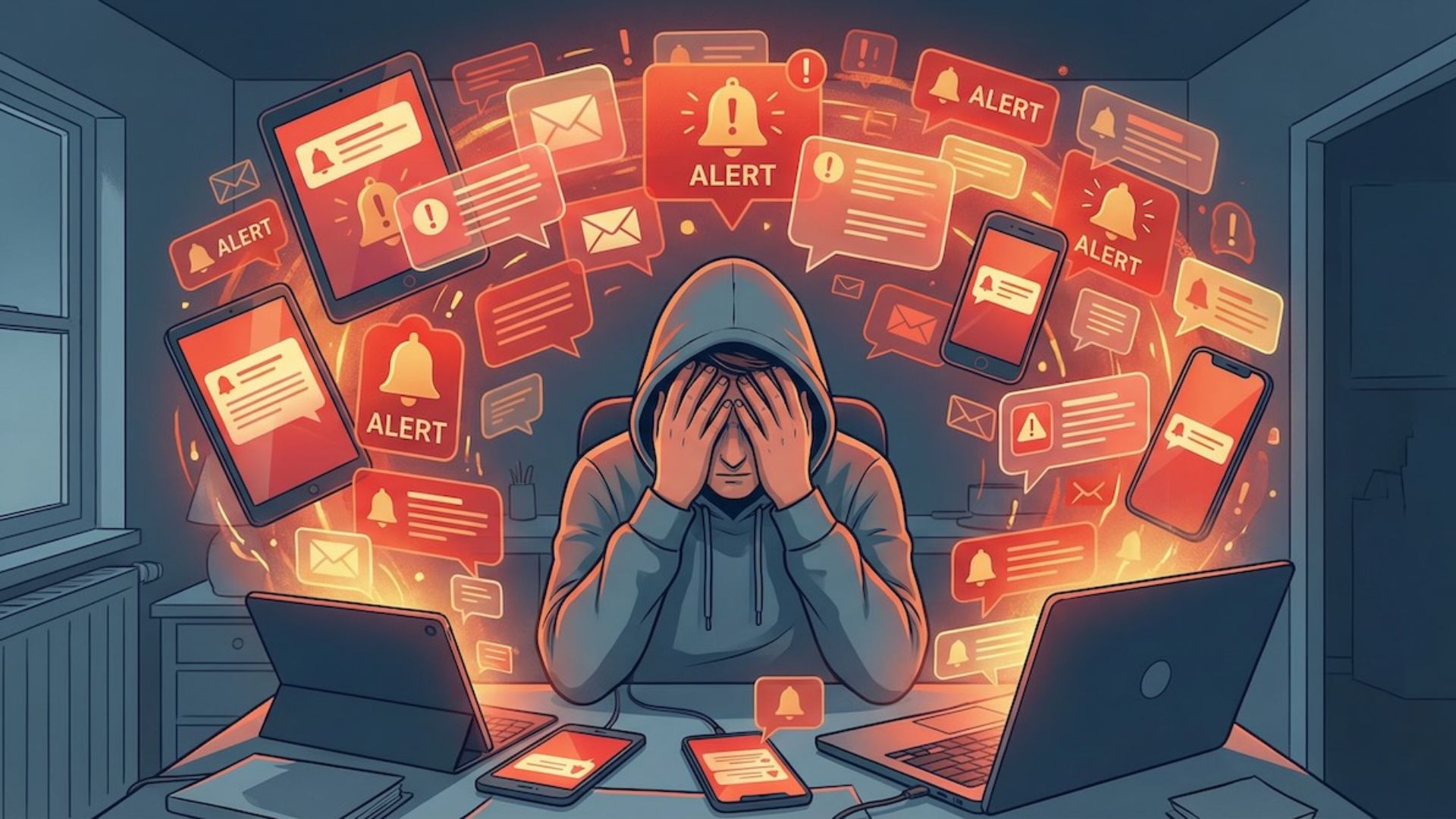
Notifications are different from most planned interruptions because they arrive without warning. A scheduled meeting has a known start time. An email can sit in an inbox for an hour. A notification, however, appears at the exact moment an app decides that something deserves attention.
That unpredictability can encourage repeated checking. The next alert might be useful, interesting, socially important, or completely irrelevant. Because the outcome is uncertain, checking the phone can become a habit even when there is no real reason to do so.
The visual cues matter, too. A red badge, vibration, or message preview can remain mentally noticeable after the initial alert disappears. Instead of finishing one task and moving on, attention can shift toward whatever might be waiting on the screen. Research on workplace interruptions has repeatedly shown that interruptions can make it harder to resume the original task efficiently, particularly when they occur frequently.
The goal, then, is not to eliminate every interruption. Phones are communication tools, and some alerts genuinely matter. The goal is to create a system in which low-priority information waits quietly while genuinely urgent communication still has a clear path through.
Most phones organize notification settings around individual apps. That is convenient, but it is not always the most useful way to think about attention.
An email from a manager and a promotional email from a retailer may arrive through the same app. A message from a close family member and a casual group chat may use the same messaging platform. The app itself does not tell you how urgent the information is.
A better approach is to consider three factors: who is sending the message, why it matters, and how quickly it needs a response.
The first category should contain communication that may require attention within minutes rather than hours. Depending on personal circumstances, this might include calls from close family members, direct messages from important contacts, security alerts, or notifications associated with situations where timing genuinely matters.
These channels deserve a reliable path through quieter periods.
That does not mean every message from every contact needs to trigger an alert. The point is to identify the relatively small group of people and services for which an immediate interruption is justified.
Email, project-management updates, news, social media activity, and most collaboration notifications usually do not need an immediate response.
That does not make them useless. It simply means they can be handled on a schedule.
For example, someone working on a focused project might review email at several planned points during the day instead of responding whenever a new message appears. A project-management application can remain available without producing a banner for every task change.
This simple distinction changes the relationship with the device. Instead of the notification deciding when attention moves, the user decides when the information gets processed.
The third category is the easiest to deal with: alerts that rarely help.
Retail promotions, game reminders, repeated shopping suggestions, routine app prompts, and marketing messages are common examples. If an alert has never prevented a meaningful problem or helped with an important decision, there is a strong case for removing it.
For lower-priority apps, simply muting the sound may not be enough. A phone can remain silent while still displaying banners, lock-screen previews, or badge counts that encourage another glance.
Consider removing as many of those visual prompts as practical.
Badge numbers are particularly easy to underestimate. Seeing “12” on an email icon can create the impression that twelve unfinished tasks are waiting. In reality, those messages may range from a newsletter to a receipt that requires no action at all.
Removing the badge does not delete the information. It simply removes the visual pressure to deal with it immediately.
This creates a useful distinction between availability and attention. The information remains accessible, but it no longer demands attention every time something changes.
One of the biggest objections to aggressive notification management is simple: What if something important happens?
That concern is reasonable. Turning off every notification is rarely the best answer because different situations require different levels of accessibility.
Modern smartphones provide ways to create exceptions within broader quiet or focus settings. The exact options vary between operating systems and device versions, but the underlying idea is straightforward: establish a quiet default and create a short list of trusted exceptions.
For example, a person might silence most notifications overnight while allowing calls from selected contacts to remain audible. Another person might permit certain security-related alerts to interrupt a work-focused period while keeping email and social media silent.
The exception list should stay small. If dozens of contacts and apps are allowed to bypass the quiet period, the exception system simply becomes another version of unrestricted notifications.
A useful test is this: Would missing this message for an hour create a meaningful problem?
If the answer is no, it probably does not belong in the highest-priority channel.
Some operating systems distinguish between ordinary notifications and alerts identified as time-sensitive. These can be useful for situations such as transportation updates, schedule changes, or other information where timing genuinely affects what someone needs to do.
The feature works best when used selectively.
If too many apps are allowed to interrupt a quiet period, the distinction quickly loses its value. A notification labeled as urgent should actually have a reason to interrupt. If an application repeatedly uses higher-priority notifications for routine updates or promotions, its permissions are worth reviewing.
The principle is simple: urgency should be earned, not assumed.
Notification management is not only a software problem. The physical position of a phone can influence how often it gets checked.
A phone sitting face-up beside a keyboard is difficult to ignore. Even when it is silent, the screen, shape, or occasional movement can draw attention. During demanding work, that low-level awareness can become another source of distraction.
Creating physical distance is surprisingly effective. Put the phone in a drawer, leave it inside a bag, or place it on a charging station across the room. The extra few seconds required to retrieve it create a small barrier between an impulse and an action.
That friction matters.
If checking requires reaching into a bag rather than simply glancing toward the edge of a desk, casual checking becomes less automatic. The phone remains available when it is genuinely needed without occupying the center of the workspace.
Not every piece of information needs to arrive the moment it becomes available.
Email and collaboration tools are good examples. Instead of processing each new message separately, information can often be reviewed in batches at predetermined times. A morning review, an early-afternoon check, and a final review later in the day may be enough for many types of work.
The exact schedule should match the role and responsibilities involved. Someone managing a customer-support queue will need a different system from someone writing reports or working on long-form creative projects.
The important idea is not a particular schedule. It is predictability.
When information arrives according to a known routine, the brain does not have to keep wondering whether something new has appeared. The inbox can wait because there is already a designated time for checking it.
A single notification setting rarely works perfectly from morning until bedtime.
A better system may use several modes. During focused work, only essential communication might be allowed through. During a meeting, even those alerts may be reduced. Outside work hours, personal contacts could receive priority while workplace notifications remain quiet.
This approach reflects the fact that urgency is contextual.
A message from a colleague may be important during working hours but unnecessary during dinner. A delivery update may be useful in the afternoon but irrelevant during a morning meeting. The same notification can therefore have different value depending on when it arrives.
Thinking in terms of context makes notification management much more flexible than simply choosing between “on” and “off.”
Notification settings tend to become cluttered over time. New apps are installed, new services are added, work responsibilities change, and old permissions remain untouched.
That makes notification management an ongoing process rather than a one-time cleanup.
Every few months, review the notification list and ask a few practical questions:
Does this alert require immediate attention?
Would a delay of one or two hours cause a meaningful problem?
Does this app provide useful information, or is it mainly competing for attention?
Does the alert need sound, or would a quiet visual notification be enough?
Should this app be allowed to interrupt a focus period at all?
The answers will change over time. That is normal.
A notification system designed for a new job may be completely wrong after a change in responsibilities. A travel-heavy period may require more alerts than an ordinary week. The system should adapt rather than becoming another rigid set of rules.
Digital quiet does not mean turning a smartphone into a device that never speaks.
The more useful goal is selective interruption. Important communication should remain accessible, while routine information can wait until there is a suitable moment to deal with it.
That shift sounds small, but it changes the role of the phone. Instead of allowing every application to compete for attention, the user establishes clear rules about what deserves an interruption and what can wait.
A quieter notification system is ultimately less about using fewer apps and more about making better decisions about attention. When urgent communication has a reliable route through and everything else has a place to wait, the phone becomes easier to live with—and much less likely to dictate the rhythm of the day.
