
Over years of learning and professional work, people naturally build large collections of information. Meeting notes, research documents, bookmarked articles, text files, and personal reflections often accumulate across different applications and storage locations.
These older systems may have worked well when they were first created, but as the amount of information grows, finding useful insights becomes increasingly difficult. Important ideas become buried inside complicated folders, outdated applications, or disconnected archives.
Moving from a legacy note system to a modern knowledge management system can help restore accessibility and improve how information is used. However, migration is not simply a matter of copying files into a new application. Without proper planning, users may transfer years of unused content into a new platform and recreate the same organizational problems.
A successful migration focuses on selecting valuable information, improving structure, and creating a system that supports future thinking.
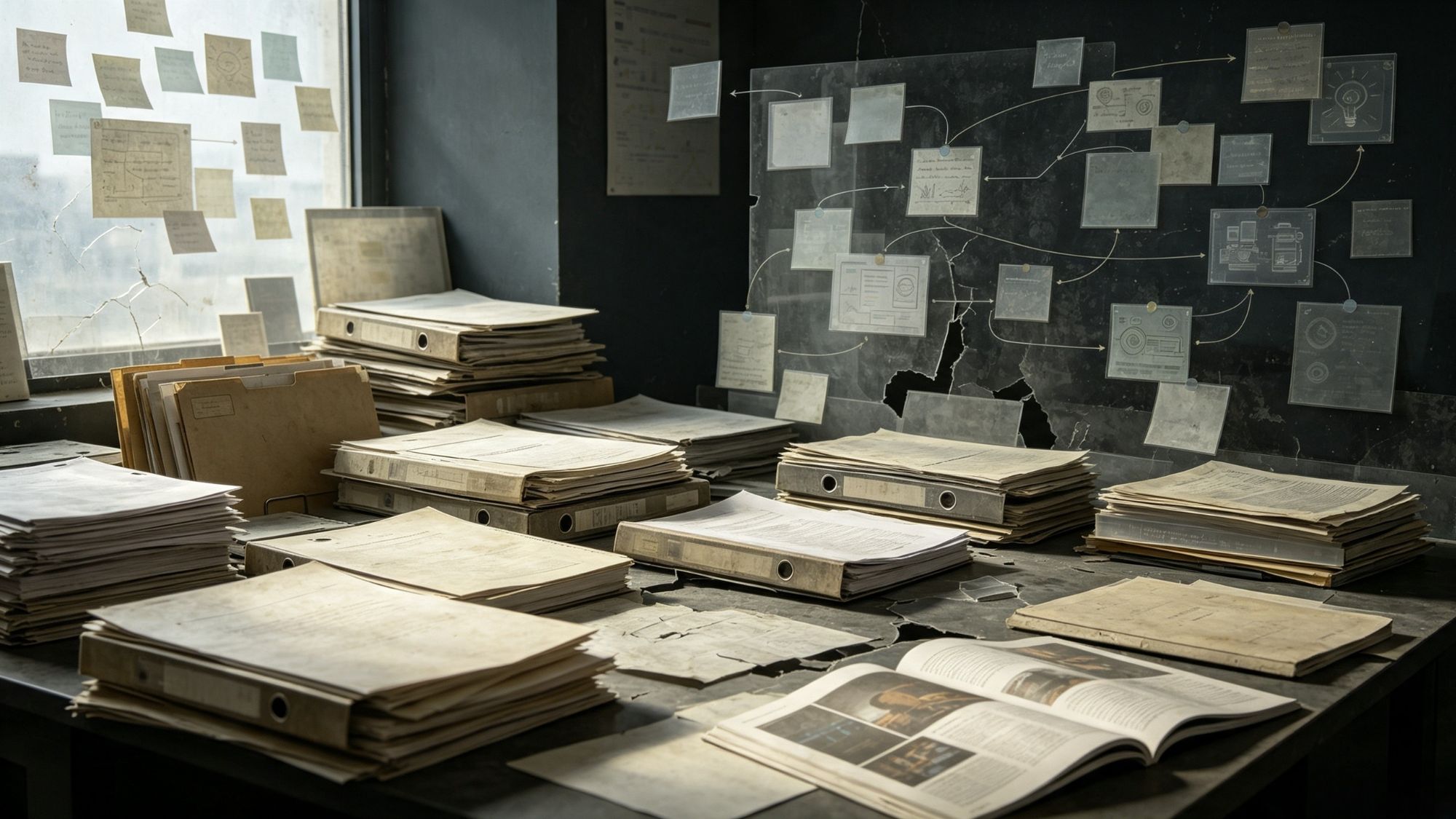
Many older knowledge systems rely on traditional folder structures and file-based organization. While simple at first, these approaches often become less effective as the archive expands.
Folders require every note to have a specific location. This works well for administrative files, but knowledge rarely fits into a single category.
For example, a note about improving customer onboarding may relate to product design, marketing strategy, user research, and business operations. A traditional folder system forces users to choose one location, making related information harder to discover later.
Modern knowledge management systems address this limitation by using tags, links, and flexible connections between ideas.
Older notes may exist in discontinued applications, unsupported file formats, or platforms that no longer fit current workflows.
Over time, these limitations can make valuable information harder to access. Converting important content into open formats such as Markdown helps ensure that notes remain readable across different tools in the future.
Legacy archives often operate separately from daily workflows. Notes may exist in one application, tasks in another, and project information somewhere else.
Modern systems aim to reduce this separation by connecting notes with projects, research, and ongoing activities.
The biggest mistake during migration is attempting to move everything immediately.
A large archive may contain useful research, outdated drafts, temporary notes, duplicate files, and information that no longer has practical value. Importing everything creates unnecessary complexity and makes the new system harder to maintain.
Instead of treating migration as a data transfer project, approach it as a content review process.
Before moving information into a new knowledge system, divide existing materials into three categories.
These are materials that support current work, including:
Current project documents
Frequently used references
Important templates
Ongoing research materials
These notes should be migrated first because they provide immediate value.
Some information may still be valuable but is not needed every day. Examples include:
Completed project records
Previous research notes
Older meeting documentation
These materials can remain in an archive area and only be brought into the active system when needed.
Some notes no longer provide meaningful value. Old software guides, expired procedures, and duplicate materials can often be removed rather than transferred.
A smaller, useful knowledge base is easier to maintain than a large collection of unused files.
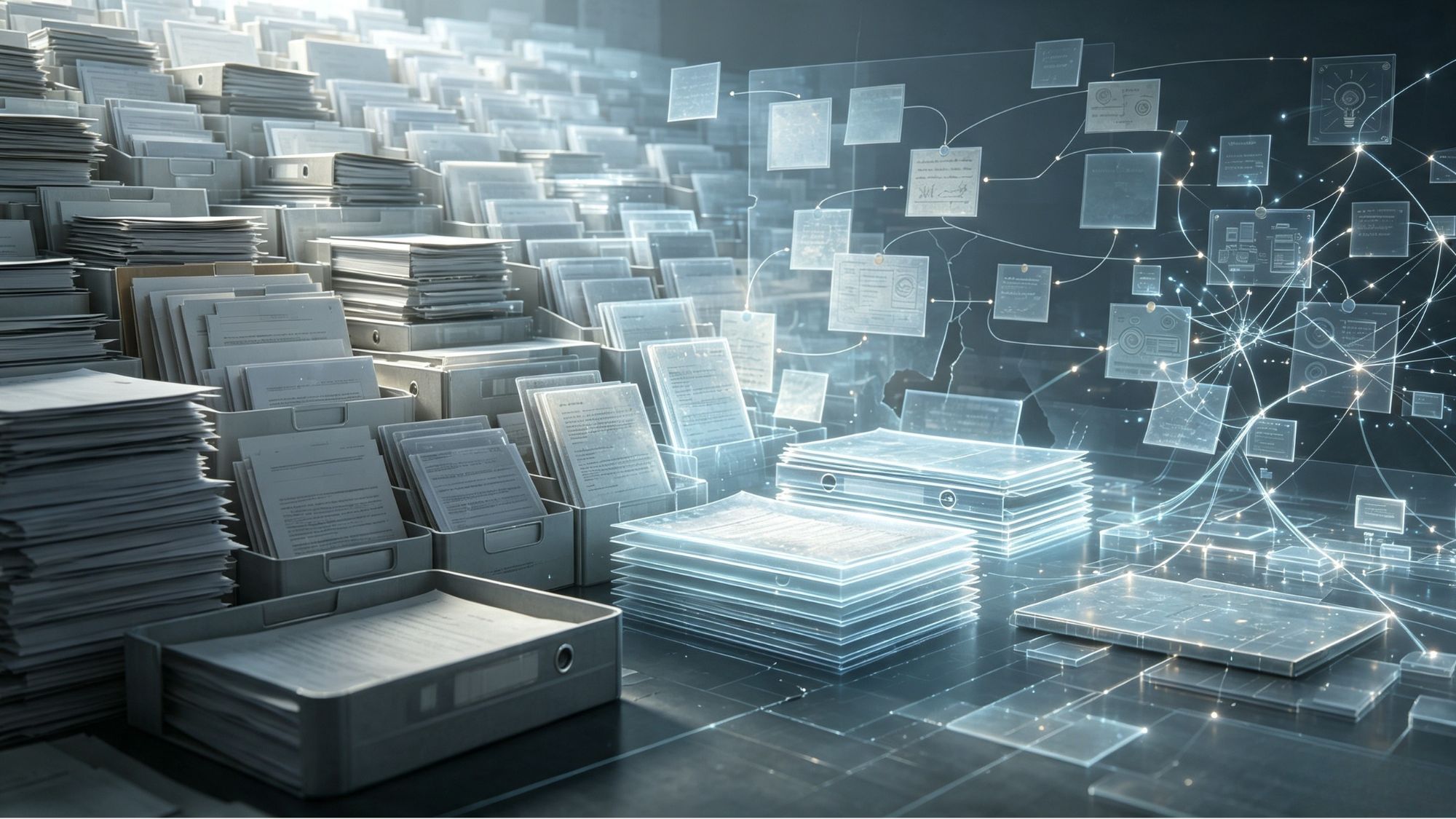
Modern knowledge management tools often focus on relationships between ideas rather than fixed folder locations. Preparing older information for this environment requires some restructuring.
Different applications store information in different formats. Rich-text documents, proprietary databases, and exported files may create compatibility problems later.
Converting important notes into Markdown (.md) provides a simple and portable foundation. Markdown files are lightweight, searchable, and readable without depending on one specific application.
Older notes often contain multiple topics inside a single document. Modern systems usually work better when information is divided into focused, reusable pieces.
For example, a document called:
“2025 Business Planning Notes”
could become separate notes covering:
Product strategy ideas
Marketing observations
Customer research findings
Financial planning concepts
Smaller notes are easier to search, connect, and reuse in future projects.
Migration is also an opportunity to create relationships between ideas.
Instead of simply importing documents, identify important concepts and connect related notes through internal links. These connections help transform a collection of files into a knowledge network.
A gradual approach reduces frustration and prevents disruption.
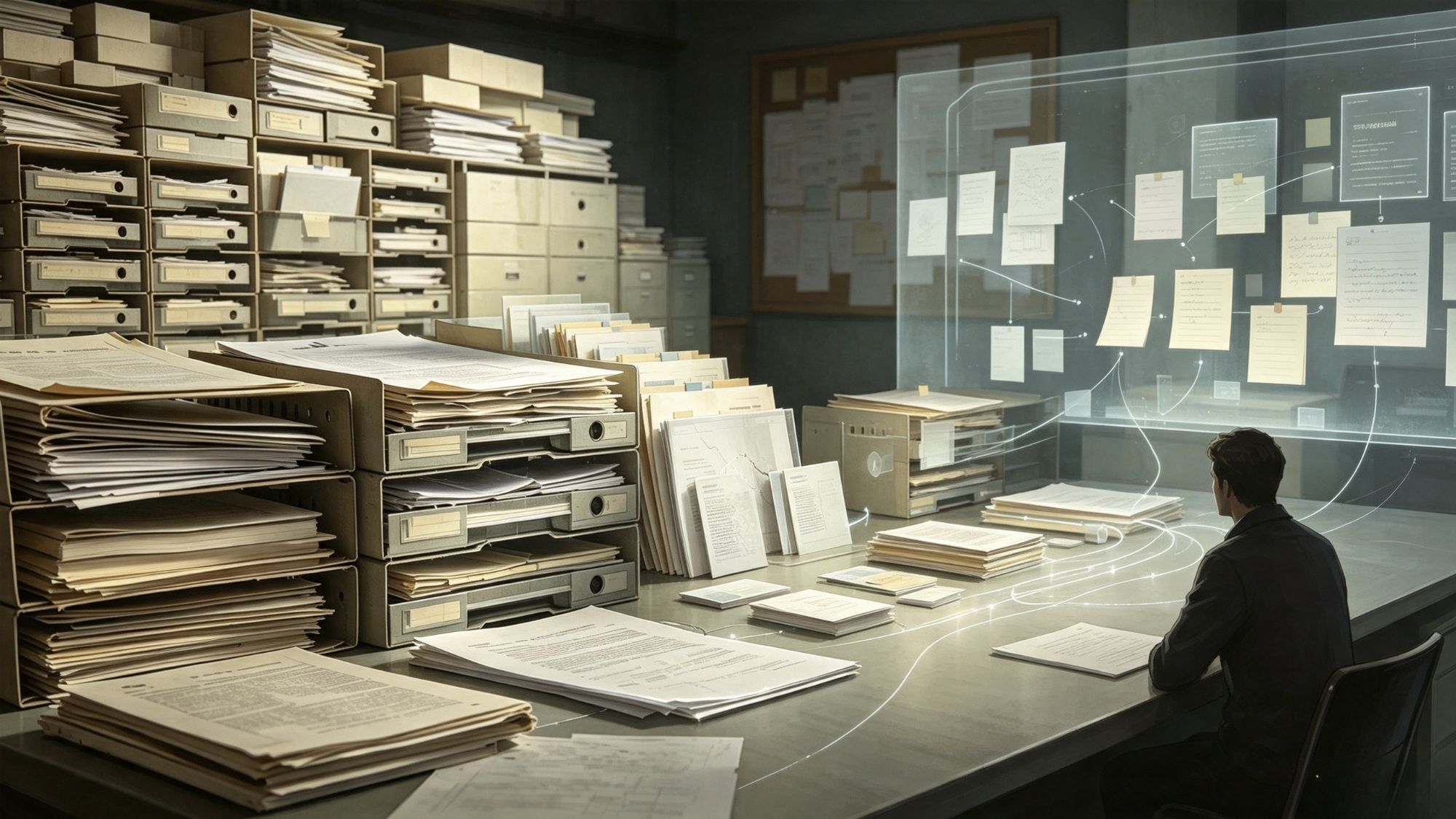
Start by identifying where your information currently exists:
Note-taking applications
Cloud storage platforms
Local folders
Browser bookmarks
Document archives
Understanding the size and condition of your archive helps create a realistic migration plan.
Before moving everything, choose one limited group of notes, such as a completed project archive.
Use this test to evaluate:
File conversion quality
Tag organization
Linking methods
Search performance
Adjust your workflow before committing to a larger migration.
Historical archives do not need to be processed all at once.
A practical approach is to migrate active materials first, then bring older information into the new system only when it becomes relevant.
This reduces workload while ensuring that the knowledge base remains useful.
Even a careful migration plan can fail if users focus on the wrong priorities.
Many people spend too much time designing perfect tags, templates, and categories before using the system.
A better approach is starting with a simple structure and improving it gradually based on actual needs.
Old notes do not need to look perfect before migration. The priority should be preserving valuable information and improving accessibility.
Focus on content quality rather than visual appearance.
Before converting files or importing large amounts of data, keep backups of original materials.
Maintaining the original archive until the new system has been tested helps protect against accidental data loss.
Moving from a legacy note system to a modern knowledge management platform is not just a technical transfer process. It is an opportunity to rethink how information is collected, organized, and used.
By reviewing old materials, prioritizing valuable knowledge, converting files into flexible formats, and gradually building connections between ideas, users can create a system that supports future projects and decisions.
The goal is not to preserve every note ever created. A successful knowledge system should make important information easier to discover, understand, and apply when it matters most.
