A data breach does not always mean an attacker has access to your account. Your email address may appear in a breach involving an old service, while the password you used there may already have been changed. Conversely, a stolen password can become much more serious when it was reused on another website or when an attacker obtains access to an email account that can reset other passwords.
The practical problem is therefore larger than simply asking whether an email address has been "hacked." You need to determine what was exposed, whether the exposed information is still useful, and whether any account is showing signs of active compromise.
That requires three separate activities: monitoring your exposure, checking the security of the affected accounts, and responding quickly when there is evidence of unauthorized access.
Services such as Have I Been Pwned can tell you whether an email address appears in known breach records. The service also identifies categories of information associated with particular breaches, such as email addresses, passwords, phone numbers, or dates of birth. It does not generally provide the underlying stolen records to users.
That distinction matters.
Suppose an old shopping account appears in a breach containing your email address and password. There are at least three different questions to answer:
Was the account actually yours?
Was a password exposed, or only an email address?
Did you reuse that password anywhere else?
The third question may be more important than the first two. Attackers routinely use credentials obtained from previous breaches to attempt access to other services. The FBI specifically identifies previously breached credentials as one route to account takeover.
A breach notification should therefore trigger an assessment rather than panic.
Your exposure footprint is the collection of personal information that may be available through past breaches, public profiles, compromised accounts, and old services.
Start with your primary email addresses and the accounts attached to them. Search reputable breach-monitoring services and review the breach name, approximate date, and exposed data categories.
Do not assume that an old breach is harmless simply because you stopped using the affected website. An exposed email address remains useful for phishing, while an old password can still be dangerous if it was reused.
Password exposure deserves particular attention. Have I Been Pwned's Pwned Passwords service uses a k-anonymity approach: the password is hashed locally, and only part of the hash is sent for the lookup rather than transmitting the full password.
If a password appears in a known breach, do not use it again, even if the associated account has never been hacked.
An important limitation is that a clean result is not proof of safety. A monitoring database can only report exposure that has been identified and incorporated into its dataset. It cannot establish that a password has never been stolen elsewhere.
Your email account deserves special attention because it often functions as an account-recovery hub.
If an attacker controls your email, they may be able to request password resets for other services, intercept recovery messages, or use information in your mailbox to identify financial and social accounts.
The Federal Trade Commission recommends checking for unfamiliar account changes, unauthorized logins, forwarding rules, sent messages, and changes to recovery information after an account compromise.
This makes email a useful starting point when investigating a broader compromise.
Review:
Recent sign-in activity and unfamiliar devices
Recovery email addresses and phone numbers
Connected applications and third-party access
Email forwarding rules and filters
Sent and deleted messages
New security keys, passkeys, or authentication methods
Recent password or profile changes
For example, Google allows users to review recent devices and sessions associated with their accounts and sign out of sessions they do not recognize.
Do not assume that changing the password alone has resolved everything. An attacker who established another authenticated session, added a recovery method, or created an email-forwarding rule may retain a path back into the account.
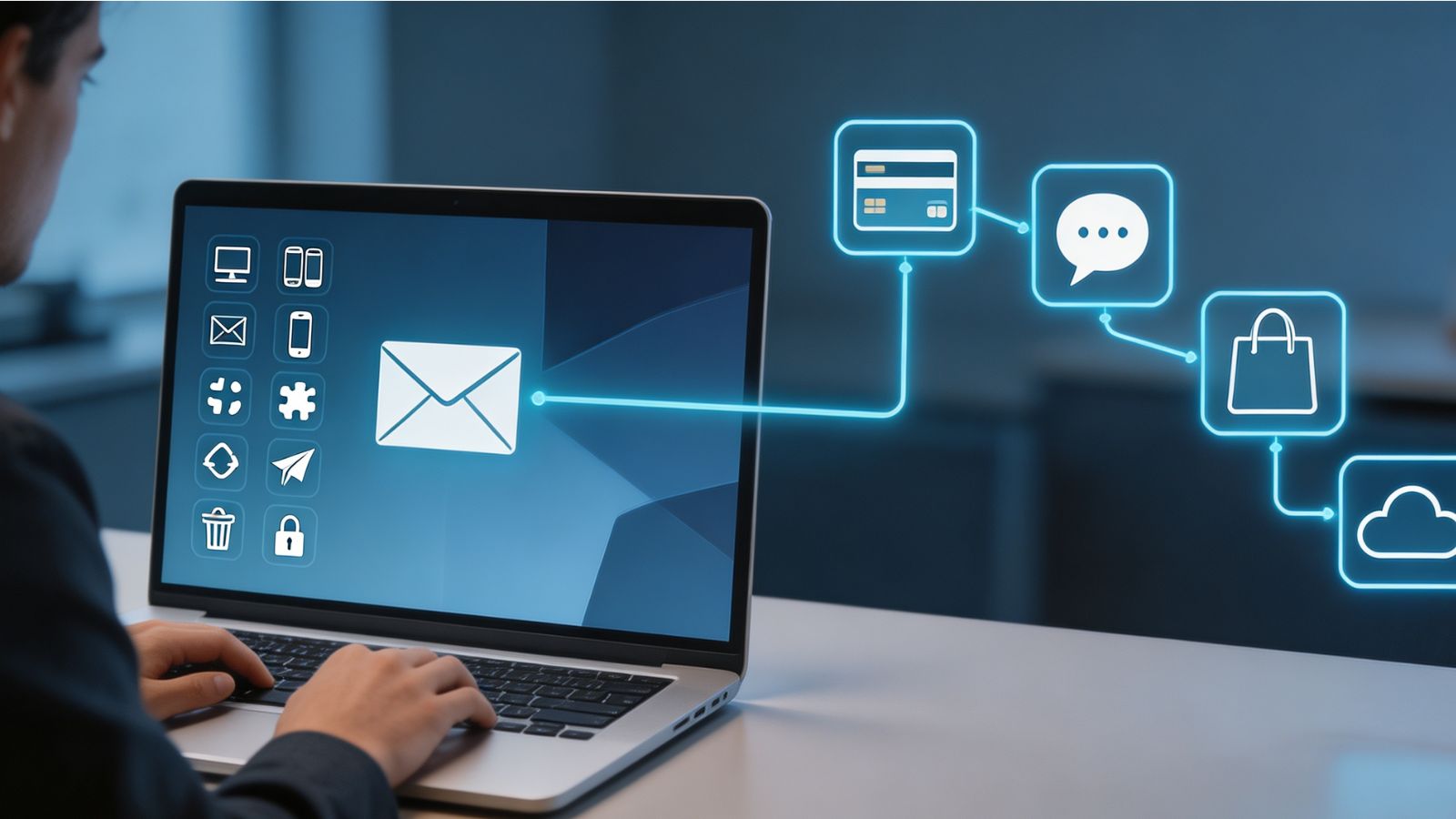
When you have evidence of unauthorized access, prioritize containment.
If you believe the account was compromised because of malware, an information-stealing browser extension, or another suspicious program, avoid changing passwords from the potentially compromised device until it has been checked.
The FTC recommends updating security software and scanning a computer when recovering a hacked email or social-media account.
The reason is straightforward: changing a password on an infected device may simply give an attacker the new password.
Use a new, unique password that has never been used on another service.
If the same password was used elsewhere, change those accounts too. The FBI specifically recommends resetting credentials that may have been exposed during an account-takeover incident, including reused passwords.
A password manager makes this process considerably easier because you can generate a different credential for every account.
Look for an option such as Sign out of all devices, Log out of all sessions, or Revoke active sessions.
This step is easy to overlook. A password change does not necessarily mean that every existing login session immediately disappears.
Account providers implement session invalidation differently, so check the provider's security controls. For example, Microsoft provides a "sign out everywhere" function, although it notes that the process can take up to 24 hours in some cases.
Check every recovery method.
Make sure the recovery email address and phone number belong to you. Look for unfamiliar authentication devices, passkeys, backup codes, or other sign-in methods.
This matters because attackers may modify recovery settings after obtaining access. If you only change the password while leaving an attacker-controlled recovery method in place, the account may remain vulnerable.
Turn on multifactor authentication wherever the service supports it.
For high-value accounts, phishing-resistant methods such as security keys or passkeys can provide stronger protection than passwords alone. CISA has repeatedly recommended phishing-resistant MFA, particularly for important and privileged accounts.
MFA is not invulnerable. Phishing, session theft, malware, and poorly configured authentication systems can still create risks. But properly implemented MFA significantly changes the difficulty of taking over an account using only a stolen password.
The first compromise may not be the only problem.
After recovering an account, inspect what the attacker could have accessed and what actions they might have taken.
For email, check sent and deleted folders, forwarding rules, filters, and unusual messages. For social-media accounts, look for unauthorized posts, messages, new connections, or profile changes. For financial accounts, review recent transactions and account changes.
The FBI warns that account takeover can involve theft of money or information and recommends monitoring financial accounts for irregular activity.
If financial fraud has occurred, contact the financial institution immediately. The FBI's Internet Crime Complaint Center advises victims of fraudulent transfers to contact their financial institution promptly and report the incident to IC3.
If sensitive personal information such as a Social Security number was exposed, the FTC recommends reviewing credit reports and considering measures such as a credit freeze or fraud alert depending on the circumstances.
You do not need to monitor every security forum or spend hours searching the internet for your name.
A practical routine is enough for most individuals:
Periodically check your primary email addresses for known breach exposure.
Review important account security activity.
Replace reused or breached passwords.
Keep MFA enabled, preferably with a phishing-resistant method where practical.
Review financial accounts for unfamiliar activity.
Delete old accounts that no longer serve a purpose.
For organizations, the process needs to be much more formal. NIST's current incident-response guidance, SP 800-61 Revision 3, treats incident response as part of broader cybersecurity risk management rather than an isolated emergency procedure. It superseded Revision 2 in April 2025.
That approach emphasizes preparation, detection, response, and recovery rather than waiting until an incident becomes obvious.
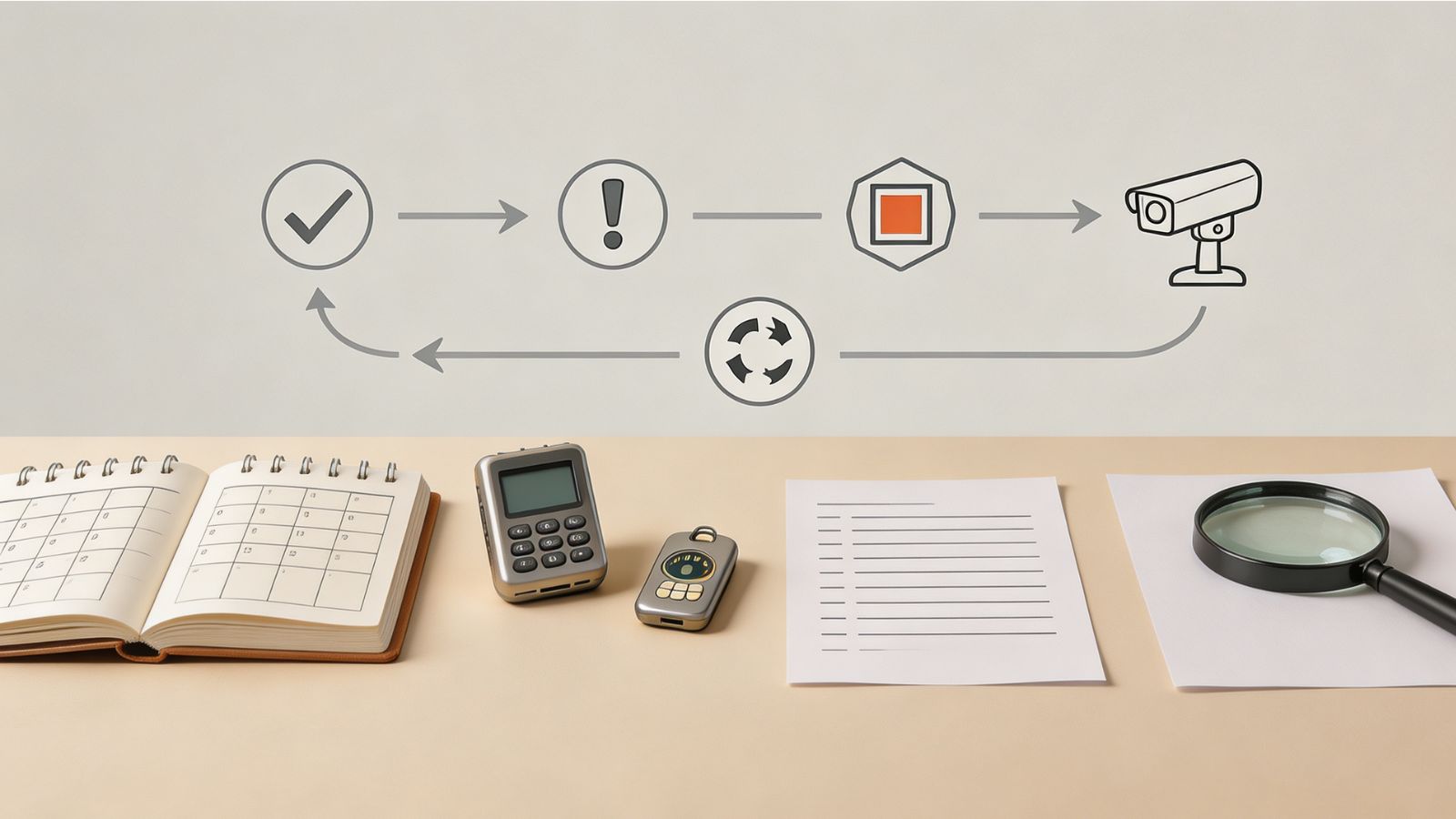
No breach-monitoring service can show you every piece of information that may exist about you. No account-security dashboard can prove that an account has never been accessed improperly.
The useful objective is more practical: detect credible exposure, determine whether the exposed information is still dangerous, contain active access, and prevent the same credentials from opening additional accounts.
A breach notification is therefore not the end of the investigation. It is the point at which you ask better questions: What was exposed? Is the credential still valid? Was it reused? Can the attacker still access the account? Did they change recovery settings? And what other accounts depend on the compromised one?
The faster those questions are answered, the smaller the window an attacker has to turn one exposed credential into a much larger account-takeover problem.
