A digital legacy is more than a list of passwords. Email, cloud storage, financial services, social-media profiles, digital documents, and personal devices can all become difficult to manage if you are temporarily unable to use them—or permanently unable to manage them yourself.
The challenge is that account recovery, incapacity planning, and digital inheritance are different problems. A person who helps you recover an account while you are alive may not be the same person who handles your digital affairs after your death. Giving someone your master password does not necessarily solve either problem safely.
A practical plan creates separate paths for each situation.
If you can only document a few things, prioritize the accounts that control recovery for other accounts, the services containing irreplaceable information, and the authentication devices needed to reach them. Those dependencies often matter more than the total number of accounts you have.
Begin with an inventory, but do not treat every account as equally important. The useful question is not simply, "How many accounts do I have?" It is, "What happens if this account becomes inaccessible?"
Consider five broad groups:
Control accounts: Email, password managers, and other services used to recover other accounts.
Irreplaceable information: Family photographs, personal documents, correspondence, and archives.
Financial or business assets: Banking, investments, cryptocurrency, domains, and online businesses.
Decision-dependent accounts: Social-media profiles, subscriptions, and services that should eventually be transferred, preserved, or closed.
Low-consequence accounts: Services that can simply expire or be deleted.
An account may matter because it controls something else. Losing an old shopping account might be inconvenient, while losing the email address used to reset several critical accounts can create a much larger problem.
For each important account, record where it exists, how it can be recovered, what should happen to it, and who may need to act. Avoid turning the inventory itself into a spreadsheet of passwords.

Account recovery applies when you are still managing your affairs but cannot sign in. You might have forgotten a password, lost a phone, or lost access to an authentication device.
Incapacity planning concerns a period when you are alive but unable to manage your accounts yourself.
Digital inheritance primarily concerns what should happen after death.
These situations can involve different people, permissions, and provider procedures.
Apple, for example, offers an Account Recovery Contact who can assist with the recovery process by providing a recovery code. The contact is not given ordinary access to the account.
Apple's Legacy Contact is different. It provides a process through which a designated person can request access to certain Apple Account data after the user's death, using an access key and required documentation. The information available depends on Apple's current policies and the account configuration.
Recovery Contact ≠ Legacy Contact ≠ Estate Executor.
These roles can overlap in real life, but they should not be treated as interchangeable because the authority and procedures attached to each role can be different.
Your primary email account and password manager deserve particular attention because they can provide recovery paths into many other services.
Use unique credentials and multifactor authentication on high-value accounts. Store recovery codes securely, and make sure the appropriate person knows how to locate necessary recovery information without automatically gaining access to everything stored in the account.
When a provider offers a recovery-contact or emergency-access feature, it can be preferable to sharing a password.
The aim is to make assistance possible without turning every helper into a full account owner.
Google, for example, offers recovery contacts for eligible accounts. A recovery contact can help with account recovery but does not receive ordinary account access or security notifications. Eligibility and available options depend on the account and Google's current requirements.
Provider features are useful, but they do not replace an overall plan. For each important account, ask four questions:
Who needs access? Identify the person responsible for a particular task rather than automatically giving one person every permission.
What do they need? They may need recovery assistance, stored files, account information, or authority to make a decision.
When do they need it? Temporary incapacity and post-death access can require different procedures.
What should they not receive? Consider whether passwords, private messages, financial information, or authentication secrets actually need to be exposed.
This framework also helps prevent a common mistake: treating "access" as an all-or-nothing decision.
Google's Inactive Account Manager lets users decide what should happen after a period of account inactivity. Users can designate people to receive selected account data and choose which information to share.
Google also has a separate process for requests involving a deceased user's account. It says that it cannot provide passwords or other login details and that requests are subject to review.
The practical implication is that your instructions should describe the desired outcome rather than assuming someone can simply inherit your login credentials.
Apple's Legacy Contact provides a designated person with a way to request certain account data after the account holder's death. The process relies on an access key and supporting documentation.
Because provider policies can change, review Apple's current requirements whenever you create or update your plan.
Facebook uses a different model based around memorialized profiles. A legacy contact can manage certain aspects of a memorialized profile without receiving ordinary login access.
The important point is that services do not all provide the same form of post-death access. A single "digital executor password" is therefore a poor substitute for account-specific planning.
Estate documents can identify who should handle digital matters and where important instructions are stored. They should not automatically become a password vault.
Authentication secrets are better kept inside an appropriate password-management or access-control system, while estate documents can establish authority and describe what should happen.
For example, an estate plan might identify the person responsible for digital affairs, while a separate secure record explains how that person can locate recovery information.
Legal rules also vary by jurisdiction and by the type of digital asset involved. The Revised Uniform Fiduciary Access to Digital Assets Act provides a framework for fiduciary access to digital assets, but it distinguishes between digital property and electronic communications and allows for limitations on access to communications. State law and the circumstances of the account still matter.
For substantial estates, businesses, cryptocurrency, or complicated family situations, professional estate-planning advice may be appropriate.
A useful recovery document should explain what needs to happen without unnecessarily exposing passwords or authentication secrets.
A simple template can look like this:
Account: Primary email
Purpose: Main account-recovery address
Dependency: Used to recover banking, cloud storage, and other critical accounts
Recovery method: Password manager and security key
Backup method: Recovery codes stored separately
If temporarily incapacitated: Use designated recovery procedure
After death: Follow provider's account-legacy procedure
For a cloud-storage account:
Account: Photo and document storage
Purpose: Family photographs and personal archives
Dependency: No critical account recovery function
Important data: Photos, legal documents, selected family records
If incapacitated: Preserve account; do not delete
After death: Transfer or preserve selected content according to instructions
For an account that should eventually disappear:
Account: Subscription service
Purpose: Personal entertainment
Dependency: None
If incapacitated: Cancel if no longer needed
After death: Cancel subscription
The Dependency field is particularly useful for control accounts. It shows why an account matters and helps the person handling your affairs determine what should be dealt with first.
Do not put passwords, recovery codes, or authentication secrets into an ordinary document unless you have deliberately chosen a secure mechanism for storing and releasing them.
Accounts are only part of the problem.
A family member may know that important photographs are stored on an encrypted computer but have no way to unlock it. Someone may have the correct account password but lack the authentication device required for multifactor authentication.
A password may be correct but still unusable if the only second factor is a device or security key that the designated person cannot access.
Consider the future handling of:
Phones and tablets
Computers
Hardware security keys
Backup drives
Encrypted external storage
Cryptocurrency hardware wallets
SIM cards and important phone numbers
Device access and account access are separate problems. Document which devices contain important information, which authentication methods are required, and what should happen to the hardware itself.
Do not assume that giving someone a device passcode is the safest solution. Decide what access is actually necessary and use provider-supported recovery mechanisms whenever possible.
A digital legacy plan should cover disposal as well as inheritance.
You may want family photographs and important records preserved while old subscriptions and unused accounts are closed. Some information may be highly personal and should not be retained simply because it happens to be accessible.
For each service, decide whether to:
Preserve: Family photographs, important documents, and selected archives.
Transfer: Assets or accounts that have a legitimate successor or beneficiary.
Close: Unnecessary subscriptions and accounts with no continuing purpose.
Delete: Information you specifically do not want retained.
Provider policies can limit what another person can actually receive. Your instructions should therefore describe the intended outcome without assuming that a relative can simply sign in.
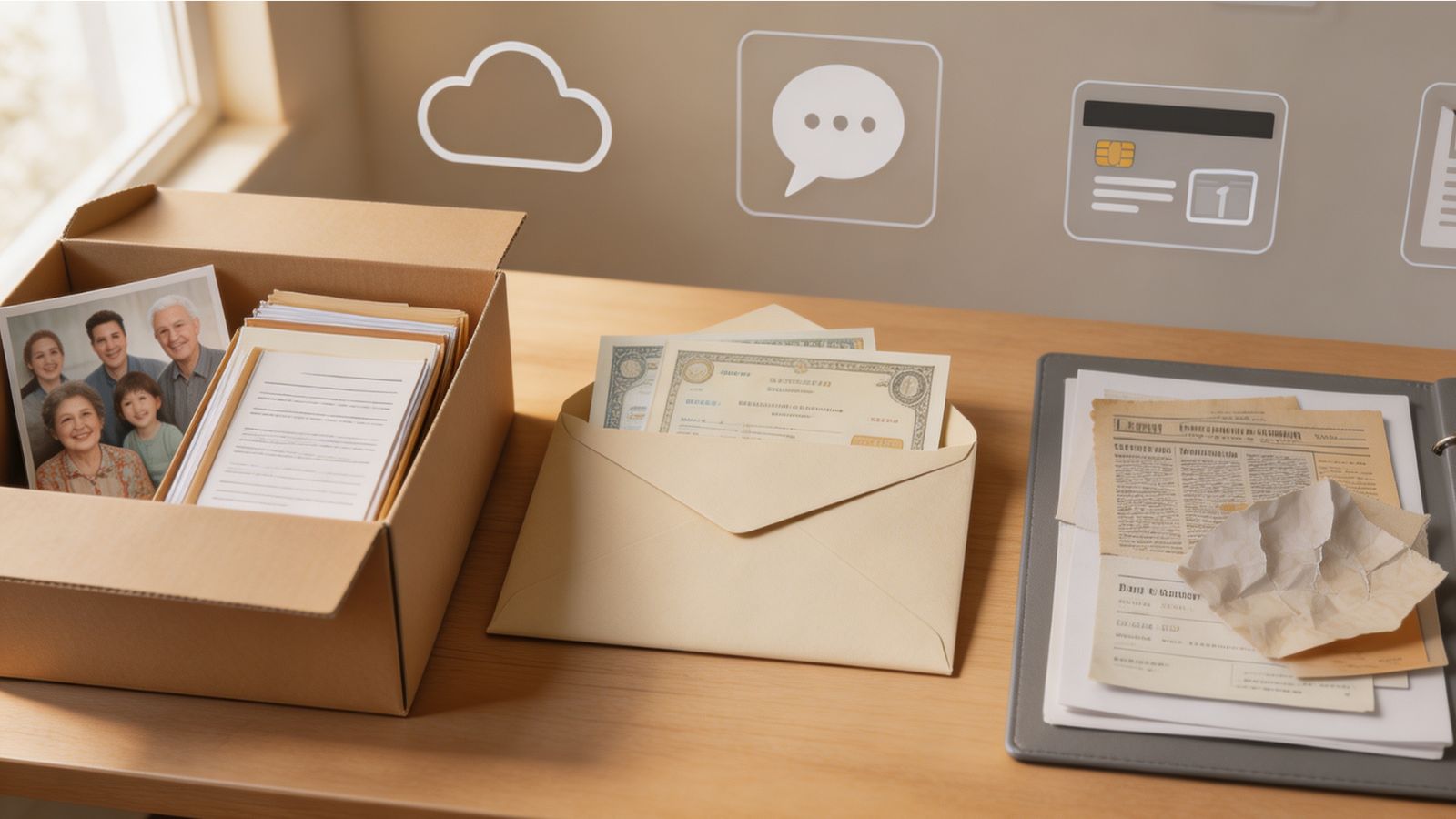
Digital access changes faster than traditional estate paperwork.
Recovery phone numbers become outdated. Security keys are replaced. People change email addresses. Providers modify account-recovery and legacy features. A person you once designated as a trusted contact may no longer be appropriate.
Once a year, verify that:
Recovery contacts are still correct.
Emergency-access settings are current.
Backup codes can still be located.
Important devices and authentication keys are accounted for.
Provider-specific legacy settings still match your wishes.
Your digital instructions remain consistent with your estate plan.
When a provider changes its recovery or legacy system, update your instructions rather than relying on an old procedure.
A digital legacy plan does not need to give another person unrestricted access to everything. It should make the necessary information available to the appropriate person at the appropriate time.
Start with the accounts that control other accounts. Identify irreplaceable information and document the authentication devices that may be required to reach it. Then separate recovery while you are alive from access after death.
Use provider-specific recovery and legacy features where available. Keep authentication secrets protected rather than distributing them casually. Document important devices, dependencies, recovery methods, and desired outcomes.
The key distinction is between what someone should be able to do while you are incapacitated and what they should be able to do after your death.
That distinction turns digital estate planning from a collection of passwords into a controlled access plan—one that can protect your privacy while you are managing your own affairs and still give the people responsible for your digital legacy a practical path forward.
