Digital clutter rarely arrives all at once. It builds quietly: one newsletter subscription, one new app, one enabled notification, one abandoned browser tab at a time. After a few weeks, a device that once felt simple can become crowded with unread badges, unnecessary alerts, old downloads, and open windows that no longer serve a clear purpose.
The problem is easy to overlook because none of these items seems particularly important on its own. One unread email is harmless. A handful of browser tabs is nothing unusual. A single promotional alert takes only a second to dismiss. The trouble begins when dozens of small signals compete for attention throughout the day.
By the time the clutter becomes frustrating, the better opportunity may already have been missed. Rather than waiting until a device feels completely overwhelming, it makes more sense to recognize the early signs and remove unnecessary sources of distraction while the cleanup is still manageable.
Physical clutter is usually obvious. A desk covered with papers or a closet filled with unused items is difficult to ignore.
Digital clutter is different. Much of it hides behind clean interfaces and small icons. It might appear as an inbox with hundreds of unread messages, a desktop filled with screenshots, dozens of browser tabs, or a phone that lights up repeatedly throughout the day.
The important issue is not simply the number of files, apps, or messages. It is whether those items make it harder to decide what deserves attention.
A crowded screen can create visual competition between tasks. An overflowing inbox can make important messages harder to locate. A long list of open tabs can leave several unfinished intentions visible at the same time. None of this means that every item is actively consuming mental resources, but it can make the digital environment harder to navigate.
That distinction matters. Digital organization is not about achieving an empty screen. It is about making the important things easier to find and the unimportant things easier to ignore.
You do not have to wait until your phone or computer feels completely chaotic. Several everyday habits can indicate that the digital environment has become unnecessarily demanding.
Pay attention to what happens during small gaps in the day. Waiting for an elevator, standing in a queue, or pausing between tasks can create a reflexive urge to check a device.
Occasionally checking a phone is completely normal. The more useful question is whether there is a reason for the check.
If the device is opened automatically whenever there are a few seconds of spare time, it may be worth changing the environment rather than relying entirely on willpower. Moving distracting apps away from the home screen or disabling unnecessary alerts can create a small pause between the impulse and the action.
Some people occasionally feel or hear a phone notification when no notification actually occurred. Researchers have studied this phenomenon under terms such as phantom vibration or phantom notification.
The experience does not automatically indicate a health problem, nor does it have a single proven cause. Still, frequent checking can be a useful reason to examine how prominent the phone has become in everyday routines.
If notifications are rarely important, reducing unnecessary alerts may make the device less demanding without requiring it to be completely silent.
A browser with a large collection of tabs can gradually become a storage system for unfinished intentions.
There may be an article to read later, a product page to compare, a document to revisit, and several searches that seemed useful at the time. Eventually, the browser stops representing the current task and starts representing everything that might matter someday.
A simple test is to look at the open tabs and ask which ones are relevant to the work being done right now.
If the answer is only one or two, the rest probably do not need to remain visible.
Unread badges are convenient when they identify something genuinely important. They become less useful when almost every app displays one.
An inbox showing “42” unread messages can feel very different from an inbox showing three. A growing number creates a visible backlog, even when many of those messages are promotional, outdated, or irrelevant.
As the count increases, people tend to develop one of two habits. They may repeatedly check the app in an attempt to reduce the number, or they may stop paying attention to the badge altogether. Neither approach is particularly helpful when important information is mixed with large amounts of routine content.
A better solution is to reduce the amount of information entering the channel.
Unsubscribe from newsletters that are rarely opened. Turn off promotional notifications. Separate important communication from routine updates when the software allows it. And if an unread badge is rarely useful, remove it.
The goal is not to maintain a perfectly empty inbox. It is to make the number meaningful again.
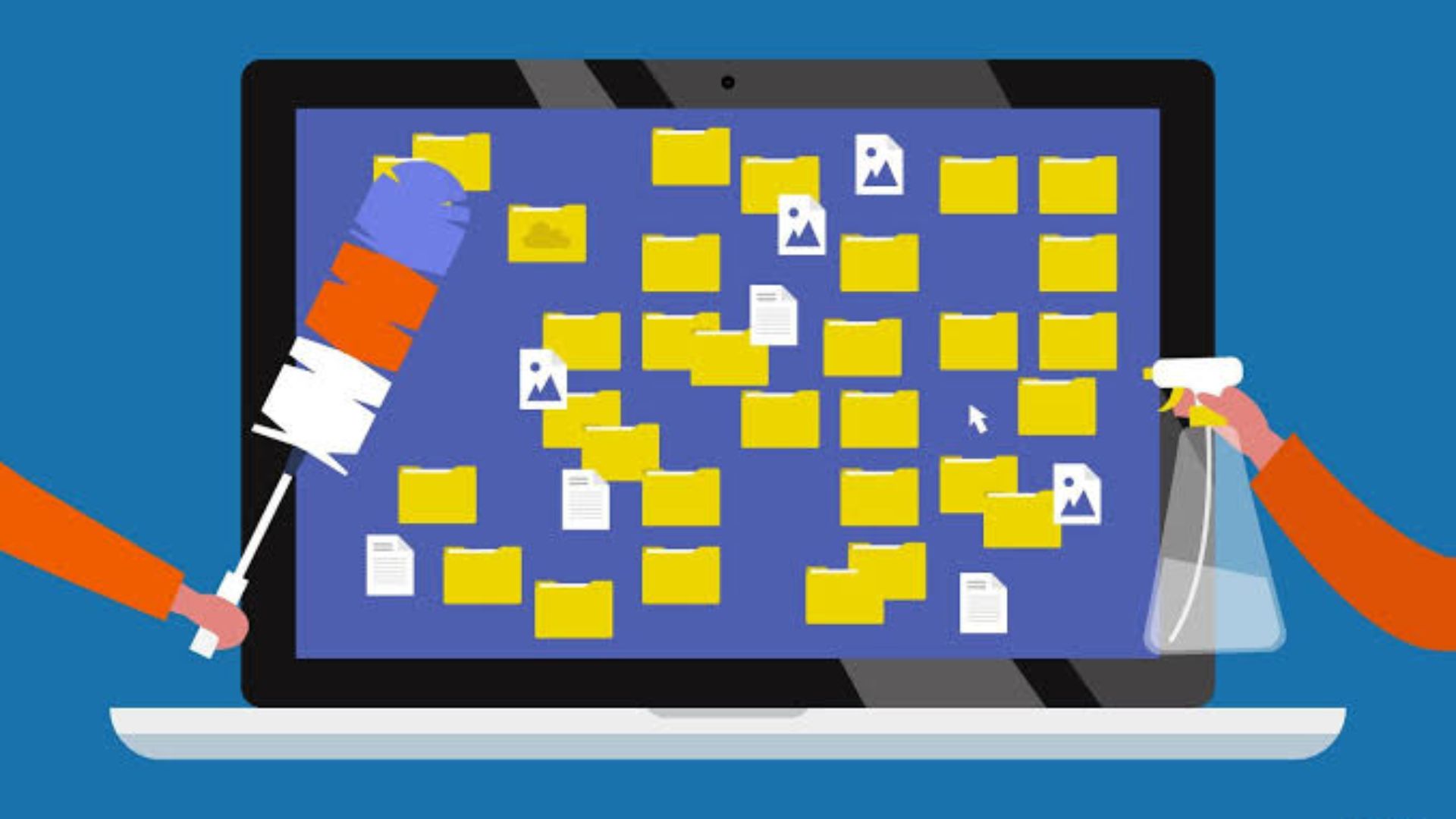
Another overlooked form of clutter is the number of small decisions created by a crowded digital environment.
Should this notification be opened? Is that email important? Which of these thirty tabs matters? Should this newsletter be saved? Is the new app worth keeping? Does this message require a reply?
Each decision is small, but a long series of them can make ordinary computer use feel surprisingly tiring.
This is why digital cleanup should focus on reducing unnecessary choices rather than simply deleting files.
A useful home screen should make common actions easy. A useful inbox should make important messages visible. A useful browser session should contain the material needed for the current task.
Good organization reduces searching.
Digital clutter is easier to manage when it is handled regularly instead of becoming a major cleanup project.
A short weekly reset can be enough.
Close browser tabs that no longer serve an active purpose. Move useful pages into a reading list or bookmark folder. Delete temporary screenshots and downloads that are no longer needed. Review recently installed apps and check whether they still deserve notification access.
The process does not need to take an hour. Ten or fifteen minutes can be enough to prevent small amounts of clutter from becoming a large backlog.
The key is consistency.
A simple rule can also prevent subscriptions from growing without limit: when adding a new recurring information source, reconsider an existing one.
For example, subscribing to a new industry newsletter could be a good reason to review several older newsletters that are rarely opened. Installing a new productivity app could be an opportunity to remove an older tool that has become redundant.
This should not be treated as an inflexible rule. Some additions are genuinely useful, and some old tools still have a clear purpose.
The principle is simply to make new digital commitments deliberately.

Notifications are not inherently bad. A calendar reminder can prevent a missed meeting. A direct message may require a timely response. A security alert can be important.
The problem is allowing every application to use the same channel.
Review notification permissions periodically and ask what each alert is actually accomplishing. If an alert rarely changes what you do, it may not need to interrupt you.
For routine information, scheduled checks are often easier to manage than constant alerts. Instead of allowing an application to decide when attention is needed, choose a time to review it.
Not everything needs to be deleted.
A useful article can be saved. An old project can be archived. A reference document can remain stored without sitting permanently on the desktop. The important distinction is between keeping something and keeping it visible.
This is one of the simplest ways to reduce digital clutter without losing useful information.
Move older material into clearly labeled folders or archives. Keep the active workspace focused on what is currently relevant. Storage can remain extensive while the working environment stays simple.
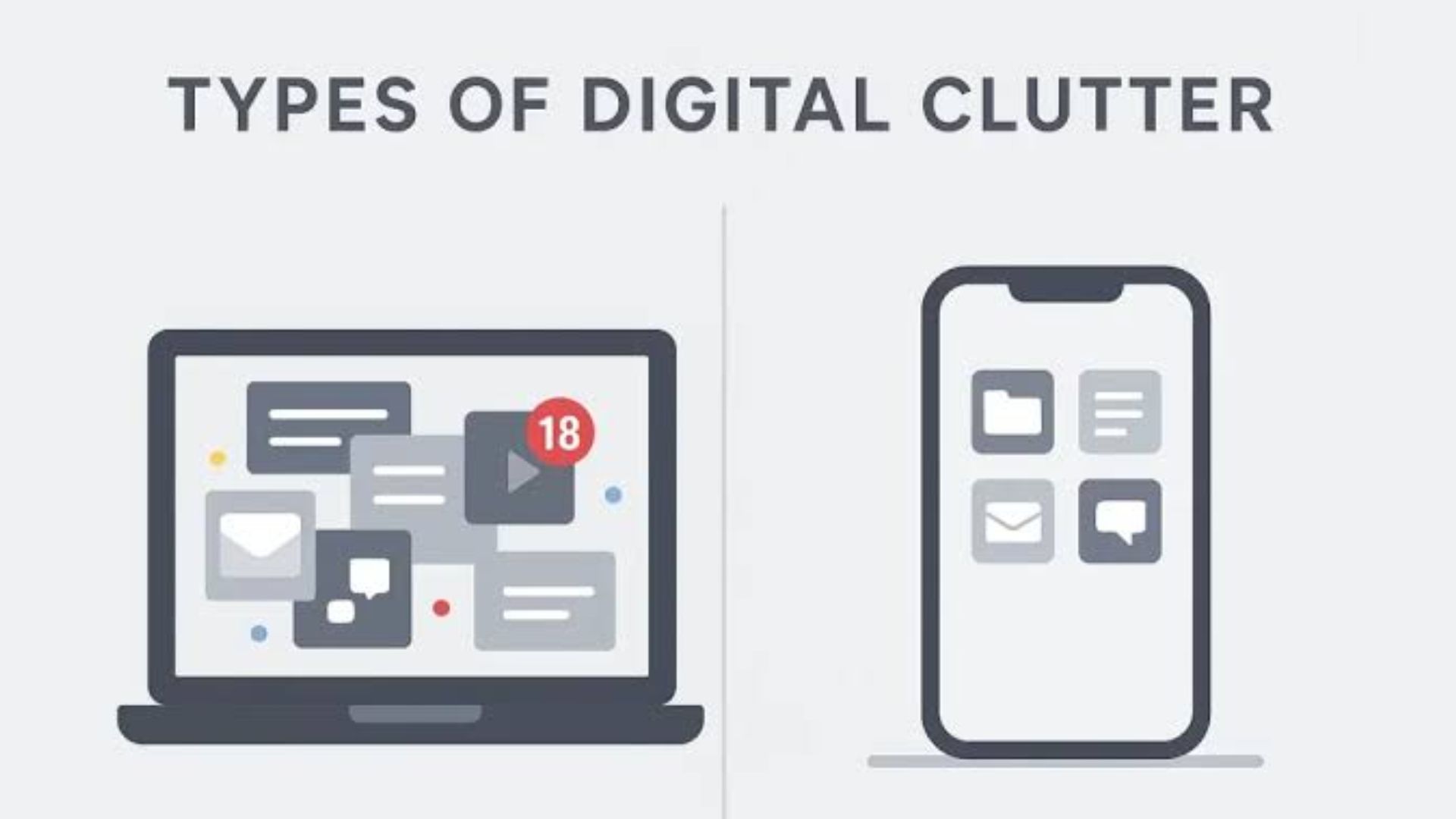
A well-organized digital environment does not have to be perfectly minimal. It simply needs clear priorities.
Important communication should be easy to find. Routine updates should not interrupt constantly. Temporary material should have somewhere to go. Applications that are rarely used should not dominate the home screen. Browser tabs should represent active work rather than every idea that might become useful someday.
Small changes can make a noticeable difference because they remove unnecessary decisions from ordinary routines.
The objective is not to create a perfectly empty phone or desktop. It is to create an environment where attention is directed by purpose rather than by whatever happens to flash, buzz, or appear next.
Recognizing digital clutter early makes that process much easier. Instead of waiting for hundreds of unread messages or dozens of forgotten tabs to become overwhelming, small amounts of maintenance can keep the environment manageable.
The device still contains plenty of information. The difference is that the information no longer has to compete for attention simply because it is there.
