Modern professionals rarely suffer from a lack of technology. More often, they suffer from having too much of it. A desktop computer handles demanding work, a laptop travels between meetings, a tablet becomes a reading device, and a smartphone serves as a communication hub. Each purchase usually makes sense in isolation. The problem emerges gradually, as every new device introduces another operating system, another set of applications, another synchronization process, and another collection of files that must be maintained.
Ironically, the pursuit of greater productivity often creates a more fragile environment. The issue is not the number of devices themselves but the absence of clear boundaries between them. When several devices perform the same tasks, redundancy begins to replace specialization. Documents appear in multiple locations, notes become fragmented across different applications, and maintenance starts consuming time that should be spent on actual work. Simplifying a technology ecosystem is not about reducing the number of devices to an arbitrary target. It is about creating a system in which every device has a clear purpose and every tool contributes something unique to the workflow.
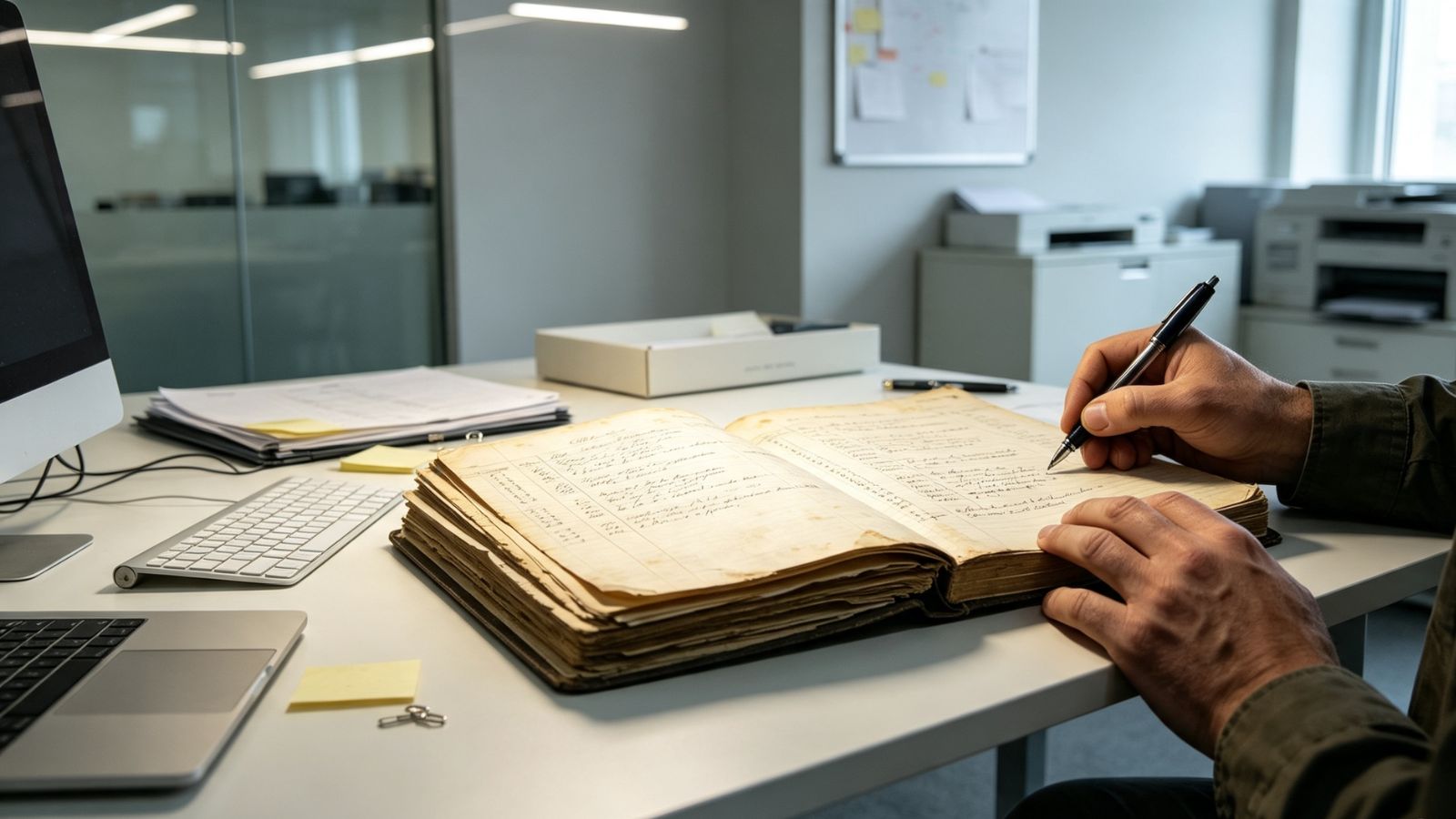
Many people assume that additional devices automatically increase flexibility, but flexibility and complexity are not the same thing. A second laptop might initially seem useful for travel, while a tablet may appear to solve the inconvenience of reading on a small phone screen. Over time, however, every new device introduces hidden responsibilities. Software updates must be installed, passwords must be synchronized, batteries must be maintained, and files must remain accessible across multiple environments. Research into multi-device behavior has repeatedly shown that fragmented workflows often emerge when users spread tasks across too many devices rather than assigning clear responsibilities to each one.
One of the easiest ways to identify unnecessary complexity is to observe your daily habits for a week. If you constantly send files from one device to another, repeatedly search for the latest version of a document, or maintain duplicate applications across several screens, your ecosystem has probably expanded beyond what your workflow actually requires. These patterns are often more revealing than technical specifications because they expose operational friction instead of theoretical capability. A device should reduce effort, not create additional administrative work.
Another useful exercise is to distinguish between active and passive devices. Active devices directly contribute to your most important work, while passive devices simply provide convenience. An e-reader used every evening may justify its existence because it creates a distraction-free environment for reading. A rarely used tablet that duplicates everything your laptop already does may not. Evaluating devices through the lens of behavior rather than ownership often reveals surprising opportunities for simplification.
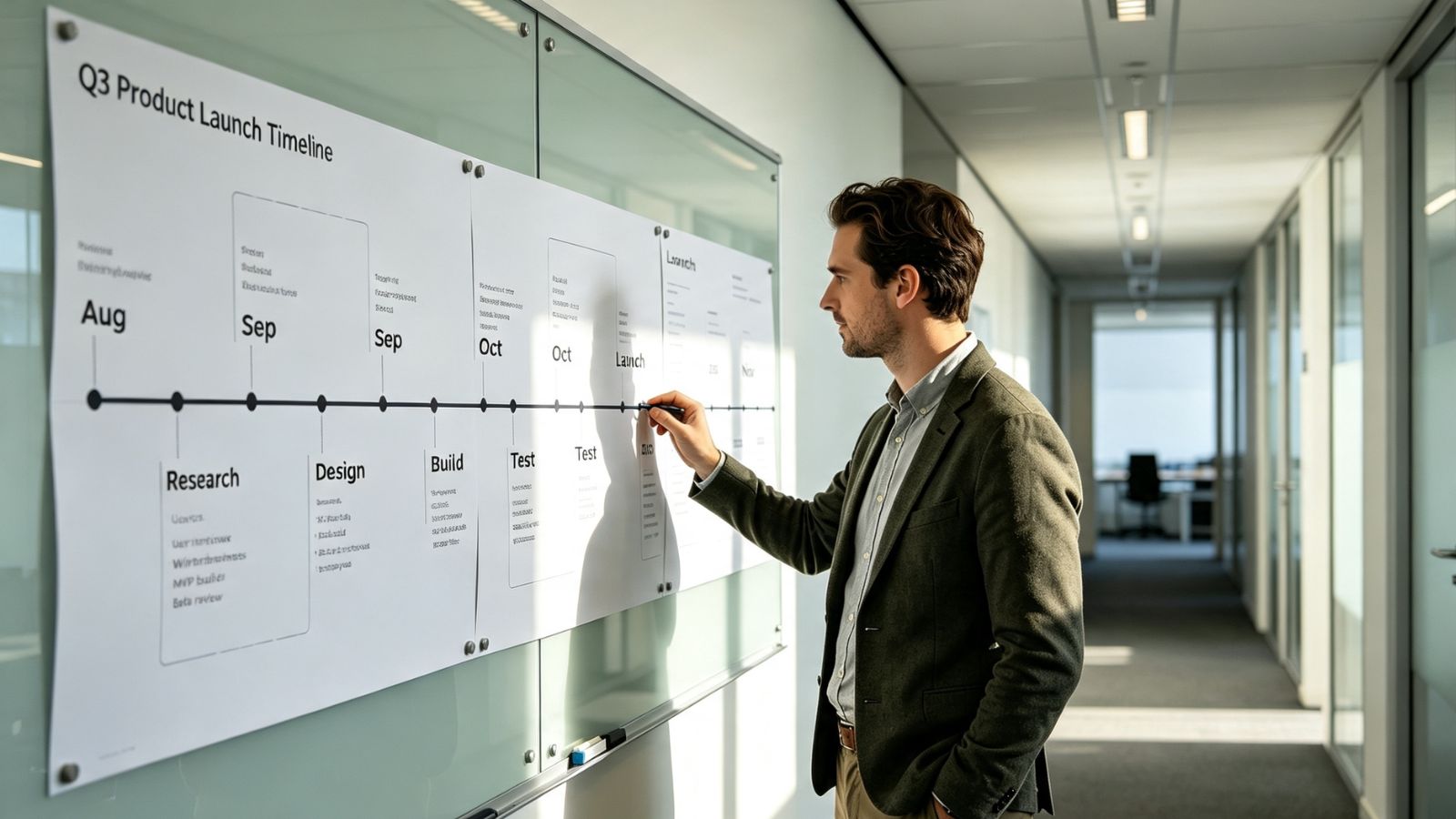
The most effective technology ecosystems are rarely built around owning fewer devices. Instead, they are built around assigning clear functions to each device. The goal is not minimalism for its own sake but intentional specialization. A desktop might become the primary environment for writing, design, data analysis, or software development. A smartphone might handle communication, authentication, and quick information retrieval. A tablet might become a dedicated reading and annotation tool. When roles are clearly defined, devices stop competing with one another.
This approach also reduces decision fatigue. One of the most overlooked costs of a fragmented ecosystem is the constant need to decide where work should happen. Should you answer email on your phone or your laptop? Should you take notes on a tablet or inside a desktop application? Small decisions repeated dozens of times each day consume attention that could be directed toward more meaningful tasks. Studies and user discussions around digital minimalism frequently point to the same conclusion: productivity often improves when devices have clearly separated responsibilities rather than overlapping ones.
Assigning roles does not require rigid rules. Instead, think in terms of primary and secondary functions. Your laptop may remain the primary environment for content creation, while your phone becomes a backup device for review and communication. This distinction prevents every screen from becoming an all-purpose workstation. More importantly, it allows you to evaluate future purchases more objectively. Before adding another device, ask a simple question: does it introduce a genuinely new capability, or does it simply duplicate an existing one?
Hardware clutter is usually accompanied by software clutter. Many professionals accumulate multiple note-taking applications, several cloud storage subscriptions, duplicate task managers, and overlapping communication platforms without realizing how much complexity these tools introduce. The problem becomes particularly noticeable after changing devices because every machine carries its own collection of applications, preferences, and synchronization settings.
A software audit often reveals that several tools are performing nearly identical functions. Start by listing every application you use for communication, note-taking, task management, file storage, document creation, and reference management. Then identify which tools you actively rely on and which ones you continue using only because they were installed years ago. Digital minimalism frameworks increasingly recommend reducing tool overlap by assigning one primary application to each major workflow category instead of maintaining multiple competing systems. (LifeDev.net)
When choosing which applications to keep, prioritize portability and compatibility over novelty. Applications that support open file formats and operate across multiple platforms are generally easier to maintain over time. The objective is not to build the most sophisticated software stack possible. The objective is to create a system that remains understandable six months from now. A smaller, more consistent collection of tools reduces maintenance, simplifies onboarding when work responsibilities change, and minimizes the risk of information becoming trapped inside isolated applications.

Many technology ecosystems become unnecessarily complicated because they are designed around current preferences rather than long-term adaptability. A freelancer may eventually begin managing a team. A remote employee may return to a hybrid schedule. A consultant who once traveled constantly may transition into a more stationary role. When work changes, devices and software should be reevaluated rather than preserved out of habit.
Instead of viewing simplification as a one-time cleanup project, treat it as a recurring review process. Every few months, examine your devices and ask several practical questions. Which devices have been used consistently? Which applications have become redundant? Which subscriptions no longer support your workflow? Which tools continue to create unnecessary maintenance? Small adjustments made regularly are usually more effective than major overhauls performed once every few years.
A resilient technology ecosystem is not defined by the number of devices on your desk. It is defined by clarity. When every device has a purpose, every application has a role, and every workflow follows a predictable path, technology fades into the background. The result is not a minimalist workspace for aesthetic purposes but a practical environment that allows your attention to remain focused on the work itself.
Simplifying a multi-device technology ecosystem does not require eliminating useful tools or forcing yourself into an extreme version of digital minimalism. The goal is to reduce unnecessary overlap while preserving the capabilities that genuinely support your work. By identifying hidden maintenance costs, assigning clear roles to devices, reducing software redundancy, and reviewing your ecosystem regularly, you can create a technology environment that remains efficient without becoming unnecessarily complicated.
A well-designed ecosystem should feel almost invisible. Instead of constantly managing files, applications, and synchronization settings, you should be able to move naturally between devices while remaining focused on the task in front of you. That shift from device management to purposeful work is what true simplification is meant to achieve.
