Working across multiple devices should make projects easier to manage, yet many people eventually run into the same problem: too many copies of the same file.
A document is downloaded onto a laptop before a business trip. Another version is edited on a desktop computer later that week. A tablet stores an offline copy for reading during a commute. Before long, folders begin filling with filenames such as proposal-final, proposal-final-v2, and proposal-latest. The issue isn't a lack of storage or insufficient synchronization technology. The real problem is that file copies gradually replace file states as the primary method of moving information between devices.
A healthier approach is to stop thinking about synchronization as a process that distributes identical files everywhere. Instead, think of it as a system that preserves the current state of active work while reducing unnecessary duplication. The goal isn't to make every device hold the same data. The goal is to ensure that every device points to the same source while presenting the information needed at a particular moment.
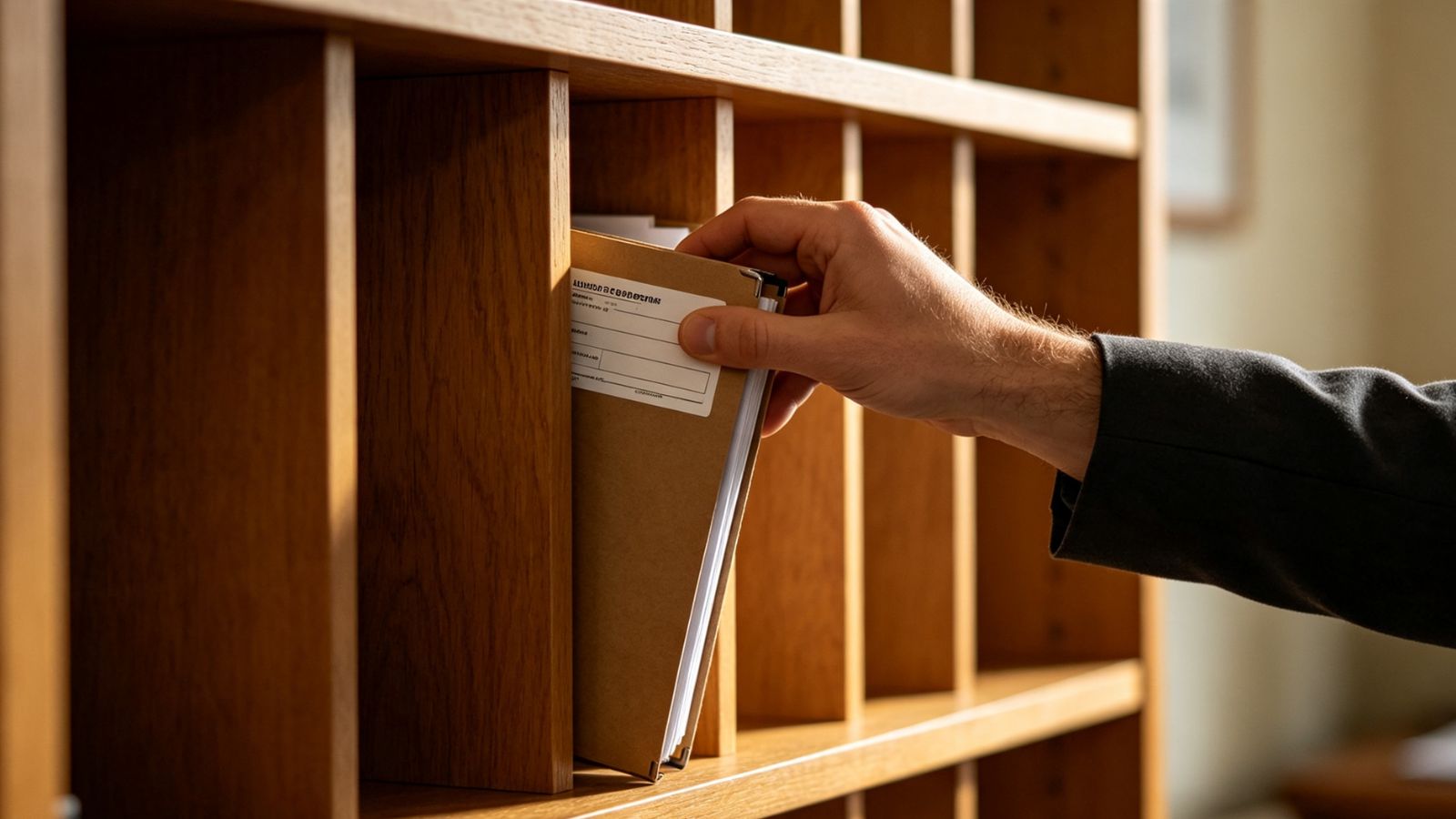
One of the biggest causes of duplicate data is the habit of treating every file as equally important. In reality, most projects contain only a small number of active documents, while the majority of files remain untouched for weeks or months. When entire folders are synchronized automatically across every device, inactive materials consume storage space and increase the likelihood of version conflicts.
A more sustainable workflow begins by dividing information into two categories: active files and archived files. Active files include current drafts, working spreadsheets, ongoing research, and materials that require frequent updates. These resources should remain easily accessible across devices. Archived files, on the other hand, should be stored in a central location and retrieved only when necessary. This simple distinction reduces unnecessary synchronization while making it easier to identify which documents actually require continuous updates.
Instead of creating separate copies for different devices, maintain a single working version of each active file. Once a project is completed, move it into an archive rather than leaving it inside an actively synchronized workspace. Over time, this practice prevents project directories from becoming collections of outdated and conflicting documents.
Many workflows create duplication because users move entire files when they only need temporary access to information. Sending a PDF to yourself through email, downloading duplicate attachments, or copying documents into multiple folders often feels convenient in the moment, but these shortcuts create long-term organizational problems.
In many situations, references are more valuable than copies. A bookmark, document link, reading list entry, or project reference preserves access without creating another independent version. Instead of duplicating a file across multiple project folders, create a clear path back to its original location. This approach is especially useful for reference materials that support several projects simultaneously.
Using references also simplifies maintenance. When a document changes, there is only one version to update. Team members no longer need to determine which file contains the latest information, and individuals working alone avoid the confusion of maintaining multiple drafts scattered across different devices. The fewer physical copies that exist, the easier it becomes to preserve consistency.
Many people assume that file synchronization should also include every aspect of their working environment. Browser tabs, application settings, downloads, temporary files, plug-ins, and cached resources are often synchronized together in an attempt to create identical experiences across devices.
However, documents and environments behave differently. Documents represent the work itself, while environments simply support that work. Combining the two frequently creates unnecessary complexity. A lightweight laptop used for travel doesn't need to replicate every development tool, media cache, or local application setting stored on a desktop workstation.
A more practical strategy is to synchronize only the preferences that genuinely affect productivity. Keyboard shortcuts, templates, reading lists, and workspace layouts can usually be transferred without copying large amounts of supporting data. Keeping environmental settings lightweight allows devices to feel familiar without forcing them to become exact replicas of one another.
No synchronization system remains organized without regular maintenance. Temporary downloads accumulate, offline copies remain buried inside local folders, and old drafts continue occupying storage long after they stop serving any practical purpose. Duplicate files rarely appear overnight. They develop gradually through small decisions repeated over time.
A short weekly review is often enough to keep duplication under control. Remove outdated downloads, archive completed projects, and verify that active files still point back to their intended source. If you notice several versions of the same document appearing across different devices, treat that as an early warning sign rather than a minor inconvenience.
The purpose of this review isn't to create another administrative task. Instead, it reinforces a simple principle: every file should have a clear home, and every device should have a clearly defined role. When those boundaries remain intact, synchronization becomes almost invisible.
Managing files across multiple devices doesn't require mirroring entire hard drives or building increasingly complex synchronization systems. In most cases, duplication occurs because workflows prioritize copying over organization.
By separating active work from archives, relying on references instead of unnecessary file transfers, treating environments differently from documents, and establishing a lightweight review routine, you can maintain consistent file states without filling your devices with redundant data. An effective cross-device workflow isn't measured by how many files are synchronized. It's measured by how little effort it takes to find the right version when you need it.
