
Many productivity systems begin with a simple recommendation: write things down. The idea makes sense. Human memory is limited, and important thoughts, tasks, and insights can easily disappear when attention shifts to something else.
A quick note captured during a meeting, a voice memo recorded while walking, or a saved article discovered during research can preserve valuable information for later use.
However, collecting information creates its own challenge. Many people build efficient capture systems with note-taking apps, browser extensions, mobile widgets, and voice recording tools, only to end up with hundreds of unread notes waiting for attention.
The problem is not capturing too much information. The problem is failing to create a process that moves information from temporary storage into something useful.
A sustainable note-taking workflow separates two different activities: capturing ideas quickly and reviewing them intentionally.
A growing note inbox is usually not caused by a lack of motivation. Instead, it often happens because the capture system is treated as a permanent archive rather than a temporary collection point.
Modern tools make saving information extremely easy. A browser extension can store an article instantly, and a phone can convert a quick voice recording into text within seconds.
This convenience is useful, but it also removes the natural filtering process that happens when saving information requires more effort.
When capturing becomes effortless, people may save:
Articles they never plan to read
Quotes without enough context
Ideas that are too incomplete to understand later
Information that has no connection to current goals
Over time, the inbox becomes filled with uncertain items. Instead of helping users think clearly, it becomes another task requiring maintenance.
The solution is to view the capture inbox as a temporary checkpoint, not the final destination of information.
A good capture process should be quick enough to use whenever an idea appears. If recording a thought requires choosing folders, adding tags, or formatting text, users may delay capturing the idea and lose it.
The goal is speed first, organization later.

During the initial capture stage, focus only on preserving the idea.
A useful capture can be as simple as:
A short sentence
A few keywords
A voice memo
A screenshot with a brief explanation
Do not spend time creating the perfect note. The purpose of capture is to reduce mental pressure, not complete the entire organization process.
Editing and structuring should happen during a separate review period.
Another common mistake is creating too many inboxes.
For example, users may save ideas in:
A phone notes app
A browser bookmark folder
A task manager
Multiple note-taking applications
When information is scattered, reviewing becomes difficult.
A better approach is creating one main capture location where temporary ideas collect before processing.
The specific tool matters less than consistency. A simple system that is regularly reviewed is usually more effective than a complicated system that is rarely maintained.

A capture system remains useful only when notes are reviewed regularly.
The purpose of review is not to organize every saved item perfectly. The purpose is to decide what deserves more attention.
A simple review process can follow three actions:
Read the captured note and identify why it was saved.
Ask:
What was interesting about this?
Does it contain a useful idea?
Is there important context missing?
Rewrite the note in your own words when necessary. A short explanation is often more valuable than keeping the original clip without understanding.
Some captured items deserve a more permanent place.
A note may be worth keeping if it:
Supports a current project
Explains an important concept
Changes your understanding of a topic
Provides a useful reference for future work
For example, a saved article about writing techniques may become a permanent reference note if you regularly create content.
The goal is not to save everything. The goal is to transform useful information into knowledge that can be reused.
Deleting notes is an important part of maintaining a healthy system.
Many people keep old bookmarks and unfinished notes because they feel they may become useful someday. However, a large collection of unused information can make searching and reviewing more difficult.
If a note has remained untouched for a long period and no longer connects to your interests or projects, removing it may improve the overall quality of your system.
A smaller collection of useful notes is often easier to maintain than a massive archive of forgotten information.
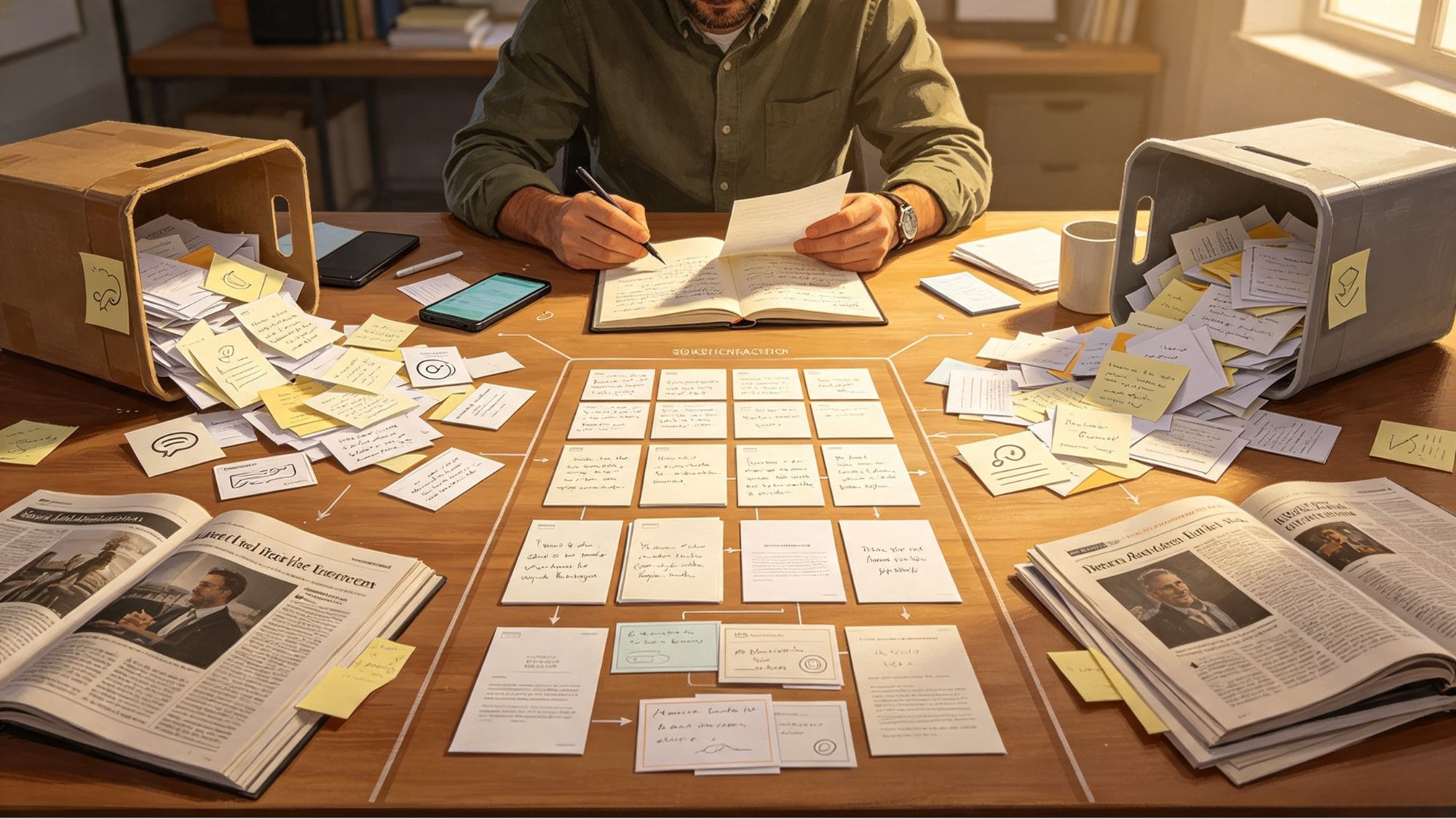
One of the most effective ways to prevent note overload is connecting information capture with actual goals.
A note-taking system should support activities such as:
Writing articles
Planning projects
Learning new skills
Solving work problems
Developing ideas
Before saving something, consider asking:
“What might I do with this information?”
This simple question changes the purpose of collecting information. Instead of saving content because it seems interesting, you begin capturing information because it has potential value.
The difference is important. A personal knowledge system should not become a storage room filled with unused material. It should function as a working environment that helps transform information into action.

A useful capture system requires balance. Capturing thoughts quickly protects valuable ideas, while regular review prevents digital clutter from building up.
The most effective workflows separate collection from organization. Capture ideas with minimal effort, review them consistently, keep only information with real value, and connect useful notes to ongoing projects.
The goal is not to create the largest archive possible. The goal is to build a system where saved information remains accessible, meaningful, and ready to support future thinking.
