A modern workday can feel like an endless game of keeping plates in the air. One minute, a spreadsheet needs attention. The next, a message arrives in a team chat, an email needs a reply, a project board changes, and a meeting reminder appears on the screen. Add a personal message to the mix, and the original task can quickly become just one item in a long queue of competing demands.
From the outside, this can look like efficiency. A person is answering messages, checking updates, moving between applications, and keeping several projects alive at once. Yet rapid switching is not the same thing as handling several complex tasks simultaneously. Each move requires attention to shift toward a different goal, information set, and set of rules, and those transitions can carry a real mental cost.
The problem is easy to miss because no single switch feels particularly expensive. The accumulated effect is different. A day filled with small interruptions can leave complex work taking longer, make mistakes easier to overlook, and create the uncomfortable feeling of being busy without making much progress.
Consider the difference between writing a report and answering a message about a difficult client problem. The two tasks require different information and different ways of thinking. Moving from one to the other means stopping the first line of thought, interpreting the new information, deciding how to respond, and then figuring out where to resume the original work.
That process is not necessarily dramatic, but it is not free either.
Research on task switching and attention has shown that unfinished tasks can continue to occupy attention after a person moves on to something else. This is one reason an interruption can feel more disruptive than the amount of time spent responding would suggest. A two-minute message may take two minutes to answer, but returning to the original task can require additional time to reconstruct what was being considered before the interruption.
The effect is especially noticeable with complex work. If a programmer is debugging a difficult section of code, a quick conversation about an unrelated project may leave the original problem harder to pick up again. The code has not changed. The mental context has.
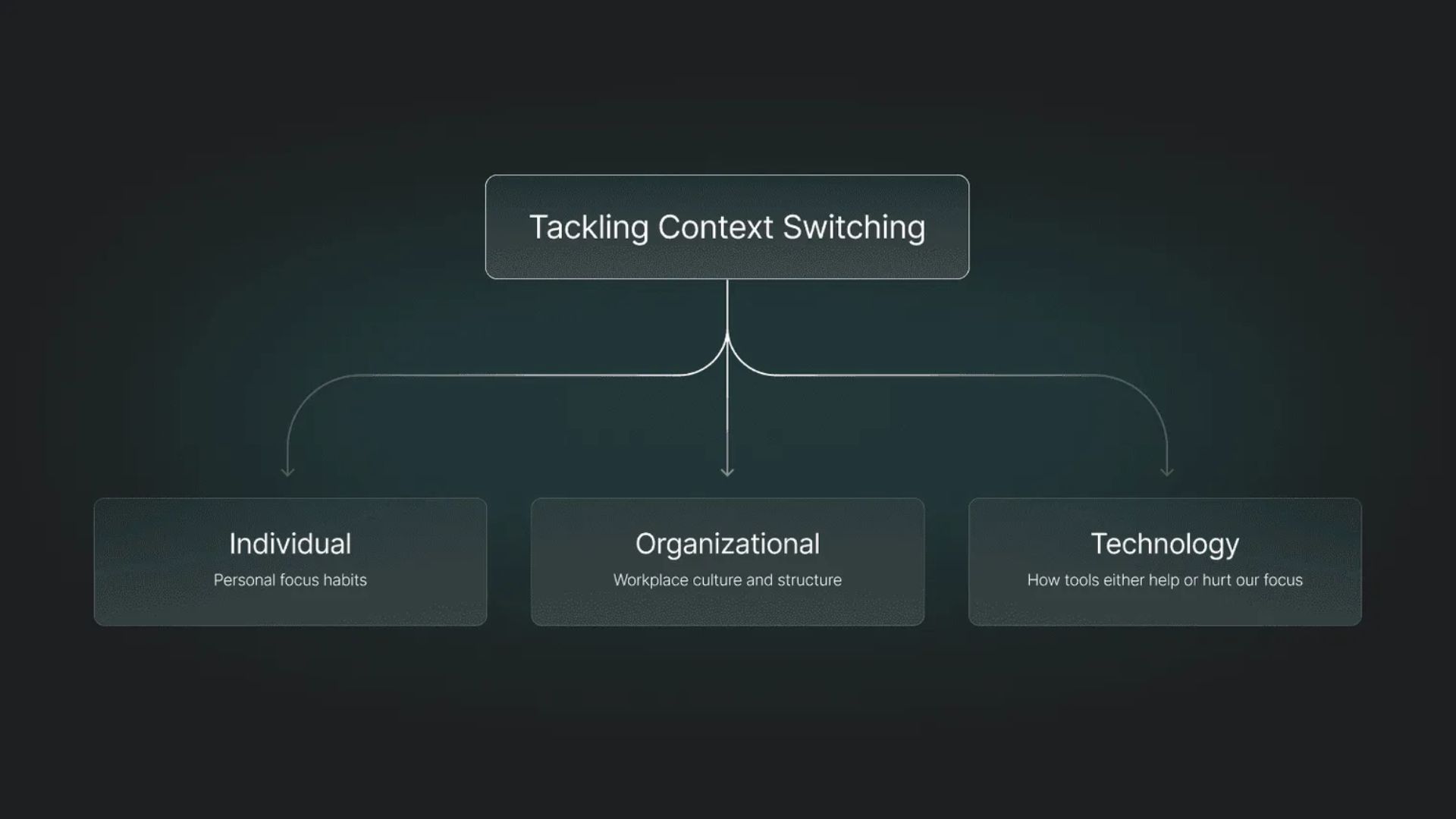
People often describe themselves as good multitaskers, and there is a reason the experience can feel productive. Switching tasks creates a steady stream of visible activity: another message answered, another tab checked, another box marked complete.
But when the tasks require sustained attention, the brain generally has to alternate between them rather than fully processing several demanding streams at once. What looks like multitasking is often rapid task switching.
That distinction matters because every switch introduces some overhead.
There is the interruption itself, followed by the effort required to understand what the new task requires. Later, there is another transition when attention returns to the original task. A single switch may be trivial. Dozens of them spread throughout a workday can create a very different experience.
The result is not necessarily catastrophic productivity loss. It is often something subtler: work that takes longer than expected, more repeated checking, more unfinished tasks, and less uninterrupted time for difficult problems.
The software environment itself can encourage frequent switching. A few patterns appear repeatedly.
Chat applications, email clients, calendars, project-management tools, and document platforms can all produce alerts. When those notifications remain active throughout the day, each one becomes a potential reason to leave the current task.
Not every alert deserves that power.
A message about a genuine deadline may need immediate attention. A routine project update probably does not. Treating both in exactly the same way makes it difficult to protect focused work.
A useful starting point is to divide notifications into levels of urgency. Keep interruptions for communication that genuinely requires a quick response and move routine updates into quieter channels.
A browser with dozens of open tabs can become a visual record of unfinished intentions. There may be an article to read, a product page to compare, a document to review, and several searches that seemed useful earlier.
The problem is not that every open tab consumes a large amount of mental capacity. It is that the collection creates visual clutter and makes it harder to see what actually belongs to the current task.
Closing unrelated tabs before starting focused work can therefore be surprisingly useful. If something matters later, save it in a bookmark folder or reading list rather than keeping it permanently visible.
Workplace culture can create another source of fragmentation. When employees feel that every message should receive an immediate response, communication begins to compete directly with concentrated work.
That does not mean messages should be ignored. It means response time should match the nature of the communication.
A genuinely urgent issue and a routine question do not need the same response window. When teams make that distinction explicit, people have more room to work without constantly monitoring every channel.
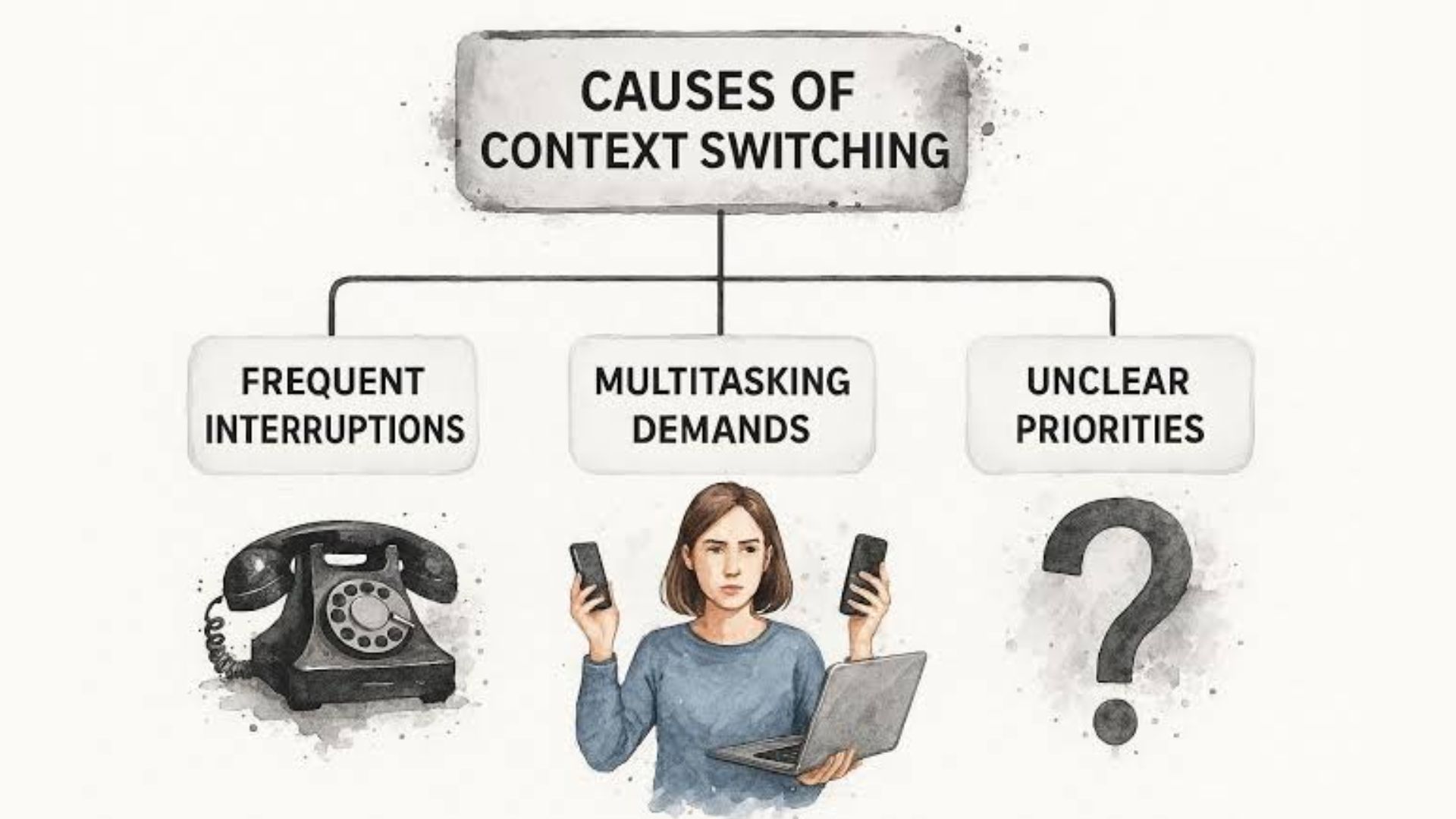
One of the simplest ways to reduce unnecessary switching is to group similar activities.
Instead of answering email between every other task, set aside specific periods for communication. The same approach can work for project updates, administrative work, scheduling, and routine approvals.
The exact schedule depends on the job. Someone managing a live support operation may need to monitor messages continuously, while someone writing reports may be able to check communication only a few times during the day.
The important point is to stop treating every incoming message as an invitation to change tasks.
When communication has its own place in the schedule, focused work no longer has to compete with it every few minutes.
Complex tasks benefit from environments that make the intended work obvious.
If the goal is to write a report, keep the document visible and close unrelated tabs. If the task involves coding, keep the relevant development tools open while minimizing unrelated applications. During a period of focused analysis, silence nonessential communication alerts.
This is not about creating a perfectly distraction-free workspace. That is rarely realistic.
It is about reducing the number of competing choices.
A clean workspace makes it easier to see what should be happening now instead of presenting ten possible next actions at once.
Switching directly from one demanding task to another can leave the first task feeling unfinished. A short transition routine can help organize the handoff.
Before leaving a complex task, write down three things:
where the work currently stands
what the next step should be
anything that needs to be remembered when returning
This takes very little time, but it changes the experience of coming back later. Instead of spending several minutes reconstructing the previous train of thought, there is already a small record of what was happening.
The same idea works between meetings. A quick note about an unfinished decision or pending action can prevent the details from competing for attention throughout the rest of the day.
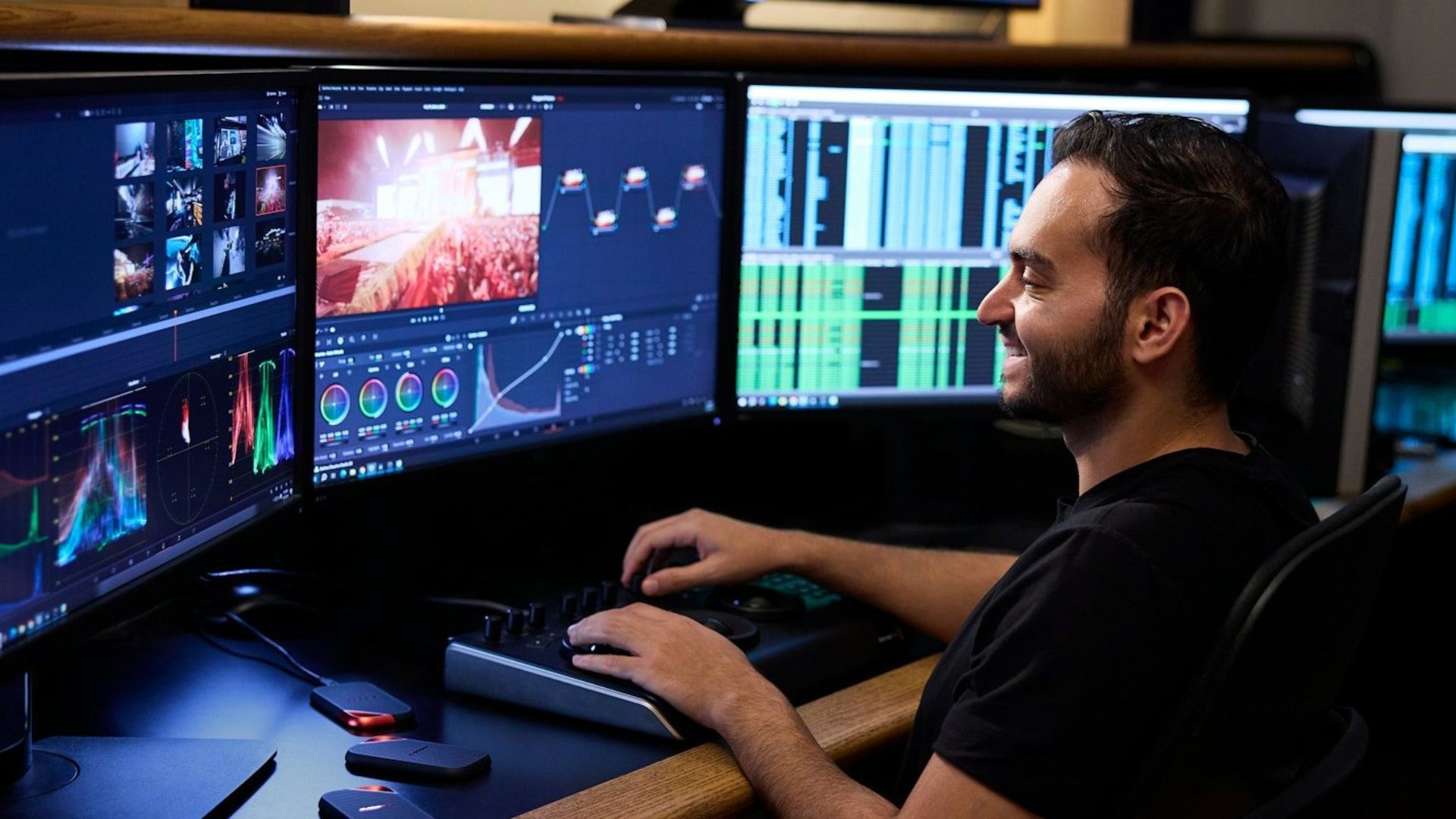
For many people, the easiest way to experiment with fewer switches is to protect one uninterrupted block rather than trying to redesign the entire day.
It might be thirty minutes, an hour, or longer depending on the work involved.
During that period, communication channels can be muted, unnecessary tabs closed, and the phone placed somewhere outside the immediate field of view. The goal is not to create an extreme productivity ritual. It is simply to give one task enough uninterrupted time to develop.
Once that block becomes routine, additional focused periods can be added if they prove useful.
Context switching is not something that needs to disappear completely.
Some work naturally involves moving between tasks. A manager may need to review a document, answer a question, and attend a meeting within the same hour. A customer-service employee may need to respond to several conversations at once. An emergency situation can require constant reprioritization.
The problem is unnecessary switching.
Moving from one task to another because the work requires it is different from abandoning a difficult task every time a notification appears. The first is part of the job. The second may simply be a habit created by the digital environment.
The goal should therefore be control, not zero switching.
It is easy to judge productivity by visible activity. A full inbox, a long list of replies, and dozens of completed micro-tasks can create a satisfying sense of progress.
A better question is what actually moved forward.
Was the difficult report completed? Was the underlying problem solved? Did the project reach an important milestone? Was there enough uninterrupted time to think through the issue properly?
These measures are less flashy than counting messages, but they reveal whether constant activity is producing meaningful results.
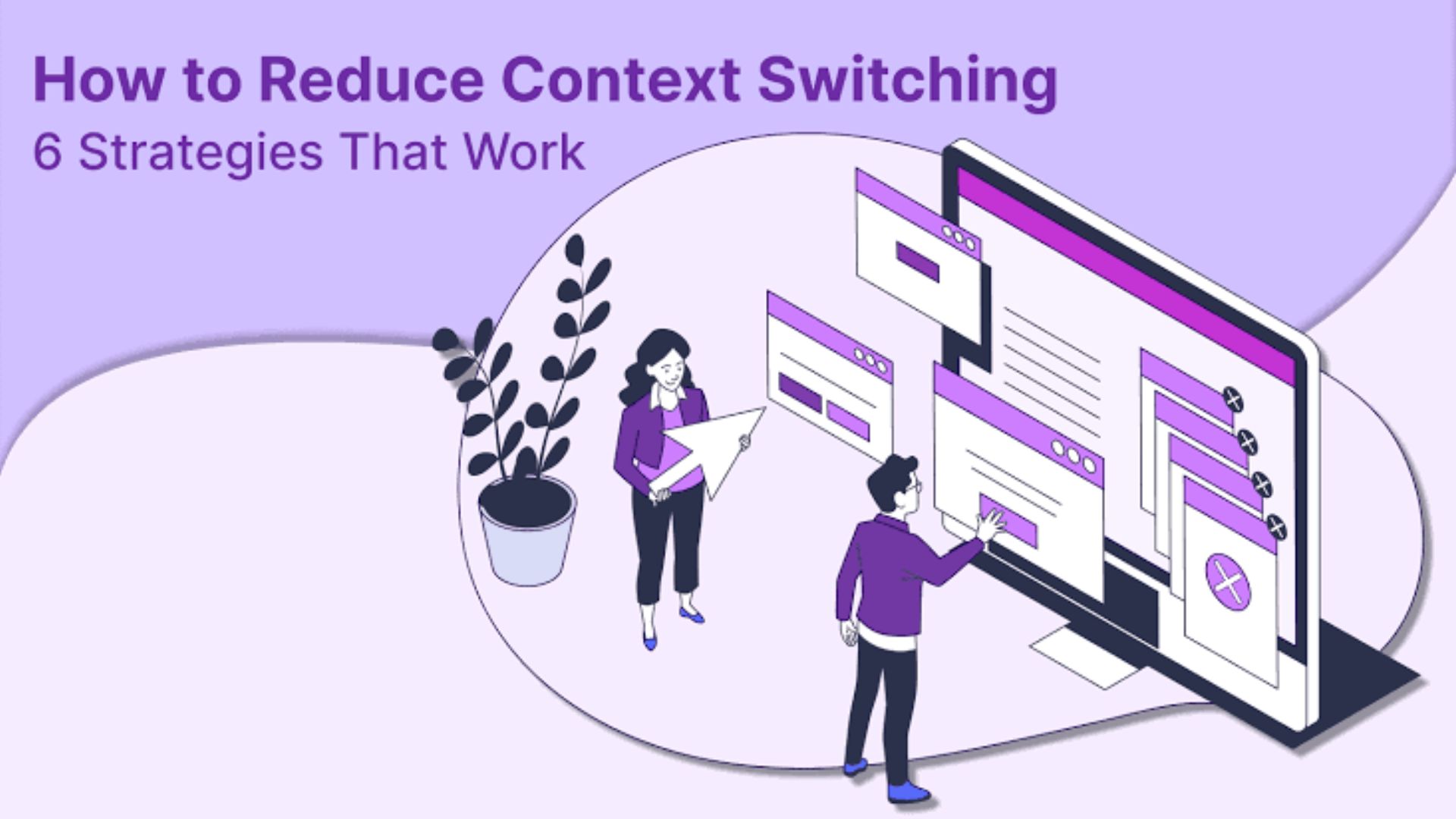
Digital tools are not inherently responsible for fragmented attention. They can also make focused work easier when configured deliberately.
Keep important communication accessible without allowing every message to interrupt. Group routine tasks instead of scattering them throughout the day. Close unrelated windows when working on complex problems. Leave short notes before switching away from unfinished work.
Small changes can add up.
The goal is not to eliminate every interruption or turn the workday into a rigid schedule. It is to make unnecessary switching less automatic and meaningful concentration easier to protect.
When every notification no longer feels like an emergency, the day begins to feel different. There is still plenty of communication, plenty of software, and plenty of work. The difference is that attention is no longer being handed from one task to another without a deliberate reason.
