A comfortable workspace depends on more than a good chair, monitor, and keyboard setup. Lighting plays an equally important role because it affects how easily people read text, view screens, review documents, and move between different tasks during the workday.
Many workspace lighting problems are not caused by a lack of brightness. They often come from imbalance: a bright monitor in a dark room, reflections on the screen, strong differences between light sources, or a desk arrangement that creates uncomfortable viewing conditions.
A practical lighting setup does not require expensive equipment or complicated controls. It requires a balanced relationship between the monitor, desk surface, surrounding room, and available natural light. By adjusting light placement, color characteristics, and daily settings, users can create a workspace that feels more comfortable during extended computer use.
The Occupational Safety and Health Administration (OSHA) recommends arranging computer workstations to support comfortable viewing and reduce problems caused by glare and reflections. Its computer workstation guidance emphasizes considering the relationship between the display, lighting sources, and surrounding environment when setting up a computer area.
Brightness is only one part of a good lighting environment. The eyes constantly move between different areas during computer work: the monitor, keyboard, notes, phone, and objects around the desk.
When these areas have very different brightness levels, the visual system must repeatedly adapt. For example, a monitor that appears extremely bright in a dim room may feel uncomfortable, while a screen that is too dark compared with the surrounding area may make text harder to read.
A balanced workspace does not need every surface to have identical brightness. It needs enough consistency that the eyes are not repeatedly adapting between very different areas.
This is why simply adding a brighter lamp does not always improve a workspace. A poorly positioned light source can create reflections, shadows, or distracting contrast even when the room appears brighter.
Color temperature describes the appearance of light, often ranging from warmer yellow tones to cooler white tones. Although color temperature affects how a room feels, it should be considered alongside brightness, placement, and the type of work being performed.
For many computer workspaces, neutral white lighting is a practical choice because it provides a middle appearance that works well with digital screens and general office tasks. Warmer lighting may create a more relaxed atmosphere, while cooler lighting may provide a brighter daytime appearance for users who prefer that style.
There is no single color temperature that works for every person or every room. A programmer working eight hours at a monitor may prefer a different setting from someone who spends more time reading printed documents or reviewing visual materials.
The more important factor is whether the lighting works together with the rest of the workspace. A lamp with a preferred color temperature can still create discomfort if it produces reflections or uneven lighting.
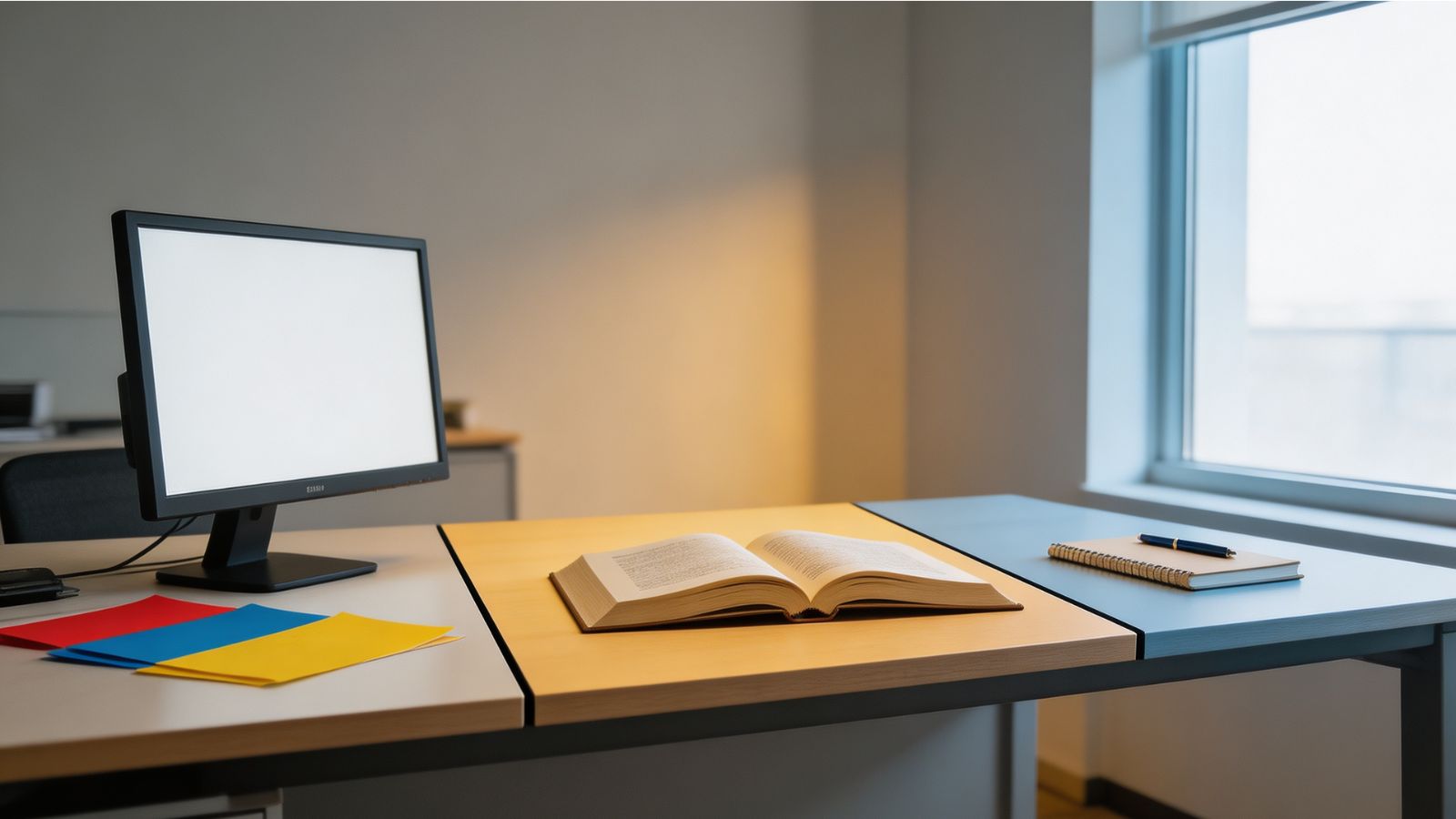
Natural light can improve the feeling of a workspace, but window placement has a major effect on comfort.
A monitor directly facing a bright window may create reflections and make the screen harder to view. A monitor positioned with the window behind it may also create contrast because the area behind the display becomes much brighter than the screen itself.
In many offices, placing the monitor perpendicular to the window provides a better balance. This allows daylight to enter from the side rather than directly competing with the display.
Cornell University’s ergonomics resources recommend considering workstation arrangement, lighting conditions, and glare control together rather than treating them as separate issues.
A useful habit is checking the workspace at different times of day. A setup that feels comfortable in the morning may need adjustment in the afternoon when sunlight direction changes.
A desk lamp should support the work area without becoming another bright object competing for attention.
A common mistake is placing a lamp directly behind or beside the monitor where it creates reflections on the screen. Instead, task lighting often works better when it illuminates documents, writing areas, or physical materials without shining directly into the user’s viewing direction.
A practical setup usually includes:
Room lighting for general visibility
Task lighting for close-up work
The monitor as the primary viewing surface
The goal is not to eliminate all differences in brightness. Some variation is normal. The goal is preventing extreme contrast that makes the workspace harder to use.
Monitor settings should be adjusted together with the surrounding lighting.
A screen that is much brighter than the room may feel harsh, especially during evening work. A screen that is too dim compared with the environment may require more effort to read.
Instead of relying on factory settings, adjust the display while performing normal tasks such as reading documents, editing files, or browsing websites. The most suitable brightness is usually the setting that allows comfortable viewing without making the screen appear like the strongest light source in the room.
Monitor position also matters. OSHA recommends considering screen placement, viewing angle, and surrounding light sources together because reflections and poor positioning can affect viewing comfort.
Different types of work require different lighting priorities.
For writing, programming, accounting, and research tasks, consistent lighting is usually more useful than dramatic changes. These jobs often involve long periods of reading text, so reducing reflections and maintaining stable conditions may matter more than having multiple lighting effects.
For design, photography, or color-related work, consistency becomes more important. Users may need lighting that provides a predictable environment when comparing colors or reviewing visual details.
For administrative work involving both screens and paper documents, an adjustable desk lamp can provide additional flexibility. The lamp can support paperwork without requiring the entire room to become brighter.
Consider a home office with a 27-inch monitor, a window on the left side of the desk, and a ceiling light in the center of the room.
Instead of placing the monitor directly toward the window, the user positions the desk so daylight comes from the side. A ceiling fixture provides general room lighting, while an adjustable LED desk lamp sits near the document area and points downward toward paperwork.
During daytime work, natural light provides most background illumination. In the evening, the user reduces the ceiling light intensity and uses the desk lamp for handwritten notes or printed documents while keeping the monitor brightness at a comfortable level.
This arrangement works because each light source has a specific purpose. The window provides natural illumination, the ceiling fixture prevents the room from becoming too dark, and the desk lamp supports detailed tasks without creating screen glare.
When purchasing workspace lighting, flexibility is often more valuable than having the highest number of features.
An adjustable lamp arm or movable head allows users to change the light direction as tasks change. This is especially useful for people who switch between computer work, paperwork, and meetings.
Brightness control is another practical feature. A lamp used in a room with changing daylight conditions should allow adjustments rather than forcing the same output throughout the day.
For users who regularly read printed materials, compare images, or work with visual details, checking the lamp’s color rendering performance can be helpful. A higher-quality light source may display colors and objects more consistently, although specifications alone do not determine whether a setup will feel comfortable.
Different users may also need different solutions:
Long hours of computer work: a controllable desk lamp combined with balanced room lighting is often more useful than a very bright single source.
Multiple monitor setups: reducing reflections from side lighting becomes especially important because larger screens can create more reflective surfaces.
Creative work: consistent lighting conditions may be more valuable than simply increasing brightness.
The best choice depends on how the workspace is actually used.
Before buying new equipment, evaluate the current setup during normal working hours.
Look for reflections on the monitor, strong brightness differences between the screen and the room, and areas of the desk that are difficult to see.
Also check whether documents and the keyboard area are visible without placing a lamp directly in front of your eyes.
Small adjustments can often solve common problems. Moving a monitor, changing a lamp angle, or adjusting window coverings may improve comfort without replacing the entire lighting system.
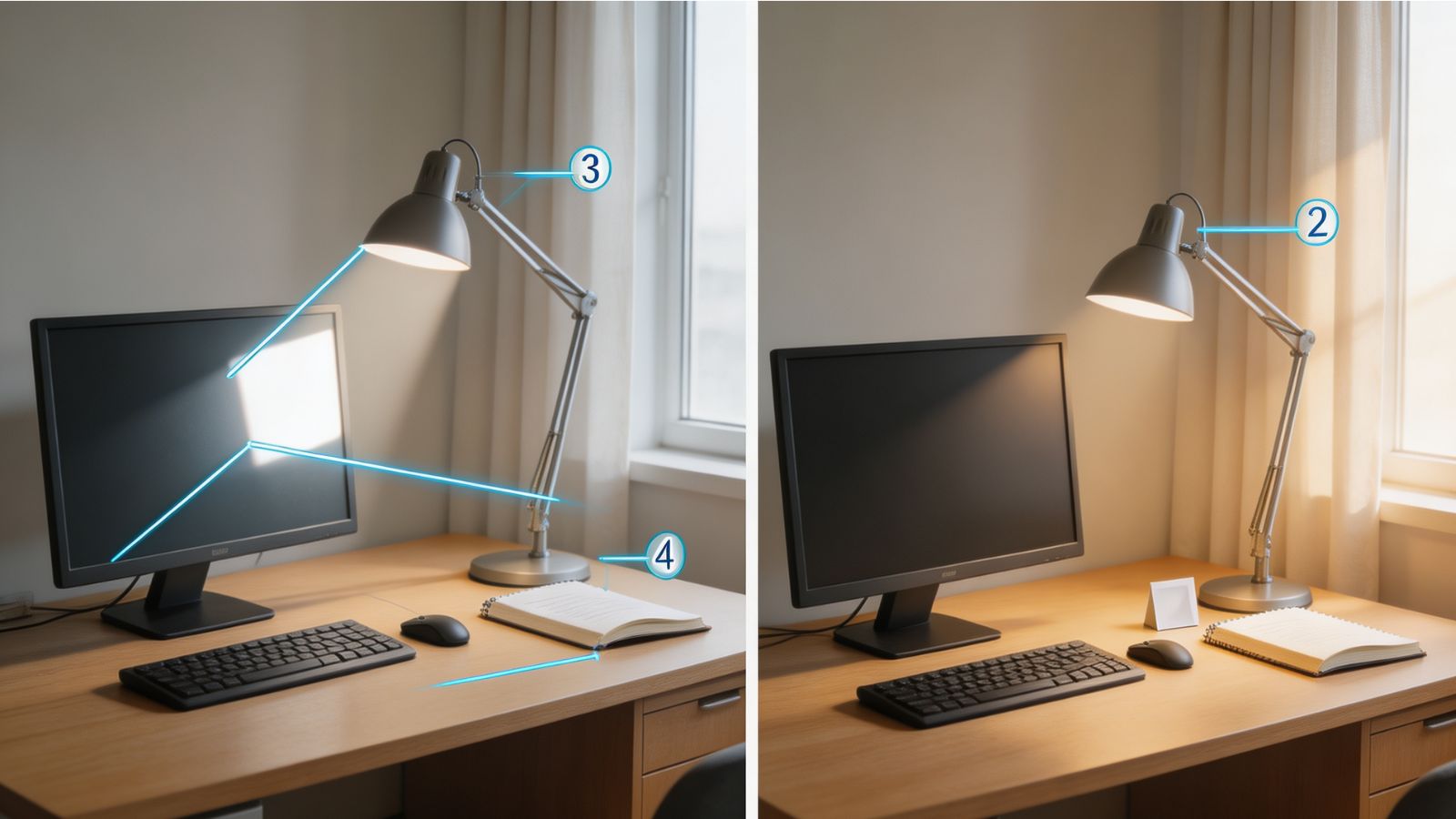
One frequent mistake is treating every lighting problem as a brightness problem. Increasing light output may not help if the real issue is glare or poor positioning.
Another issue is focusing too heavily on product features. Adjustable color settings and smart controls can be useful, but they cannot compensate for a lamp that creates reflections or a desk positioned poorly relative to natural light.
A simple lighting arrangement that is easy to adjust often performs better than a complicated setup that users rarely change.
Workspace lighting works best when it changes with the user’s routine. Morning sunlight, afternoon glare, evening work sessions, and different tasks may all require small adjustments.
A practical setup does not need constant attention. It should simply provide enough control that users can respond when conditions change.
Lighting also works best when it fits with the rest of the workstation, including monitor placement, desk height, and seating position. A comfortable workspace is usually created through several small improvements working together rather than one single upgrade.
A useful workspace lighting setup is not the one with the most brightness or the most adjustment options. It is the one that fits the way the workspace is actually used.
For some people, that means controlling window glare during long computer sessions. For others, it may mean adding flexible task lighting for documents or creative work. The most effective improvements usually come from understanding how light interacts with the monitor, desk, and daily tasks, then making small adjustments that support comfortable work over time.
